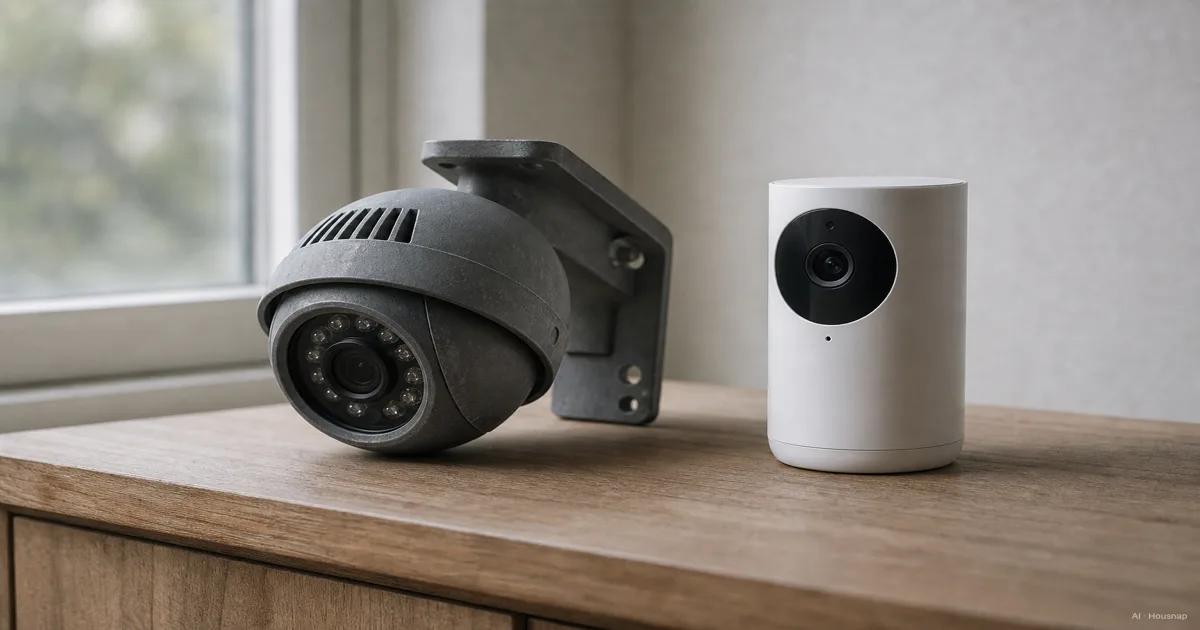
Choose the first area to cover
Write down one job: watch the pet's usual room, see visitors approaching the entrance, or record activity beside the garage. Start with the area that matters most to you rather than buying a two-camera kit before deciding where either camera will go.
- A room or indoor hallway. Start with an indoor camera. Prioritize a suitable mounting position, useful audio if you want to talk through it, and an easy way to stop recording when you are home.
- An entrance, driveway or garden. Start with an outdoor-rated camera and identify its mounting position before comparing features.
- Both sides of the house wall. Plan separate views if you need both areas covered at the same time. A dual-use label describes where a camera may be installed, not simultaneous coverage of two places.
Dual-use cameras do exist: the Tapo C120 v1 is explicitly intended for indoor and outdoor use. Treat it as an example of the category, not a reason to skip the installation checks below.
Check the whole installation, not just the camera housing
For an exterior position, check the manufacturer's permitted environment, IP rating and operating temperature. IP describes protection against ingress: its first digit concerns solids, including dust, and its second concerns water. Reolink explains the two digits.
There is no universal IP65 entry requirement. Google's indoor/outdoor Nest Cam (battery) is rated IP54, while its Nest Cam Outdoor (wired, 2nd gen) specifies an operating range of −20°C to 40°C. These are model-specific limits, not a range to assume for every outdoor camera. Check the exact version's technical specifications.
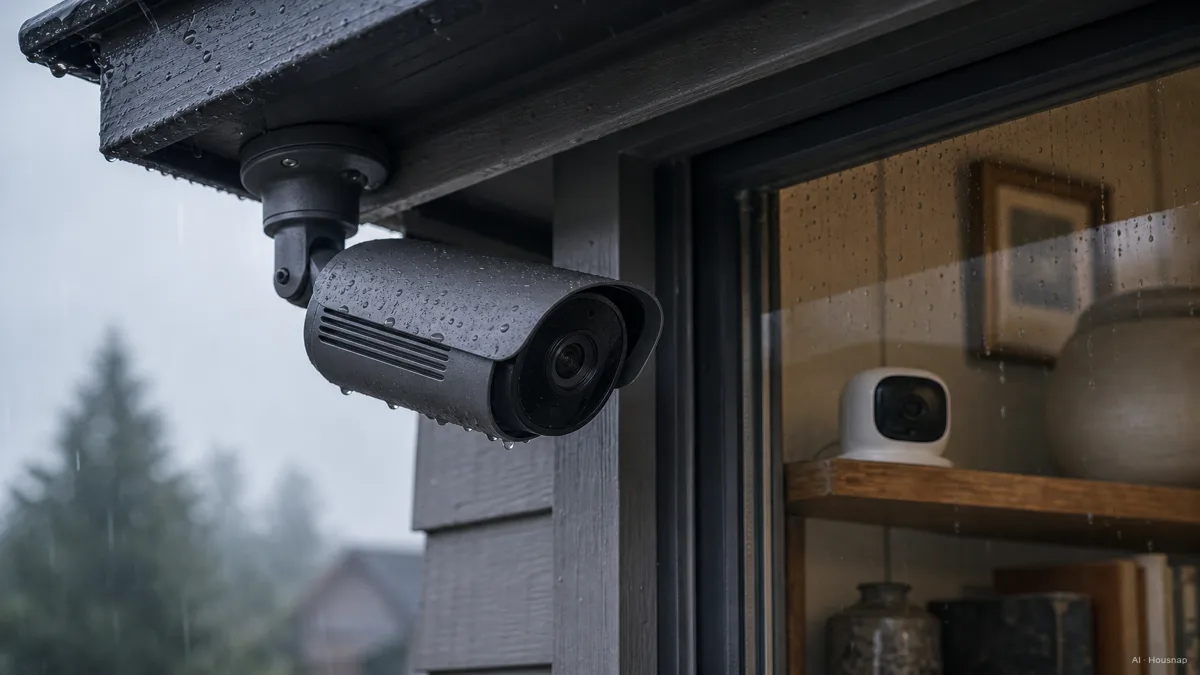
Check the cable, adapter and exposed connections too. Google says to use each component in its intended environment and warns that filming through a window can introduce reflections or affect triggering. An indoor windowsill is therefore a setup to verify, not an automatic substitute for outdoor installation. Google placement guidance
Before ordering, sketch the cable route and note where the adapter will sit. If the documentation does not permit that arrangement, change the location or the camera.
Decide what must be visible after dark
Do you need to notice someone entering the garden, or recognize a face at the gate? Set that requirement before choosing resolution or lens width.
Field of view is the angle captured by the camera; specifications may give horizontal, vertical or diagonal measurements. Compare like with like. Axis also notes that usable identification depends on lighting, movement, focus and compression, so a resolution label alone is not proof that a distant face will be recognizable. Axis lens guidance
- For a room. Check whether the useful area stays in frame without filming more of the household than you intend.
- For an approach or driveway. Mark the exact point where you need detail. Look for footage at a comparable distance and under comparable lighting before buying.
- For night use. Check the lighting mode. Nest's infrared night vision produces black-and-white video; the C120 v1 uses spotlights to help produce color footage. Decide whether visible lighting suits that location. Nest night vision · C120 lighting
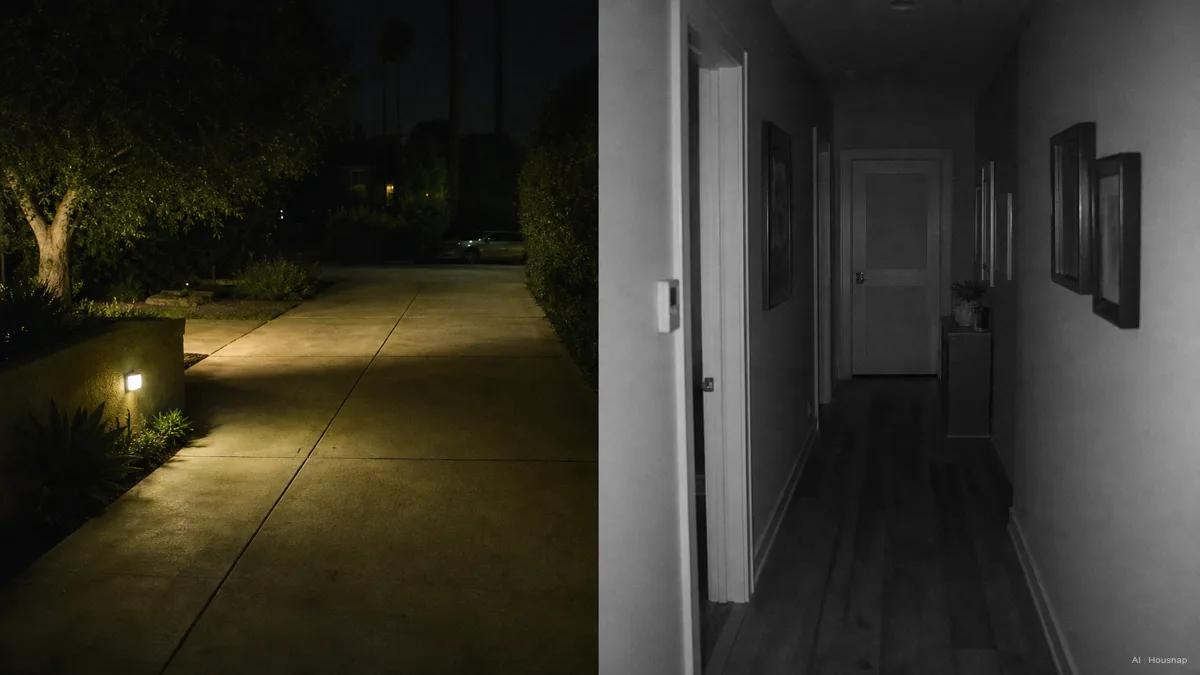
The illustration shows two possible lighting arrangements, not a rule that outdoor footage must be color. Once installed, walk through the target area after dark and review the saved clip, including the moment you enter the frame.
Choose power and recording together
“Wireless” does not settle the power question. Reolink's non-battery Wi-Fi cameras still need an electrical supply. For a shelf near an outlet, a plug-in Wi-Fi camera is worth considering before assuming you need batteries. Reolink Wi-Fi power guidance
PoE means Power over Ethernet: a compatible setup carries power and data along one network cable. Match the camera to the required PoE equipment rather than buying an injector by connector shape alone. Reolink PoE requirements
Then choose between event clips and continuous history. For example, Nest Cam (battery) needs external power and a qualifying subscription for continuous history; on battery power it provides event history. A cable alone does not establish the recording service you will get. Google recording requirements
If the mounting position leaves you choosing between a cable run and battery charging, continue with the battery versus wired camera guide. Confirm the exact model's recording mode before making that tradeoff.
Finish with storage, privacy and a purchase check
For a camera that records locally to microSD, include a compatible card in the purchase plan. TP-Link recommends endurance cards for continuous recording and says supported capacity varies by model and hardware version. Check that compatibility before choosing a capacity. TP-Link card guidance
An endurance microSD card belongs with this local-recording choice; it is not a required extra for a camera using another storage method.
For a room camera, decide when recording should stop. Tapo's Privacy Mode stops both video and audio streaming and recording. Verify what the equivalent control does on your chosen model instead of assuming that silencing notifications also stops capture. Tapo Privacy Mode
Before checkout, complete this short description: I need to see this area, from this mounting point, with this power supply and this recording method. Include any required storage, compatible power accessories and subscription in the comparison. If a second camera has no clearly separate job yet, start with the first view and assess its coverage before adding another.
Wie dieser Guide entstand
This guide was written by AI for Chexlow using manufacturer documentation from Google, TP-Link/Tapo and Reolink, plus Axis guidance on camera optics. It focuses on choosing the first camera's location and installation requirements; named models illustrate specific differences rather than a tested product ranking.
Vom Chexlow-Team redigiert · Die Bilder sind KI-generierte Illustrationen