Check permission before reaching for a puller
Find your keyboard's exact model and version, then look for its cleaning or keycap-replacement instructions. The useful answer is not simply whether a cap can come off: you need to know whether the maker describes removal and refitting as a user task.
- Removal is documented. Follow that model's method and check whether it treats larger keys separately.
- Only cleaning in place is documented. Keep the caps attached and use that procedure.
- The instructions are unclear. Ask support before pulling. A general cleaning article or a similar-looking keyboard is not enough to establish permission.
For example, Apple's guide describes compressed-air cleaning for unresponsive or differently feeling keys on MacBook models from 2015 onward and MacBook Pro models from 2016 onward. It does not provide a keycap-removal procedure. Do not turn that cleaning advice into permission to pry off a key.
Clean with the caps attached first
Disconnect a wired keyboard and switch off a wireless one before cleaning. Remove user-replaceable batteries where applicable; opening a built-in battery compartment is outside this guide. For a laptop, follow its shutdown and cleaning instructions.
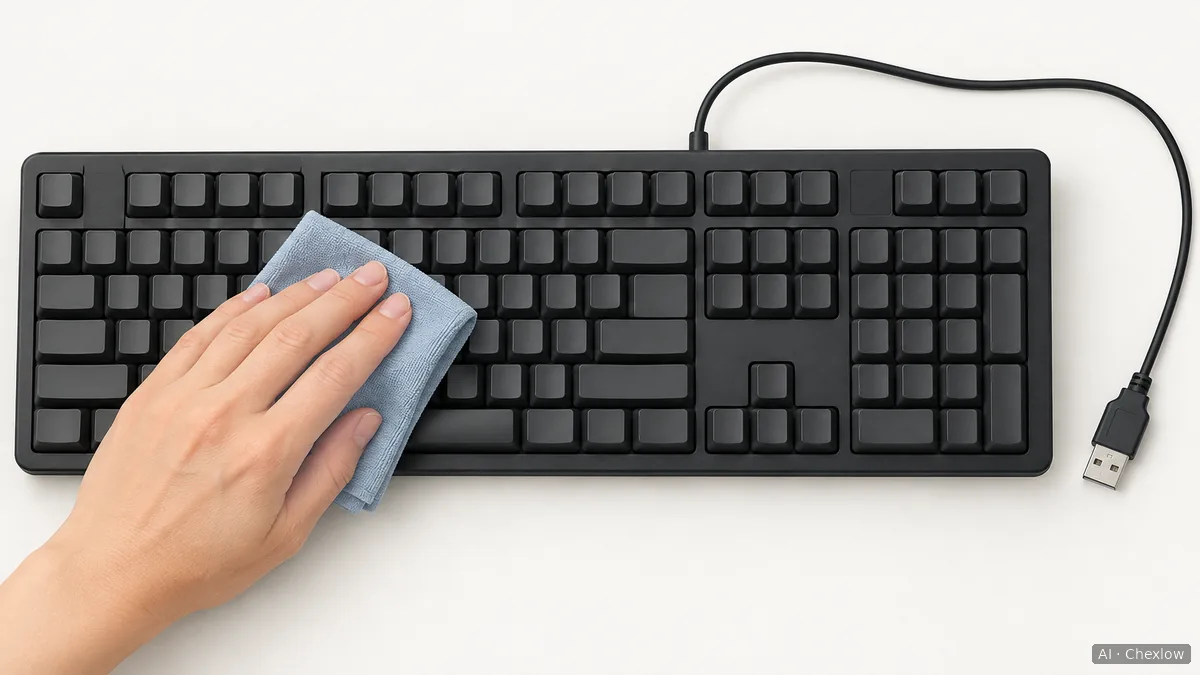
Logitech's general cleaning guide recommends a soft, lint-free cloth lightly moistened with water for the key surfaces. Apply that method only where your keyboard's instructions permit it: dampen the cloth, not the keyboard, and prevent liquid from entering gaps. A suitable cloth you already own is enough.
If the maker recommends canned air for debris, follow both the keyboard procedure and the can's label. Logitech advises short blasts with the can upright. Apple's procedure is more specific: hold the notebook at 75 degrees, keep the supplied straw about half an inch from the keyboard, spray left to right, then repeat with the notebook turned onto each side. Those positions belong to Apple's procedure, not every keyboard.
Remove and wash only when the instructions allow it
Photograph the layout before taking anything off. Corsair recommends this reference photo so the caps can go back in the right positions.
A keycap puller can help with permitted removal; Logitech describes it as an option for removable caps. It is not permission to remove a particular key. Use the tool and direction specified for your model, and leave larger keys attached if their removal method is unclear. If a cap resists the documented method, stop and ask support rather than pulling harder.
Keep removed caps separate from the keyboard body. Corsair's procedure describes a 30–60 minute soak in warm soapy water, followed by rinsing and towel drying. Use that recipe only if it applies to your keyboard and caps; it is not a universal instruction for every coating or printed legend. The keyboard body does not go into the water, and liquid must not enter it.
Dry fully, then decide whether cleaning was enough
Corsair tells users to leave washed caps to air-dry overnight and reinstall them once dry. Treat the time as part of that procedure, not proof that every cap is already dry. Inspect the underside as well as the top, and postpone reassembly if moisture remains.
Refit the caps using the model's instructions and your layout photo. Reconnect or switch on only after cleaning is complete and everything is dry, then check the keys you handled. If a cap no longer fits normally or you see damage, stop at that point; this guide does not cover opening switches or repairing electronics.
If a key still does not respond, follow the maker's troubleshooting or service route instead of repeating removal. Apple explicitly directs users to service when its cleaning procedure does not restore response.
If cleaning is complete and you still want different keycaps, first confirm that replacement is supported, then use the ABS versus PBT keycap guide to compare materials, lettering and fit. Wanting a different finish is a separate decision from needing to clean the keyboard.
Wie dieser Guide entstand
This guide was written by AI for Chexlow using official Logitech, Apple and Corsair guidance. It separates general cleaning advice from model-specific permission to remove parts; the decision to pause when permission is unclear is an editorial boundary, not a claim that every maker prohibits removal. No hands-on product testing was performed.
Vom Chexlow-Team redigiert · Die Bilder sind KI-generierte Illustrationen