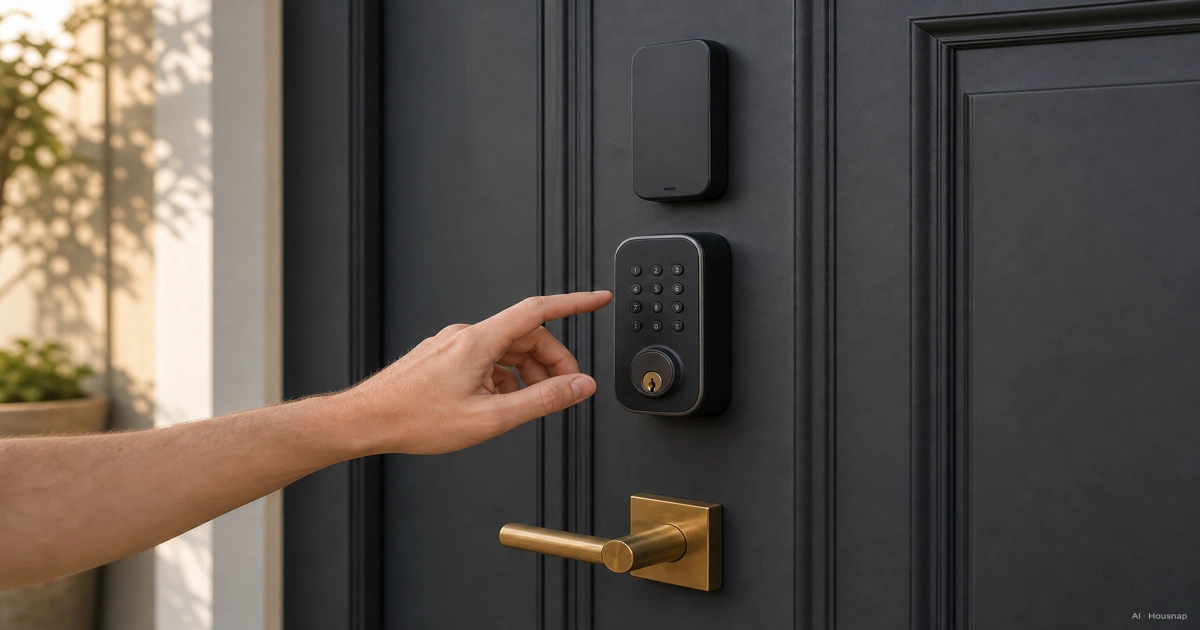
Check the door before choosing a lock
Start at the door, with its inside, outside and edge in view. This guide compares retrofit and replacement deadbolt options; do not assume those products fit a mortise lock, multipoint mechanism or an existing integrated digital lock.
- Identify the mechanism. Photograph the existing lock and find its model. Ask the prospective manufacturer to confirm compatibility if its checker does not cover your hardware.
- Measure against the installation drawing. Record door thickness, hole dimensions, nearby trim clearance and backset, the distance from the door edge to the centre of the lock hole. For example, the Encode Plus specification lists 35–45 mm doors and 60 or 70 mm backsets. Those are model limits, not a universal smart-lock standard.
- Check movement from inside. If locking requires lifting or pulling the door, resolve that before buying. Schlage’s alignment guidance explains how a misaligned strike can obstruct the bolt.
For a rented home, get the installation and restoration requirements from the owner or manager before ordering. Keeping the original key does not settle permission to alter the door.
Decide what you want to keep
Choose a retrofit when preserving the existing exterior and keys matters, provided the exact mechanism is compatible. August Wi-Fi Smart Lock is an example that attaches inside to a compatible single-cylinder deadbolt.
The August lock and Yale Keypad combination discussed here is a US/Canada example. August specifies that its smart locks and app are for use only in those countries. Before buying any model, confirm that both the model and its app are supported in the country where you will install it.
Choose a replacement deadbolt when you want a new lock assembly, including a different exterior control panel. Compare its installation drawing with the door measurements you collected. Keep the removed hardware if restoration is part of your agreement.
Make this a hardware decision, then check features separately. Neither installation category alone tells you whether a particular model offers fingerprint entry, remote access or the phone integration you need.
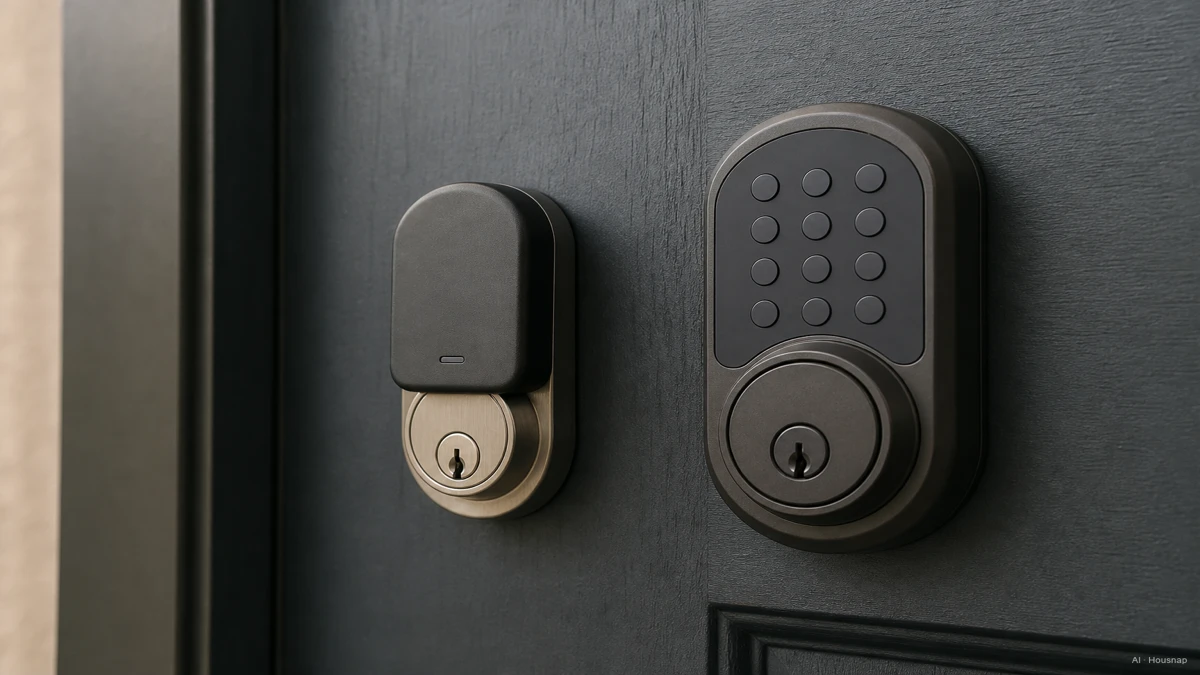
Pick an entry method for everyone who uses the door
Write down who needs access: someone without a smartphone, a regular visitor, or a household member who wants to use a watch. Choose one everyday method and a separate fallback.
- Codes for shared access. If visitors should enter without an app, look for a keypad and check how you create, expire and revoke their codes. For an August Wi-Fi Smart Lock used in the US or Canada, the compatible Yale Keypad adds code entry. It is an accessory, not a standalone lock; skip it if the chosen lock already provides the access method you need.
- Fingerprint convenience. Check enrollment requirements before paying extra. Kwikset’s Halo Touch instructions require dry fingers for enrollment and suggest another finger when damaged prints or dry skin prevent it. Do not choose fingerprint entry as your solution for gloved or wet hands.
- Phone or watch tap. Look for explicit home-key support on the exact model. Apple notes that Home app compatibility does not automatically include home key.
An app is useful for managing access, but make the purchase decision around what each person can actually use at the door.
Work out the complete connection, not just the logo
Decide whether you only want nearby control or also need to let someone in while you are away. Then check the lock, connection device and app as a complete combination.
- Nearby Bluetooth control. Treat this as a local option unless the manufacturer documents a separate remote route. The diagram below distinguishes a direct phone connection from a hub connection.
- Built-in Wi-Fi. August’s Wi-Fi model supports remote access in its app without an extra bridge. Do not extend that promise to other models or every smart-home app.
- Z-Wave. Schlage Connect uses a compatible hub for connected integrations. Confirm the exact lock and hub combination before adding either to the basket.
- Matter over Thread. Matter is the compatibility layer; it can use Wi-Fi or Thread, as the Connectivity Standards Alliance explains. A Thread border router connects the Thread network to the rest of your home network. Check your chosen platform’s controller and remote-access requirements too.
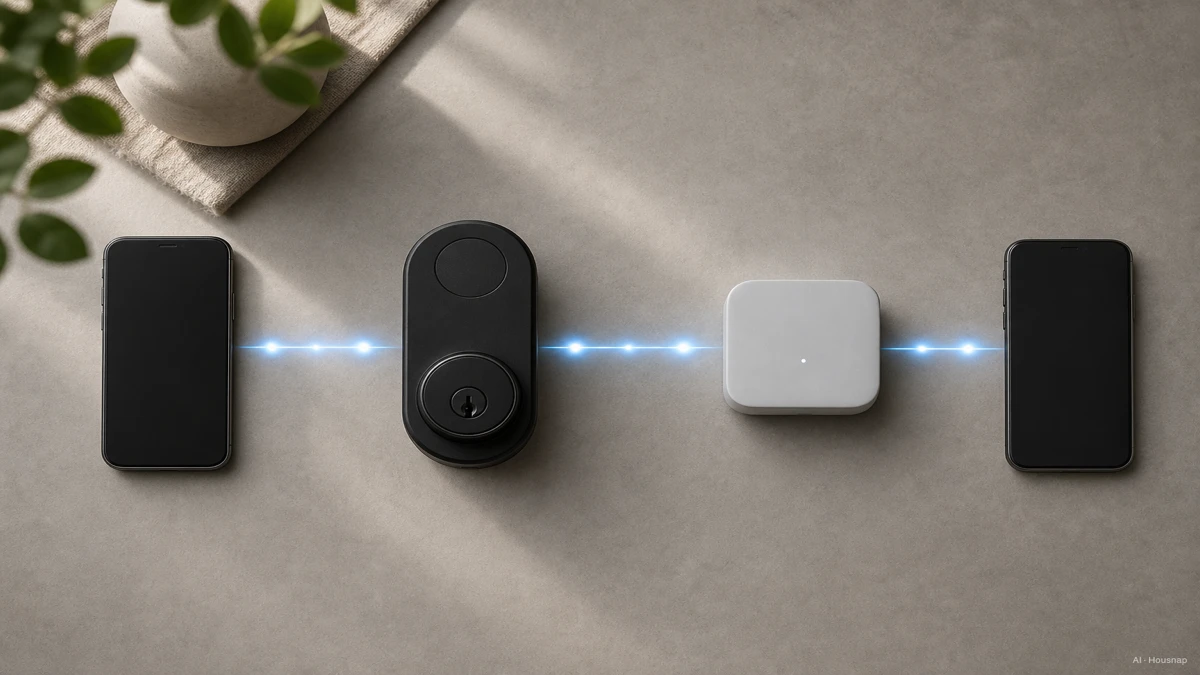
If a Matter-over-Thread lock is on your shortlist and you are unsure what equipment you already have, continue with Matter, Thread and the border-router check. Settle that before buying another hub.
Read the security label and the account settings separately
Ask for the standard number and grade for the exact model. In the numeric system, Grade 1 is the highest; the appropriate grade depends on the application, according to ANSI’s explanation. Do not turn those numbers into a blanket rule that Grade 3 always means an interior lock.
Residential letter ratings answer a different question: they score security, durability and finish, with A highest in each category. Schlage’s guide explains why AAA means the highest rating in all three.
For your shortlist, also locate the manufacturer’s account-protection, security-update and access-removal instructions. Record whether two-factor authentication is available and how to remove a lost phone or former guest. Treat an unanswered question as something to resolve before checkout, rather than inferring software support from a hardware grade.
Confirm the fallback, then buy the complete setup
A flat phone battery, a lost network connection and depleted lock batteries are three different situations. Ask what entry method remains available in each.
For a concrete example, Encode Plus uses four AA alkaline batteries, has low-battery indicators and includes a physical backup key. Check those details afresh for any other model; a keypad is not a fallback for exhausted lock batteries.
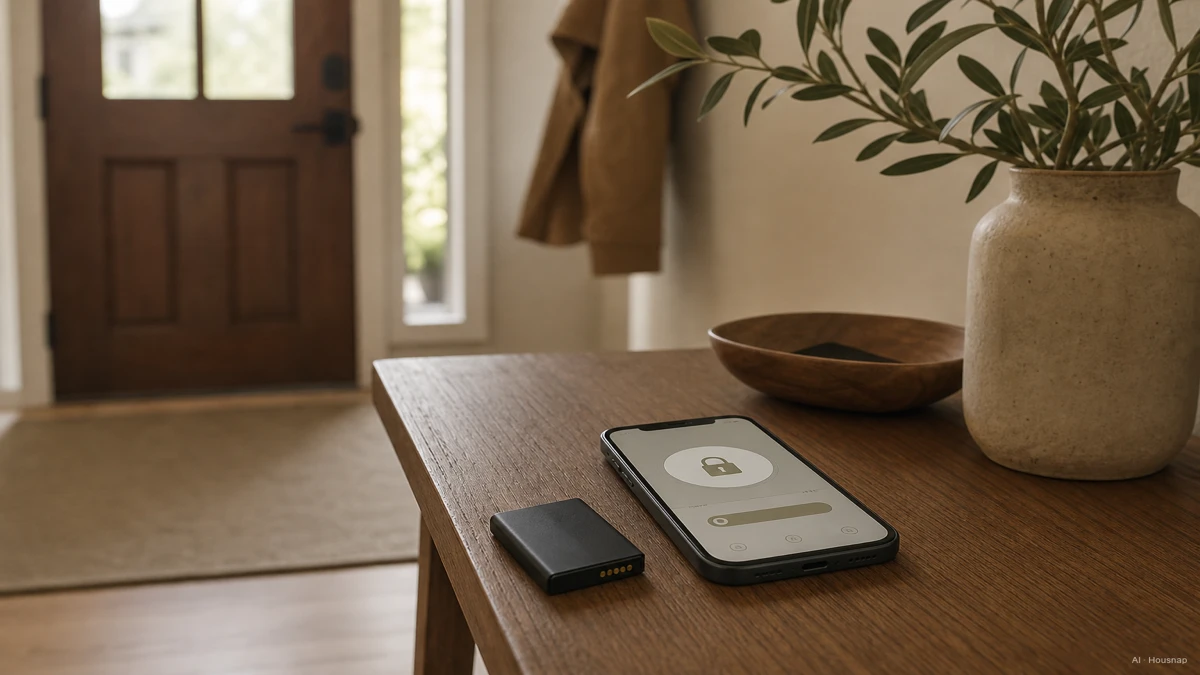
Before paying, make a short purchase note:
- Fit confirmed. Exact lock model, door measurements and any installation approval.
- Access chosen. Everyday entry for each user, plus a workable backup outside the locked home.
- Connection accounted for. Required keypad, bridge, hub or controller, including anything already owned.
- Upkeep understood. Specified battery type, replacement or charging procedure, and who will respond to warnings.
Compare the total setup cost, including installation if needed. After fitting, verify the intended entry and backup methods with the door open before relying on them, following the model’s instructions.
Wie dieser Guide entstand
Written by AI for Chexlow, using manufacturer installation and product documentation, Apple’s access guidance, and ANSI, CSA and Thread Group explanations. The guide focuses on door compatibility and household access choices; product examples illustrate requirements rather than hands-on test results.
Vom Chexlow-Team redigiert · Die Bilder sind KI-generierte Illustrationen