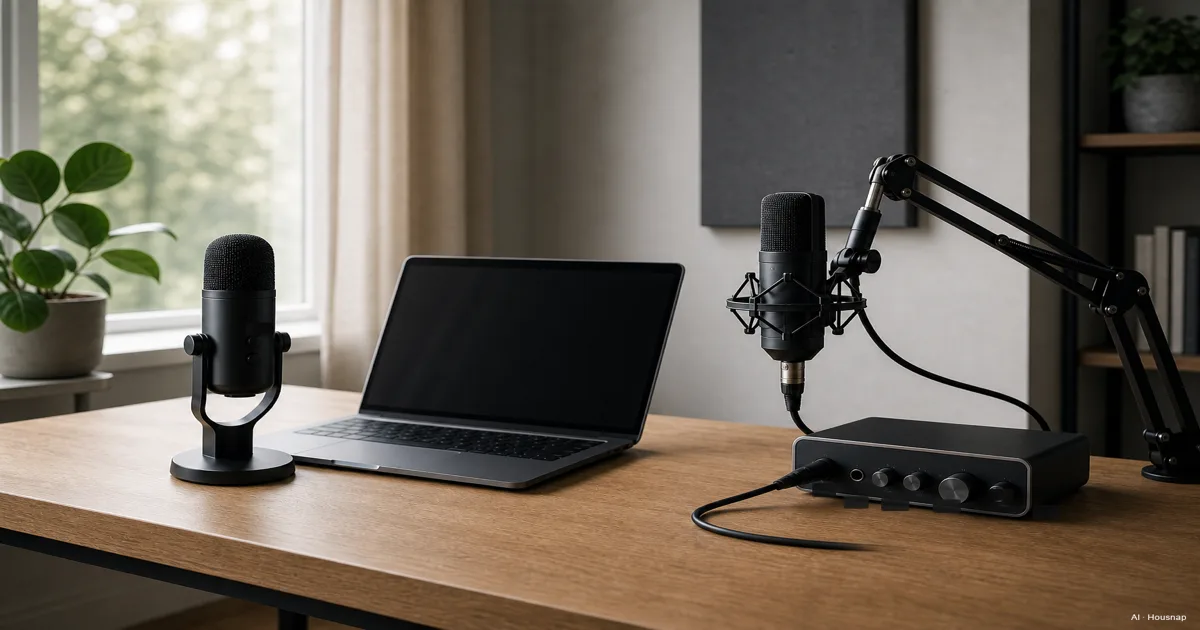
Choose for the session you actually plan to record
Before comparing models, write down how many microphones you need at the same time and what device you will record into.
- One voice, one computer. Put USB first on your shortlist if keeping the setup small matters more than choosing separate components.
- Two people at the same desk. Start by comparing a two-microphone XLR system with a specifically supported multi-USB setup. A second USB port alone is not a compatibility plan.
- An interface you already own. Check its available mic inputs before buying another recording device.
Only need to talk to teammates, with no separate recording project? Compare a gaming headset with headphones and a separate mic before committing desk space to either setup.
Compare complete setups, not microphone prices
A USB mic converts its signal to digital internally. An XLR mic sends analog audio to a separate device for conversion. That is the structural difference shown below, according to RØDE's connection guide.
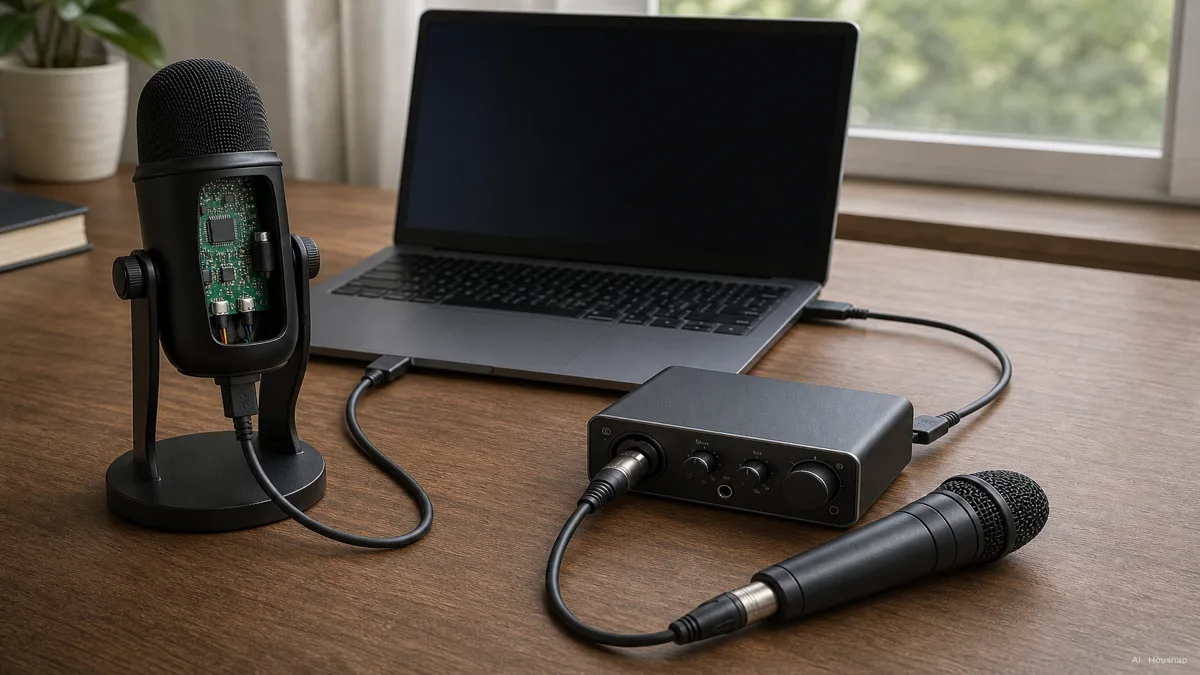
Make two complete shopping lists, subtracting equipment you can reuse:
- USB route. Mic, a compatible USB cable, any required adapter, and suitable support for placing the mic.
- XLR route. Mic, XLR cable, interface with a mic input, computer connection and suitable mic support.
- Both routes. Check how you will listen while recording and whether the headphones and connectors you need are already included or owned.
The XLR cable alone does not digitize audio; RØDE explains the interface's job. Compare the completed lists rather than assuming a fixed USB or XLR entry price.
For several microphones, check the interface before buying
For two XLR microphones, look for two usable microphone inputs, not just two sockets. On the Scarlett 2i2 4th Gen, for example, each front jack shares a channel with a rear XLR input; using the jack disables that XLR input. Focusrite's hardware guide shows the distinction.
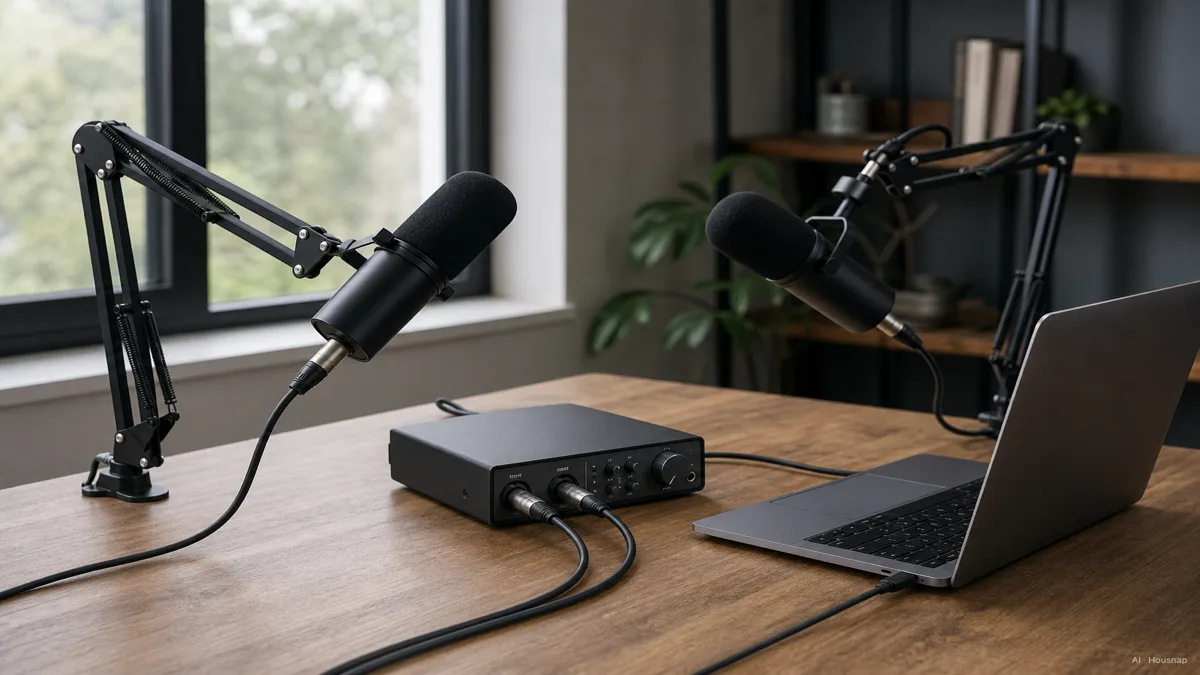
Match two different requirements: gain amplifies the signal; phantom power supplies electricity to mics or other devices that require it. Check the microphone's manual for both. As a specific gain example, Shure describes around 60 dB of clean gain for the SM7B; that is not a universal requirement for XLR mics.
Multiple USB microphones are possible too: RØDE Connect supports up to four compatible microphones. Choose that route only after confirming the exact models and computer support. For the XLR route, compare interfaces here by simultaneous mic inputs and the requirements of your chosen microphones.
Buy a hybrid for a specific future use
A hybrid makes sense if you want USB now and have a plausible reason to use an interface later. The Audio-Technica ATR2100x-USB provides both outputs. It is an example of that option, not a requirement to buy that model.
Keeping the microphone does not mean keeping every feature. On the Shure MV7+, software settings do not affect XLR audio. On the RØDE NT1 5th Generation, 32-bit float recording is USB-only.
List the features you would lose when switching. If you cannot name a likely XLR use, keep a USB-only mic in the comparison rather than paying extra just to postpone a decision.
Check the model, then finish the purchase
Before ordering, verify these points in the exact model's documentation:
- Device and software. Confirm operating-system support, the required cable and any driver or app requirements.
- Listening while recording. Look for direct monitoring if you want to hear yourself without the computer's processing delay. On the 2i2, Direct Monitor also bypasses software effects.
- Placement and controls. Check included support and how input level is adjusted. On the ATR2100x-USB, the headphone dial does not change recording level.
The connection still leaves another choice open: which microphone type suits your recording space and source? Continue with condenser versus dynamic microphones before choosing the final model.
Wie dieser Guide entstand
Written by Chexlow's AI editor using manufacturer guides from RØDE, Focusrite, Audio-Technica and Shure. The guide compares connection choices and complete setup requirements; named models illustrate documented differences rather than a tested ranking.
Vom Chexlow-Team redigiert · Die Bilder sind KI-generierte Illustrationen