Does it need cleaning, replacement, or another check?
Find the maintenance instructions for the model on your purifier’s label. There is no single calendar deadline for every HEPA cartridge: filter life depends on the purifier, local conditions and use. Smart Air’s estimator uses those inputs rather than one interval.
Use the wording of the alert to choose your next step:
- Cleaning reminder. Identify the part to clean before ordering anything.
- Replacement alert or the manual’s replacement point. Follow that instruction and find the specified refill. A clean-looking filter is not a reason to disregard it.
- Weak airflow before an alert. Check packaging and the pre-filter first; both can cause weak airflow on the Philips models covered here.
A red light alone is ambiguous. Levoit distinguishes its Check Filter reminder from its air-quality ring. On the applicable Philips models, F0 means clean the pre-filter, while A-series and C-series codes call for different replacement filters. Read your model’s explanation before resetting anything.
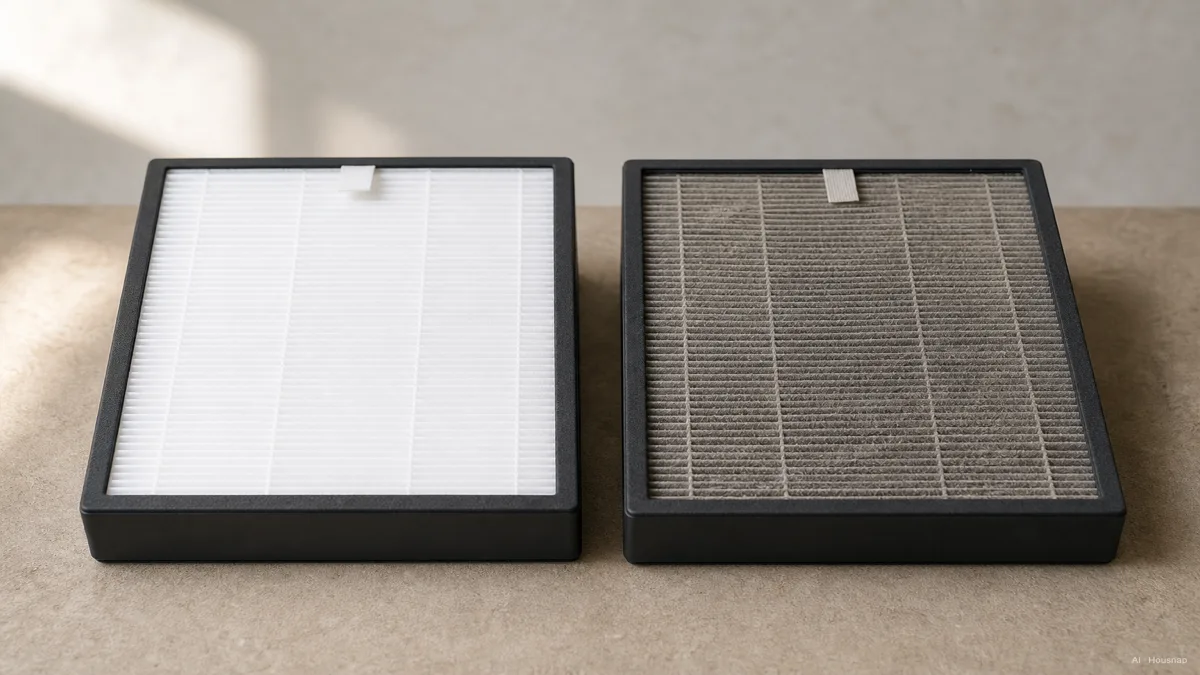
The illustration makes dust buildup visible. Use it as a prompt to inspect, not as a universal color chart for remaining filter life.
Check which part you can clean
Switch off and unplug before opening the purifier for maintenance, as Blueair’s replacement instructions require. Look at the manual’s filter diagram before reaching for water or a vacuum.
Philips’ care guidance shows why this matters: its separate pre-filter may be washable, while the described cylindrical filter has an outer pre-filter surface for vacuuming. Neither instruction means the whole cartridge can be washed.
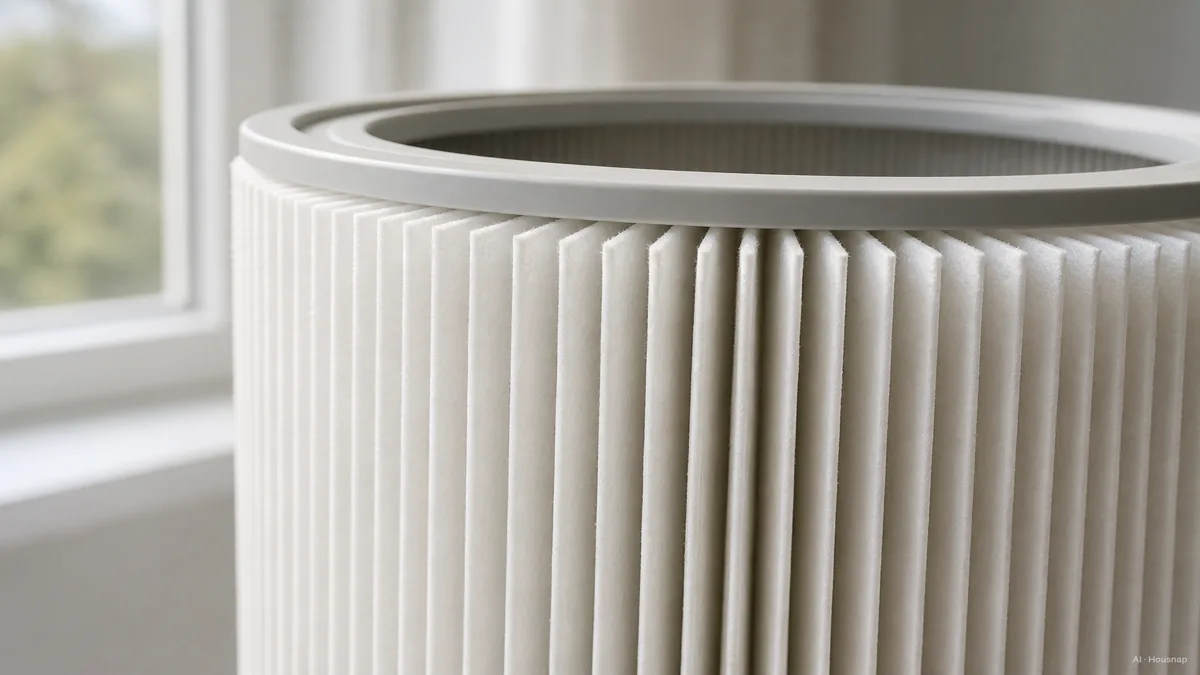
The pleated section shown here is the fine-particle filter. Do not wash or vacuum that layer unless your exact manual permits it. Cleaning the permitted outer surface does not cancel a replacement instruction. If a washable pre-filter is rinsed, let it dry completely before refitting it, as Philips specifies.
Use a vacuum or cloth you already own only where the manual calls for it. A dedicated filter-cleaning purchase is not the starting point.
Buy the refill that fits your purifier
Once replacement is due, compare compatible replacement cartridges. Blueair’s model lookup guidance starts with the purifier’s exact model, not a generic HEPA search.
Keep three details beside the listing: the full purifier model, the manufacturer’s specified filter reference, and whether you need a complete cartridge or a separate layer. Check the listing against all three. If compatibility is unclear, ask the manufacturer or seller to confirm it before ordering.
What HEPA, H13 and H14 tell you
These labels describe filtration performance; they do not establish that a cartridge fits.
- HEPA. The EPA definition describes a mechanical particle filter with at least 99.97% theoretical removal at 0.3 microns.
- H13 and H14. EN 1822 classification specifies at least 99.95% and 99.995% overall efficiency respectively at MPPS, the particle size that penetrates the filter most readily.
The test references differ. Do not treat those percentages as a direct upgrade ladder, or replace the specified cartridge with an H14 listing just because its number is higher. Compatibility remains the purchase gate.
Fit the new filter, then reset the right indicator
Keep your model’s instructions open; covers, filter order and reset controls differ. Use this checklist to avoid skipping a step:
- Disconnect power. Switch off, unplug and open the filter compartment as instructed.
- Remove and unwrap. Remove the old filter. Remove all shipping packaging from the replacement.
- Install and reassemble. Install the specified filter in the stated direction and order. Secure its fittings and refit the pre-filter and cover.
- Reconnect and reset. Reconnect power, then perform the model’s filter-reset procedure.
- Record the change. Record the replacement date and filter reference for the next check.
Blueair’s installation example includes orientation, fastening and reassembly. Philips’ troubleshooting page highlights forgotten packaging. For reset timing, use your own manual: Blueair explicitly notes model differences.
If the problem remains after replacement
Only the filter reminder stays on? Check that you completed the correct reset. Levoit’s guidance explains that physically changing the filter does not automatically reset its described timer. If the prescribed procedure fails, consult model-specific support before buying another cartridge.
Airflow is still weak? Recheck packaging, seating and the permitted pre-filter cleaning steps. If those are correct, use the manufacturer’s troubleshooting service rather than repeatedly replacing filters.
Airflow is normal but room cleaning disappoints? Check for blocked air paths and whether CADR, the clean-air delivery rate, suits the room. Persistent odor is a separate question: gas filtration uses media such as activated carbon. See the EPA’s air-cleaner guide.
If the room is larger than the purifier can serve, check room size and CADR before replacing the appliance. That comparison helps decide whether another filter is addressing the right problem.
Cómo se elaboró esta guía
Written by Chexlow’s AI editor using EPA guidance, MANN+HUMMEL’s EN 1822 explanation, and manufacturer maintenance and compatibility pages. This guide organizes the clean-or-replace decision for an already-owned purifier; model examples do not replace its manual.
Editado por el equipo de Chexlow · Las imágenes son ilustraciones generadas por IA