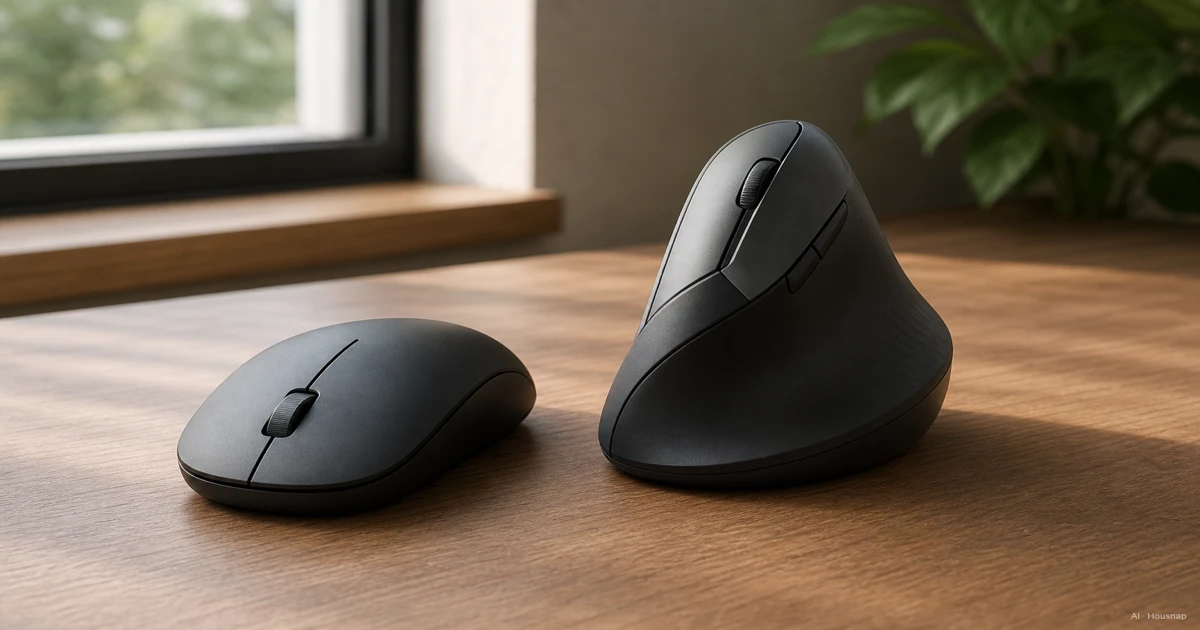
Choose the change you actually need
Start with what you want to change: your hand position, the way you control the pointer, or the space needed to move the mouse. Those are different buying decisions.
- Try vertical for a different hand position. It holds the hand closer to a handshake. A trackball is a separate option: you roll a ball while the device stays put, which can suit limited desk space. CCOHS explains these designs.
- Keep standard for familiar handling. If you like your existing grip, compare better-fitting standard shapes before committing to a different way of holding the mouse. Being an office worker does not automatically decide the shape.
- Compare actual dimensions for travel. Check the candidate against your carrying pouch and working space. Neither label tells you whether that particular device will fit.
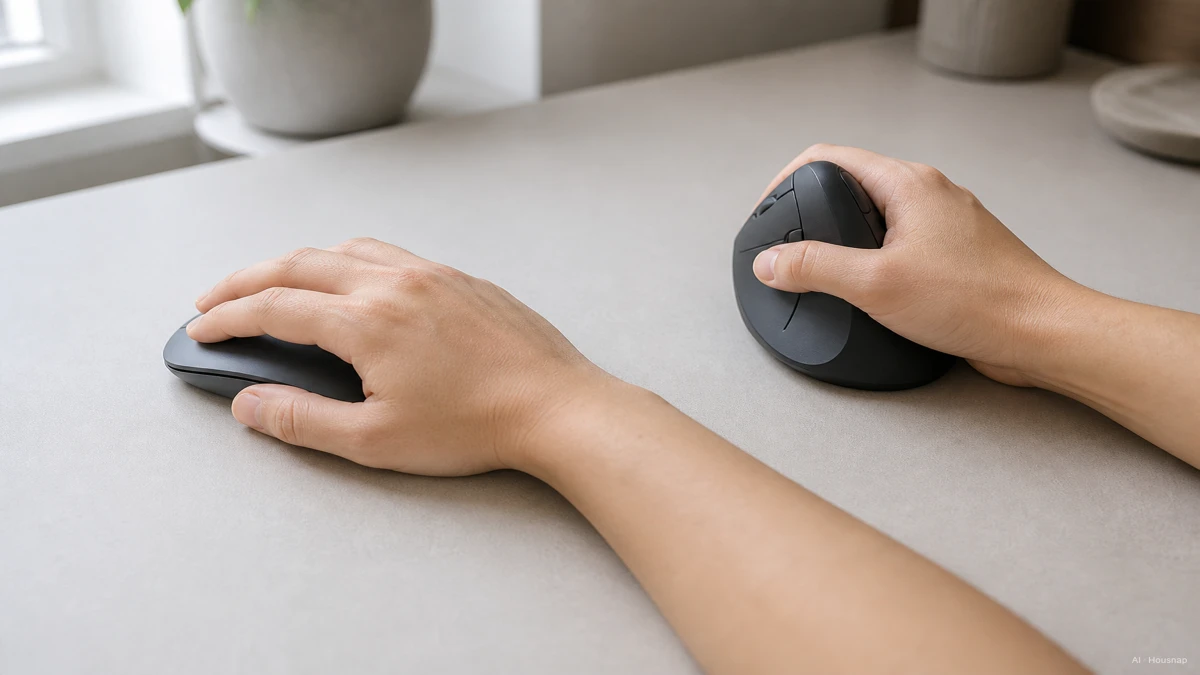
The image illustrates hand orientation, not a diagnosis. As one concrete reference, Logitech specifies a 57° tilt and a medium-to-large-hand fit for MX Vertical. That is a specification for this model, not an ideal angle or size for everyone.
Check where your hand touches the shell
Look at your hand on your current mouse before deliberately changing your grip. Corsair distinguishes three contact patterns: palm grip rests the palm and fingers on the mouse; claw grip uses the heel of the palm and curled fingertips; fingertip grip leaves the palm clear.
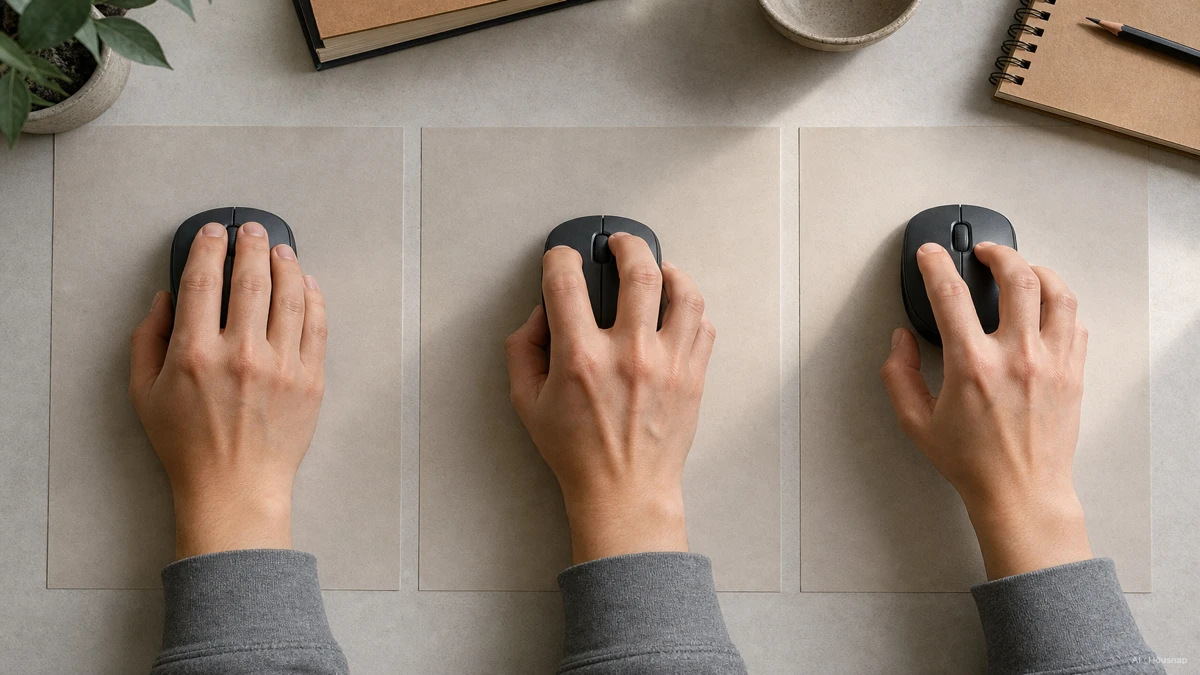
Use those names to describe what you need to try, rather than to rule out a whole category. On each candidate, click, scroll and reach the side buttons. Note whether you must shift your whole hand to reach a control or squeeze the sides to keep hold.
CCOHS recommends checking hand support and button spacing. A promising candidate should follow your hand's curve without crowding or spreading your fingers. Check the intended operating hand too; a right-handed shape is not automatically suitable for left-handed use.
Try your real tasks with the desk set up properly
Keep the mouse near the keyboard and adjust sensitivity for controlled movement across the screen with a straight wrist. These are part of OSHA's mouse-selection guidance, alongside matching the device to the hand that operates it.
Then compare candidates on the same small set of tasks:
- Documents and browsing. Select a line of text, drag a file and scroll a long page. Record missed clicks and awkward reaches, not just how the mouse feels while resting.
- Games. Try your usual aiming, turning and lifting movements. Treat a standard gaming shape as a candidate to compare, not an automatic winner because you play games.
- Mixed use. Try both work and play before choosing. If the shape works but the features remain confusing, continue with gaming versus office mouse features.
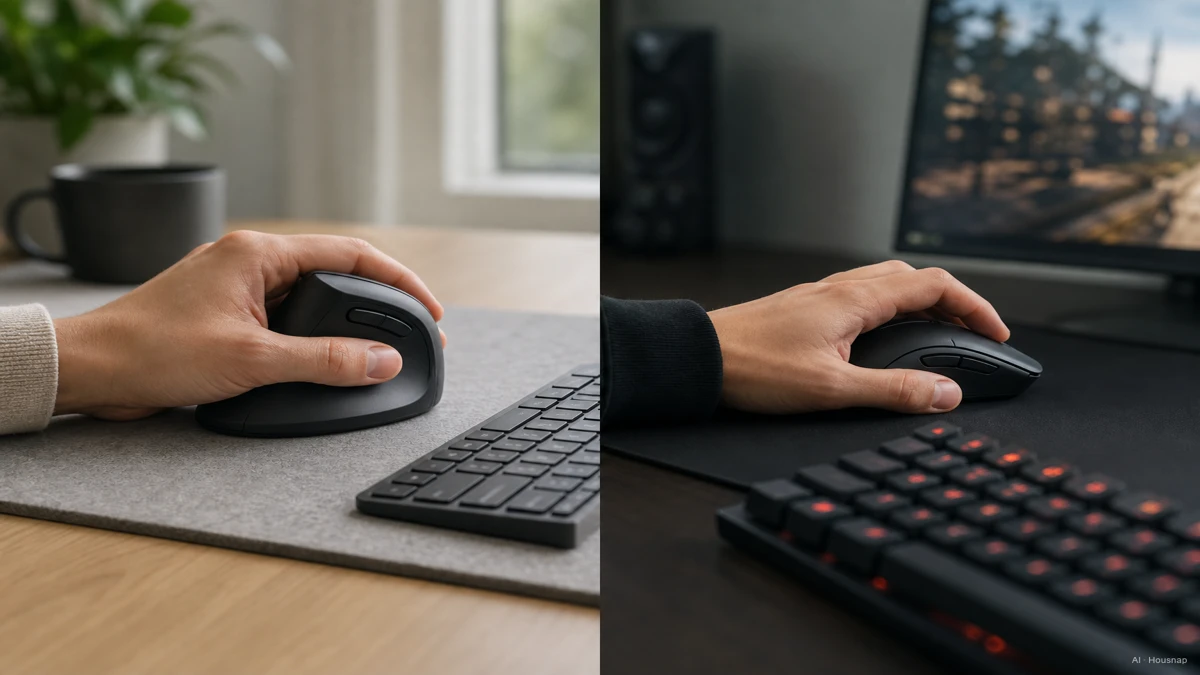
These scenes suggest tasks to compare, not a rule assigning vertical mice to offices and standard mice to games. For online purchases, check the seller's trial and return conditions before opening or using the product.
Buy for fit, with realistic expectations about discomfort
In a study of 21 people with carpal tunnel syndrome, the vertical mouse reduced sideways wrist bending; the gel pad and gliding palm support reduced backward bending. None reduced carpal tunnel pressure. The study abstract does not establish a cure or long-term prevention benefit.
Do not make enduring pain part of your trial. Persistent or worsening symptoms need medical advice; the NHS guidance includes tingling, numbness and grip weakness among possible carpal tunnel symptoms.
Your purchase decision can now be specific: choose the candidate that lets you reach the controls and complete your tasks comfortably, then verify its connection, operating-system support and return terms. If neither shape passes, try another size or design. You do not owe a mouse a fixed adaptation period.
Cómo se elaboró esta guía
AI wrote this guide for Chexlow using occupational-ergonomics guidance from CCOHS and OSHA, manufacturer information from Logitech and Corsair, a PubMed-indexed study abstract, and NHS symptom guidance. The comparison tasks are editorial suggestions for a first purchase, not hands-on product testing or a medical assessment.
Editado por el equipo de Chexlow · Las imágenes son ilustraciones generadas por IA