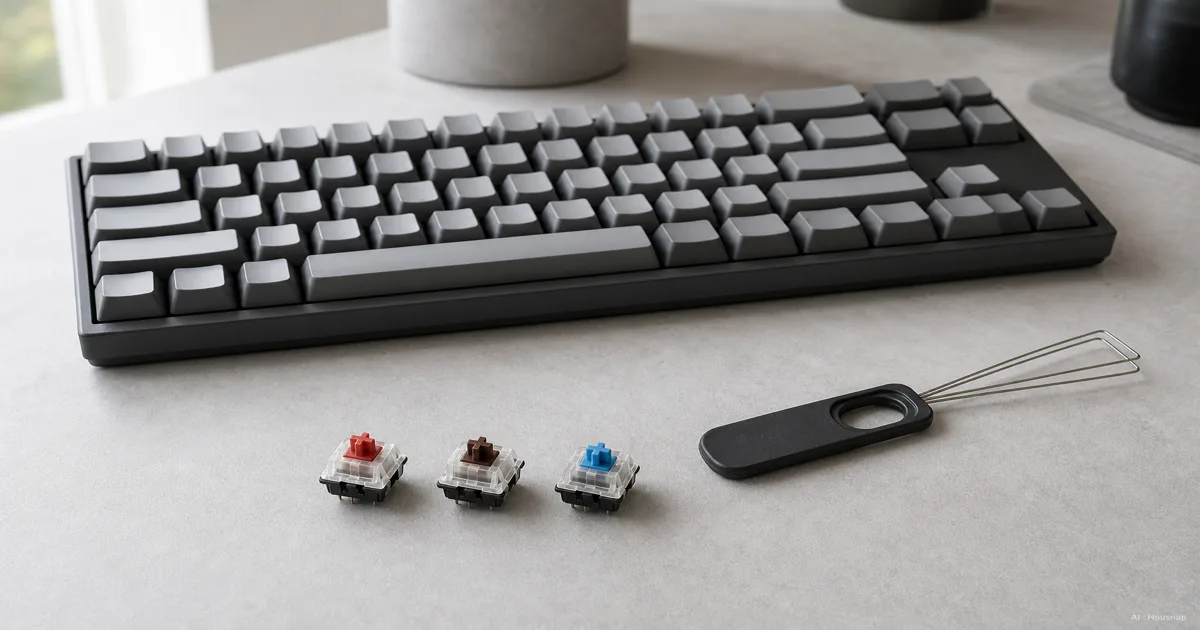
Start with the room, not the switch color
Will someone nearby be working, sleeping or taking calls? If so, leave clicky switches off your initial shortlist. Their mechanism adds a deliberate click beyond ordinary switch noise, as Corsair explains.
No click does not mean silent. For a quiet-room purchase, look for an explicitly damped switch rather than assuming that red or brown means quiet. CHERRY MX SILENT RED, for example, adds damping to a linear design.
Before buying, try to hear the complete keyboard while someone types normally, including the space bar. Treat a silent-switch label as a useful starting filter, then decide whether the actual keyboard is acceptable for your room.

Compare the feel with a small hands-on trial
The useful distinction is what you want to feel during a press. Keychron's overview separates the main choices:
- Linear. No tactile bump. Try this first if you want an uninterrupted press.
- Tactile. A noticeable bump without a deliberate click. Try this if you want feedback under your fingers.
- Clicky. A bump plus a click. Keep it on the list only if that sound is part of the appeal.
Gaming does not require you to dislike a bump, and writing does not require you to like one. When trying a keyboard, type a familiar sentence, hold a movement key and repeat a keypress. Note whether the resistance feels welcome or distracting.
A tactile bump is not always at the electrical actuation point, so do not assume that feeling it proves the input registered. Corsair explicitly notes that its position can vary.
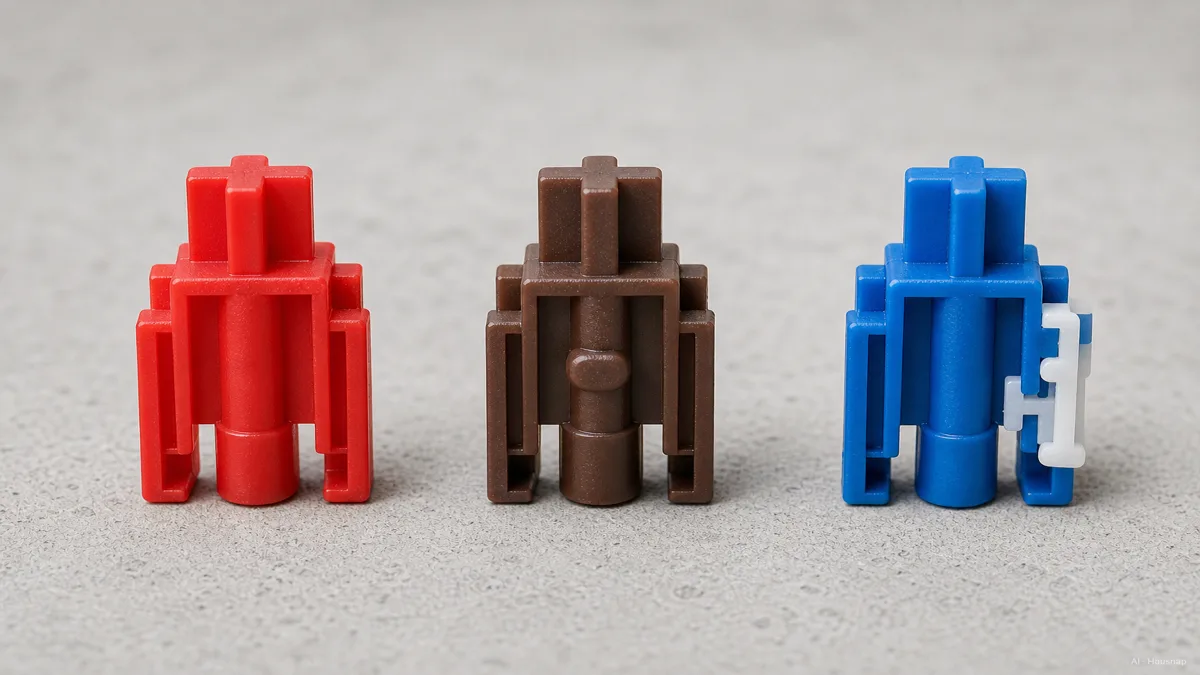
If you cannot try a keyboard, an optional mixed switch tester or sample set can help narrow the feel. CHERRY's Experience Box illustrates that approach with different switch types. Choose samples that include your actual candidates; use them to shortlist, then check the complete keyboard before treating the decision as settled.
Read the input specs, then decide whether you need analog controls
Compare the same measurements rather than a single unexplained weight number:
- Actuation force. The force required at registration. Keep it separate from initial or end-of-travel force.
- Pre-travel. How far the key moves before registration.
- Total travel. How far it can move before reaching the bottom.
For a concrete reference, CHERRY MX2A RED specifies 45 cN actuation force, 2 mm pre-travel and 4 mm total travel. MX2A BLUE specifies 2.2 mm pre-travel and 4 mm total travel. These are model specifications, not rules for every red or blue switch. Neither requires a full press to register.
Consider Hall effect when you want to tune input behavior. Magnetic keyboards sense magnets; compatibility still depends on the board, as Keychron documents. On supported Wooting keyboards, Rapid Trigger uses configurable release and re-press distances rather than a conventional fixed reset point. It does not mean every tiny movement always triggers an input. See Wooting's settings guide.
Optical is a sensing method, too: Corsair OPX uses infrared light. The word alone does not establish analog features; Wooting separately documents Rapid Trigger support for its analog optical models.
If you cannot name a setting you want to adjust, prioritize the feel you preferred. If repeated release and re-press behavior is central to your games, compare a supported Hall-effect keyboard now rather than assuming it must be a later purchase.
Check what hot-swap actually lets you replace
Hot-swap allows switch changes without soldering. It does not promise universal compatibility. Keychron's compatibility guide distinguishes standard-height, low-profile and model-specific magnetic systems.
Before choosing a board, check its exact version and supported switch list. Record the switch technology, height and accepted pin format. Do not use a matching brand name or a similar-looking stem as your compatibility check.
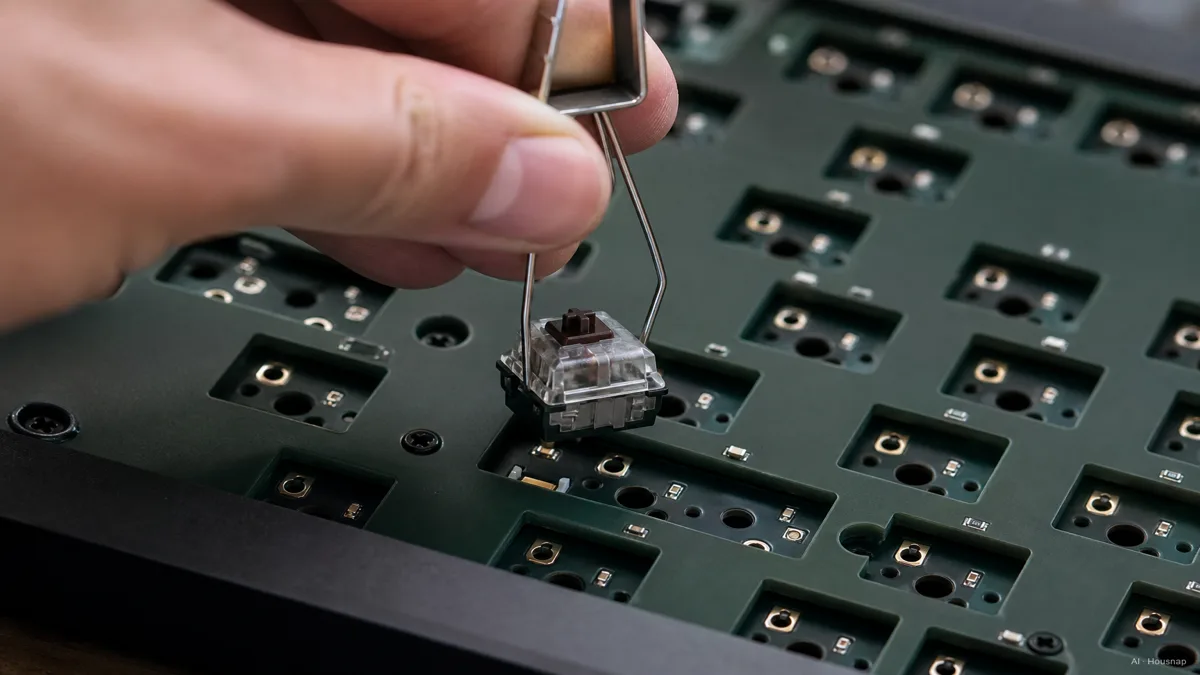
For an uncertain first buyer, a compatible hot-swap board keeps later experiments possible. If you have already tried and like a soldered keyboard, lack of hot-swap need not disqualify it; just make that choice knowingly. The illustration shows the replacement principle, not permission to pull switches from any keyboard.
Turn your preference into an order checklist
Write a short specification before comparing listings:
- Sound and feel. State whether you need damping and whether you want a bump or click.
- Exact configuration. Confirm the installed switch name and keyboard version, not just a color in the product photo.
- Ready to use. Check whether the listing includes switches and keycaps or is a barebones kit.
- Room to reconsider. Check the seller's return conditions and the manufacturer's replacement instructions before relying on either.
For a complete first keyboard, leave a full replacement switch set out of the initial order unless you have a specific reason to buy it. It is a later experiment, not a prerequisite for using the installed switches.
Once the switch configuration is settled, choose how the keyboard connects to your devices. If that is still undecided, continue with wired, Bluetooth and receiver-based keyboard choices.
Cómo se elaboró esta guía
AI wrote this Chexlow guide using manufacturer explanations and specifications from CHERRY, Corsair, Keychron and Wooting. It turns those sources into a first-purchase checklist for noise, feel, input behavior and compatibility; the selection priorities are editorial judgments, not results of hands-on product testing.
Editado por el equipo de Chexlow · Las imágenes son ilustraciones generadas por IA