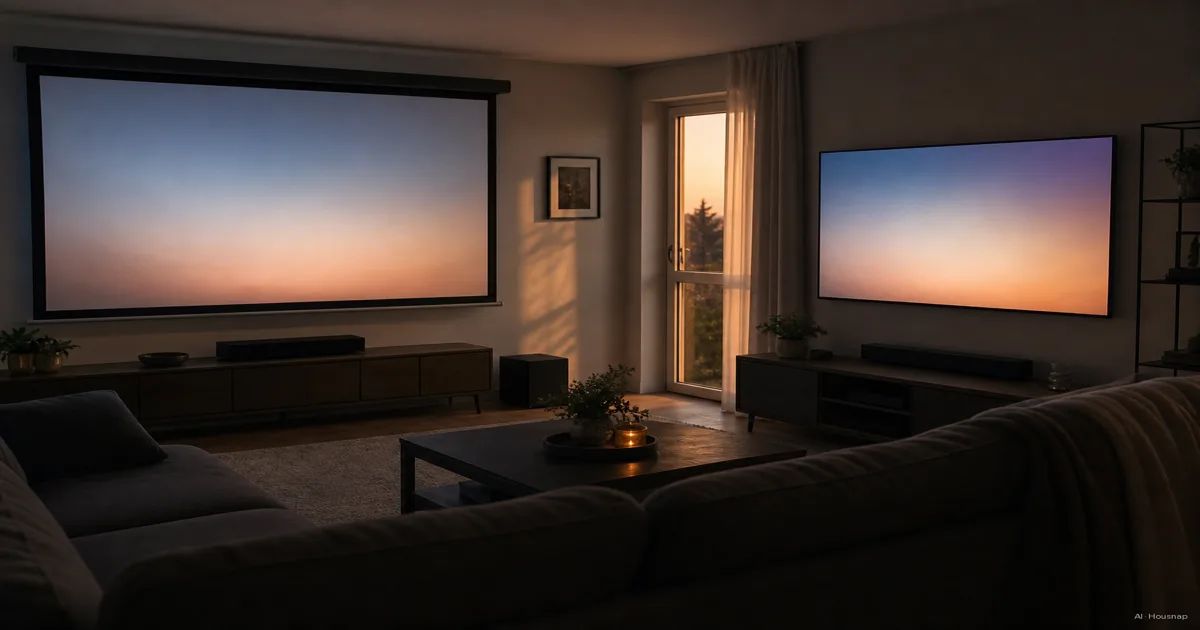
Decide whether you will actually darken the room
Check the room at the time you normally watch. Leave the lamps and curtains as you would actually use them, then look at the proposed screen wall from your seat. Would you willingly change that lighting every time you watch?
- Keep the room bright. Start your shortlist with TVs and check reflections from your usual seat.
- Darken it for films. Keep projectors in contention, provided the size and placement checks below work.
- Use it both ways. Ask for a demonstration under lighting like yours before committing to projection.
These are practical selection priorities, not brightness guarantees. Epson explains that projector light output is measured in lumens and the room affects how much output is needed. Check the measurement standard too: Epson reports white brightness using ISO 21118 and color brightness using IDMS 15.4. A large unqualified number is not enough to choose a projector.
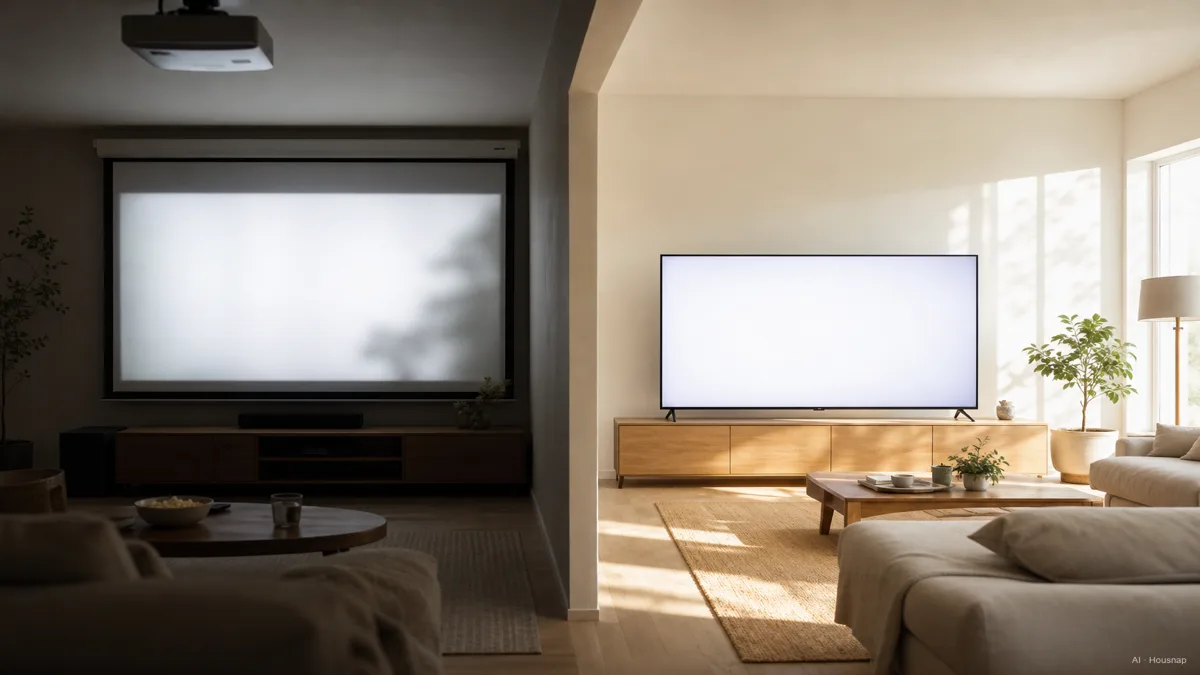
Make the picture and the equipment fit
Mark the proposed picture outline on the wall and sit in your normal position. Include space for the frame, furniture and anything beneath the picture. If you are leaning toward a TV but have not settled its diagonal, use the TV size and viewing-distance guide before comparing models.
For projection, measure the lens-to-screen distance separately from your seating distance. Throw ratio is that distance divided by image width, not diagonal. A hypothetical 1.5:1 lens needs 3.3 m for a 2.2 m-wide image: 2.2 × 1.5. Check the actual model's installation diagram and zoom range rather than applying that example to every projector. BenQ's throw-ratio guide explains the relationship.
Ultra-short-throw, or UST, moves the projector closer to the screen; it does not remove the need to plan its position. Epson distinguishes these placement types. Before buying, confirm the cabinet depth, image height, cable route and required clearances in the model's manual. If the arrangement does not fit, change the layout or shortlist.
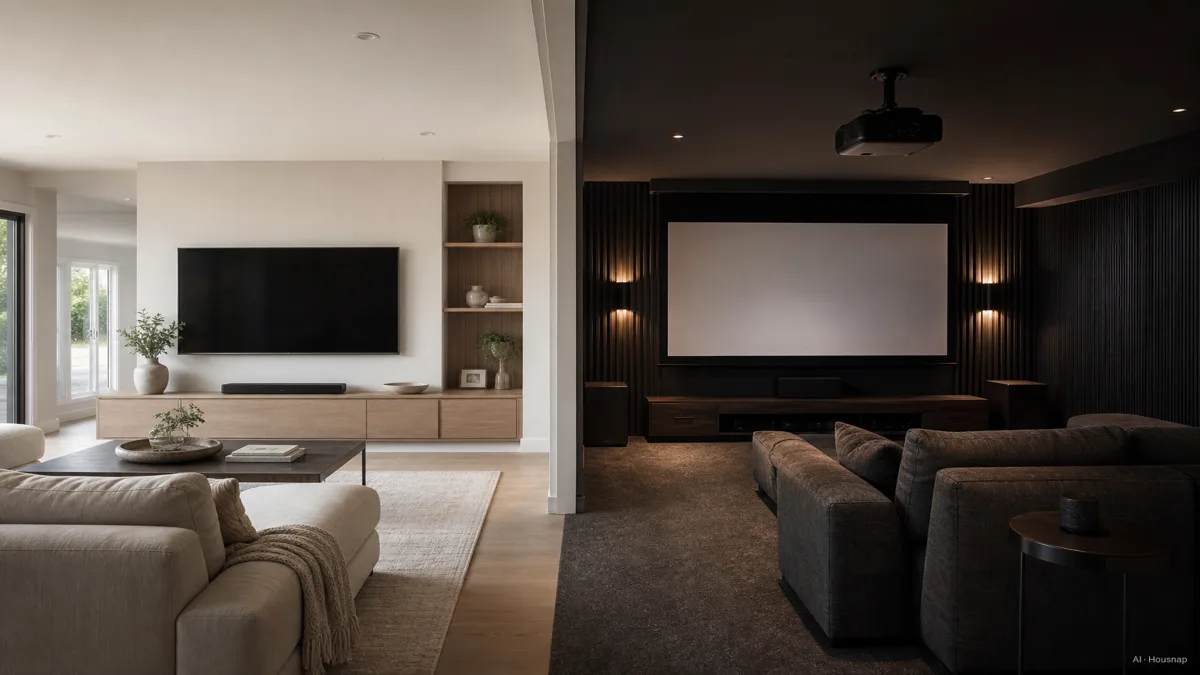
Choose a screen for the projector, not just the room
If you choose projection, shortlist the screen alongside the projector. ALR means ambient-light-rejecting, but that label alone does not establish compatibility. For example, Elite Screens explicitly excludes short-throw and UST projectors from CineGrey 3D compatibility; its UST-oriented CLR materials are a different pairing.
Before ordering a screen, confirm the supported projector type, mounting orientation and viewing angle. Ask the supplier to check your exact projector and installation position. Treat a projection screen as part of this setup decision, not an automatic upgrade for every room.
Check gaming at the resolution you will use
Write down your intended gaming mode, such as 4K at 60 Hz or 4K at 120 Hz, and require explicit support for that combination. Do this for TVs as well as projectors. Read input-lag figures with their resolution and refresh rate attached: BenQ lists the TK700 at 16.7 ms for 4K/60 Hz and 4.2 ms for 1080p/240 Hz. Those are different operating conditions, not interchangeable promises.
Two features answer different questions:
- VRR. Variable refresh rate accommodates changing frame delivery and helps reduce tearing. Check compatibility with your console or PC. HDMI's explanation describes its purpose.
- ALLM. Auto low latency mode automatically requests a low-lag display mode. It does not specify a particular input-lag result. HDMI's ALLM guide explains the switching behavior.
For fast games, eliminate candidates that cannot document your required mode before comparing picture size. For films with occasional gaming, decide how much you value a larger image after trying the controls in the intended game mode.
Compare complete setups, then choose
Make two itemized quotes for the sizes you would actually buy. Include only the additions your installation needs:
- TV setup. The television, suitable stand or mounting, delivery and installation, plus any planned audio equipment.
- Projector setup. The projector, chosen projection surface or screen, mounting or cabinet, cabling and installation, plus any planned light control and audio equipment.
Best Buy's setup guide identifies mounting and audio as parts of the comparison. Use actual quotes rather than a fixed screen-size threshold that supposedly makes one technology cheaper.
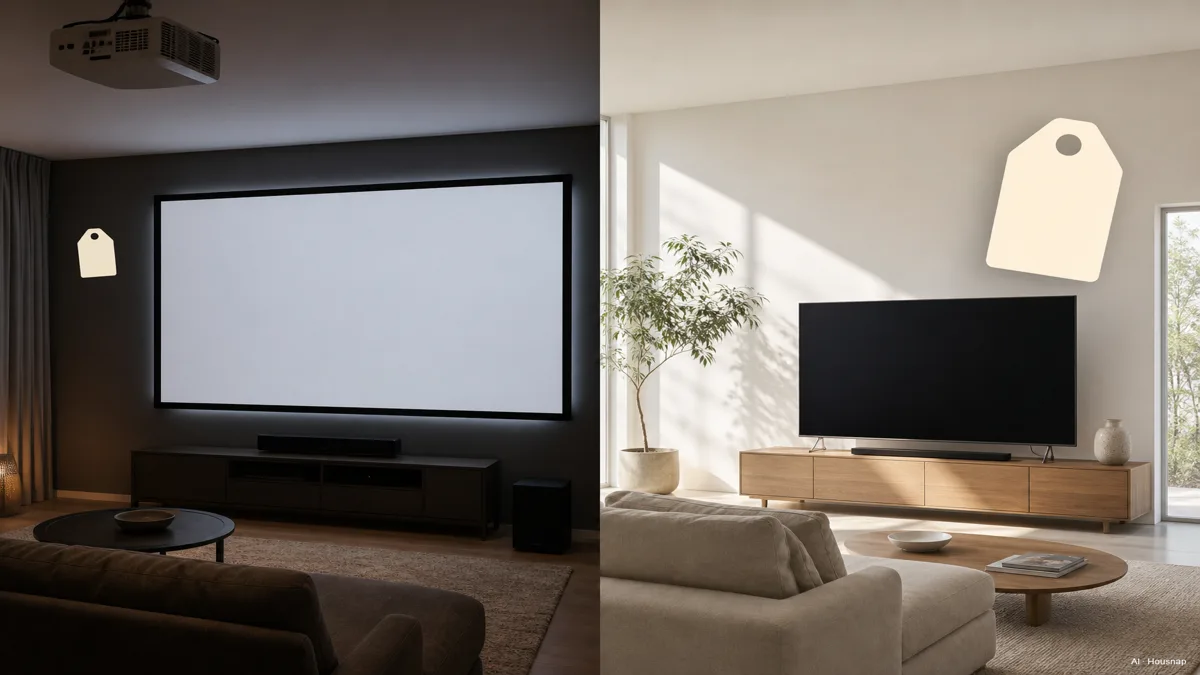
Read the illustration as a hypothetical tradeoff between picture size and budget. Calculate the equipment and installation total for each of your own shortlisted setups separately.
Choose the TV if it meets your size goal and the projector would require room changes you do not want. Choose the projector if its larger picture is worth the complete installation and you have confirmed the lighting, placement and gaming conditions.
If the TV wins, the next decision is panel type. OLED pixels make their own light, while QLED TVs use LED backlighting, as Samsung explains. Continue with OLED versus QLED for your room.
Cómo se elaboró esta guía
This guide was written by AI for Chexlow using Epson and BenQ installation and specification information, Elite Screens compatibility guidance, Samsung's display explanation, HDMI documentation and Best Buy's setup guidance. It organizes those sources into a first-purchase decision about room light, fit, gaming and total setup cost; it does not report hands-on product testing.
Editado por el equipo de Chexlow · Las imágenes son ilustraciones generadas por IA