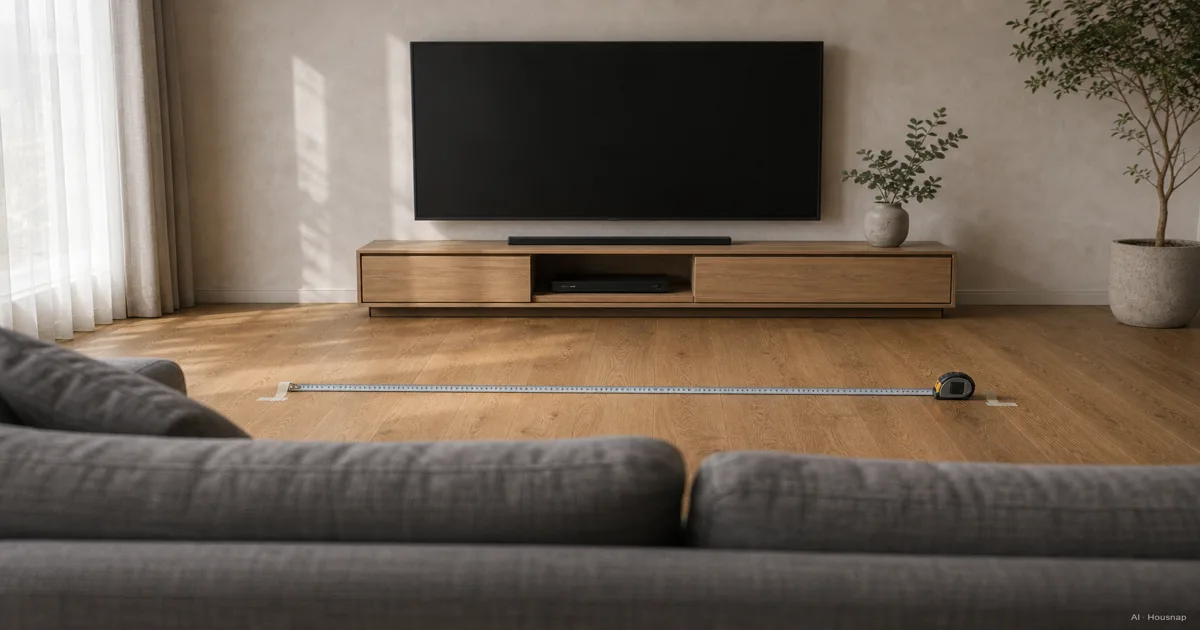
Measure from your seat to the screen
Sit where you normally watch and measure from your eye position to where the front of the screen will be. For a bedroom, start at your head on the pillow, not the foot of the bed. Record the main seat first, then any regularly used nearer seat.
A tape measure you already own or can borrow is enough. Keep the measurement in centimetres; the calculation below converts it into the diagonal inches used for TV sizes. Samsung explains how diagonal screen sizing works.
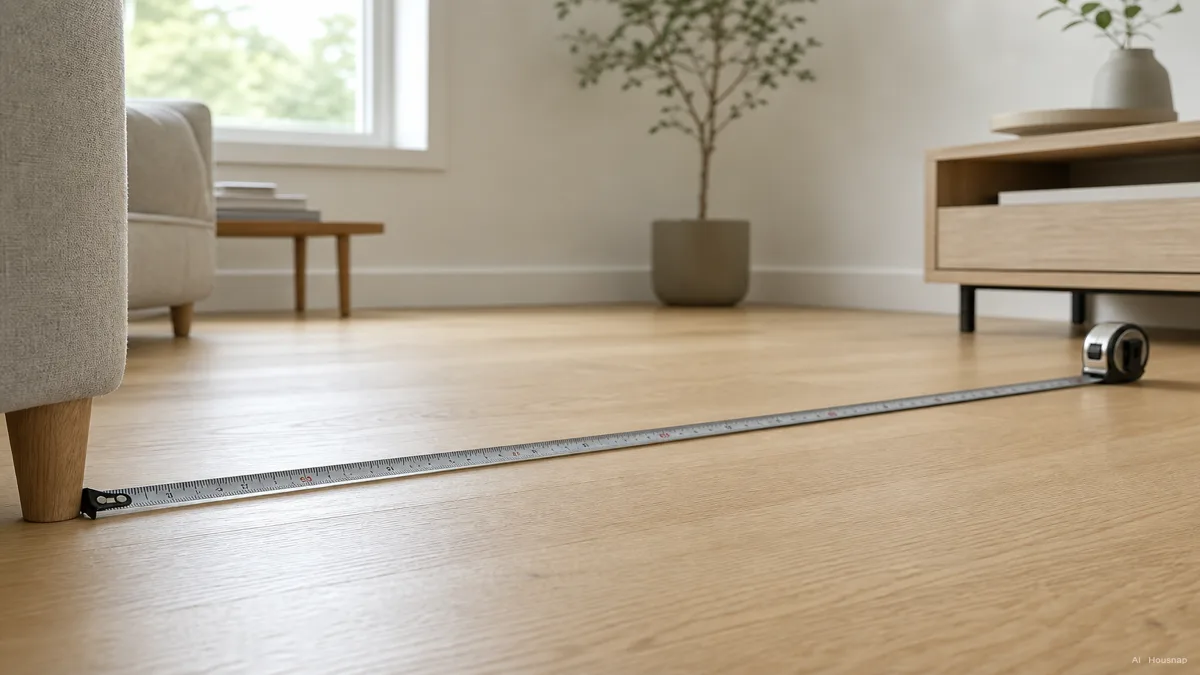
The illustration shows the room layout. Your measurement endpoints should be your eyes and the screen, rather than the furniture legs or wall behind it.
Calculate two sizes, then choose your starting point
Horizontal field of view means how wide the screen appears from your seat. RTINGS uses 30° for mixed viewing and 40° for a more cinematic experience. Use these as comparison points, not compulsory limits.
For a flat 16:9 screen viewed centrally, the following are rounded geometric calculations:
- Everyday starting point, about 30°. Viewing distance in metres × 24.2 = diagonal inches.
- More immersive starting point, about 40°. Viewing distance in metres × 32.9 = diagonal inches.
- At 2 m. About 48–66 inches. Start by comparing 50 or 55 inches with 65.
- At 2.5 m. About 61–82 inches. Compare 65 with 75 inches before deciding whether you want more.
- At 3 m. About 73–99 inches. Compare 75 with a larger option approaching 98 inches if immersion is the priority.
For example, 2.5 × 24.2 = 60.5 inches; 2.5 × 32.9 = 82.25 inches. Neither result requires buying that exact size. Pick two candidates near the part of the range you prefer, rather than automatically rounding up.
Check ordinary programmes, not just the 4K label
Sony gives minimum distances of 1.5 screen heights for 4K and three screen heights for HD. Those figures use height, not diagonal, and answer a different question from how much of your view you want filled.
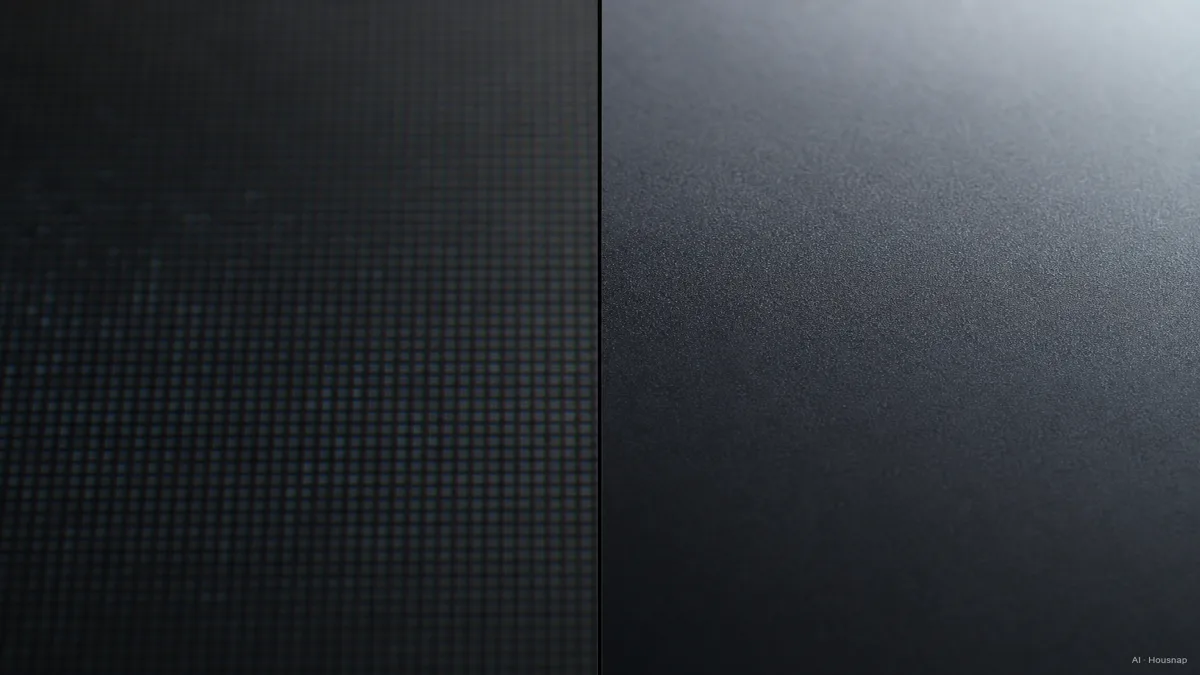
Treat this as a conceptual illustration, not a comparison test or a promise about every programme. If possible, view both candidate sizes from your measured distance with the broadcasts, subtitles or games you actually use.
Choose the larger candidate if you prefer the additional screen coverage and can comfortably follow the whole picture. Choose the smaller one, or reconsider the seating position, if scanning between subtitles and action feels awkward. A minimum-distance figure should not overrule that check.
Try the outline in your actual room
Before ordering, mark out each candidate with paper or removable tape suitable for the surface. For a 16:9 rectangle, our calculated screen-only dimensions are approximately:
- 55 inches. 122 cm wide × 68 cm high.
- 65 inches. 144 cm wide × 81 cm high.
- 75 inches. 166 cm wide × 93 cm high.
These are planning outlines, not the external dimensions of a particular TV. Look at them from your normal position and decide which feels appropriate before checking the exact model measurements.
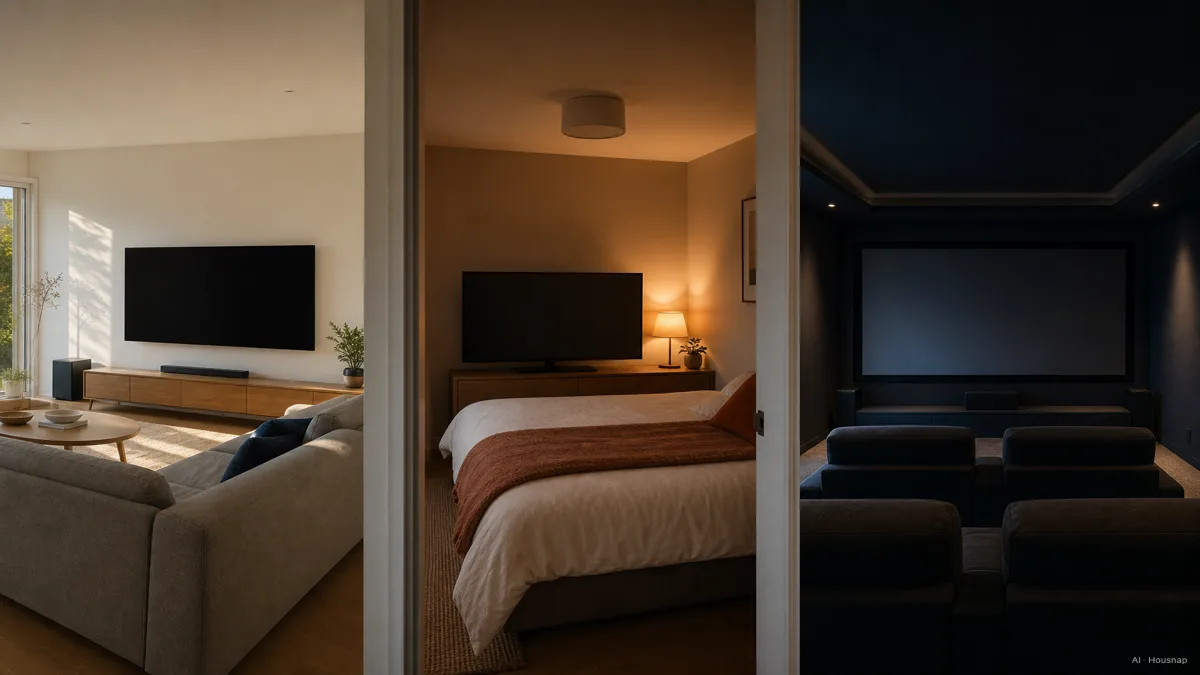
- Shared living room. Ask everyone who regularly watches to assess both outlines from their usual seats.
- Bedroom. Repeat the check in your usual reclining position. The room's name does not set its TV size.
- Movie room. Decide how much screen coverage you actually want before increasing the size again.
If your preferred outline is around 100 inches or larger, compare a projector with a large TV before committing to either installation.
Check the exact model before buying
For each remaining candidate, note the full width and height, dimensions with its stand, and the stand's footprint. Compare them with the furniture and available space. Check the packaged dimensions against the delivery route too. Samsung's installation-size checklist covers these distinctions.
Allow the ventilation space specified in that model's manual; fitting inside an opening is not enough if the vents are obstructed. Sony's ventilation guidance directs buyers to model-specific instructions.
Keep the shortlist to two sizes with a clear reason for each: for example, the smaller one for your preferred everyday view, the larger one for movie immersion. Remove any candidate that fails the physical-fit check. Once the size is settled, use the OLED versus QLED guide to consider the panel choice for your room and viewing habits.
Comment ce guide a été conçu
Written by Chexlow's AI editor using RTINGS' viewing-angle guidance and Samsung and Sony documentation. The size examples and screen outlines are geometric calculations for 16:9 screens; the comparison steps are editorial guidance, not product testing or a guarantee of personal comfort.
Rédigé par l’équipe Chexlow · Les images sont des illustrations générées par IA