Choose the surface for your main task
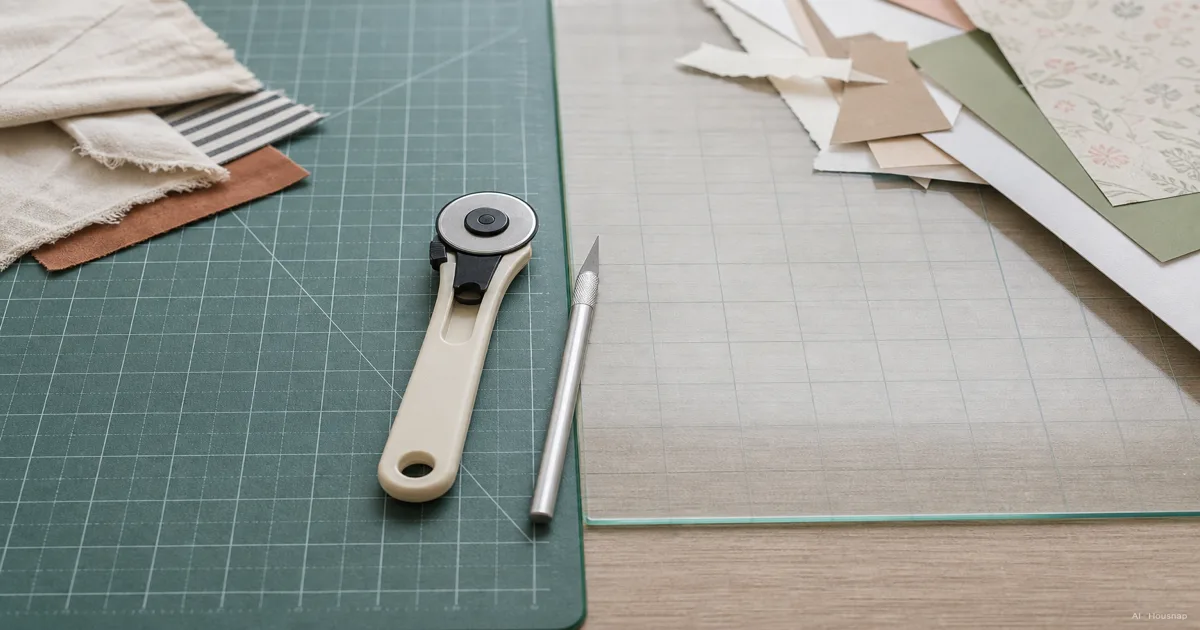
If your first project involves cutting fabric, paper or vinyl, put a compatible self-healing mat first on your shortlist. Its softer cutting surface reduces impact on the blade, as Excel explains. That supports a cutting-first choice, not a promise about how many replacement blades you will save.
If your desk is mainly for inks, paint and card assembly, glass deserves consideration. Scrapbook’s craft-surface guide distinguishes glass media workspaces from cutting-focused mats. For mixed projects, choose around the task you do most; you do not need to buy both immediately.
Check your blade before comparing layers
“Self-healing” describes a surface that closes up after cuts, as described for the OLFA CM-9x12-01/YEL. It does not establish compatibility with every cutting tool.
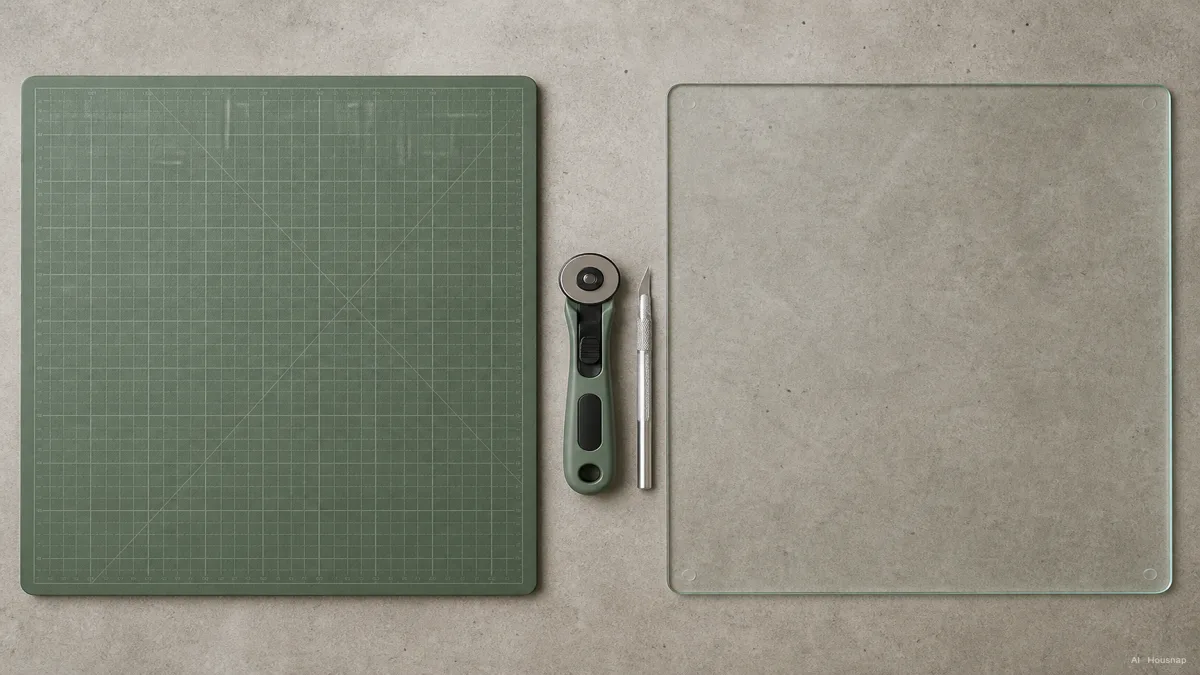
- Rotary cutter: check that the mat permits a rolling circular blade. The OLFA RM-SG is rotary-only and warns that fixed blades may damage it.
- Craft knife: look for explicit fixed-blade compatibility. The OLFA CM-9x12-01/YEL accepts both types. Brand name alone is not enough.
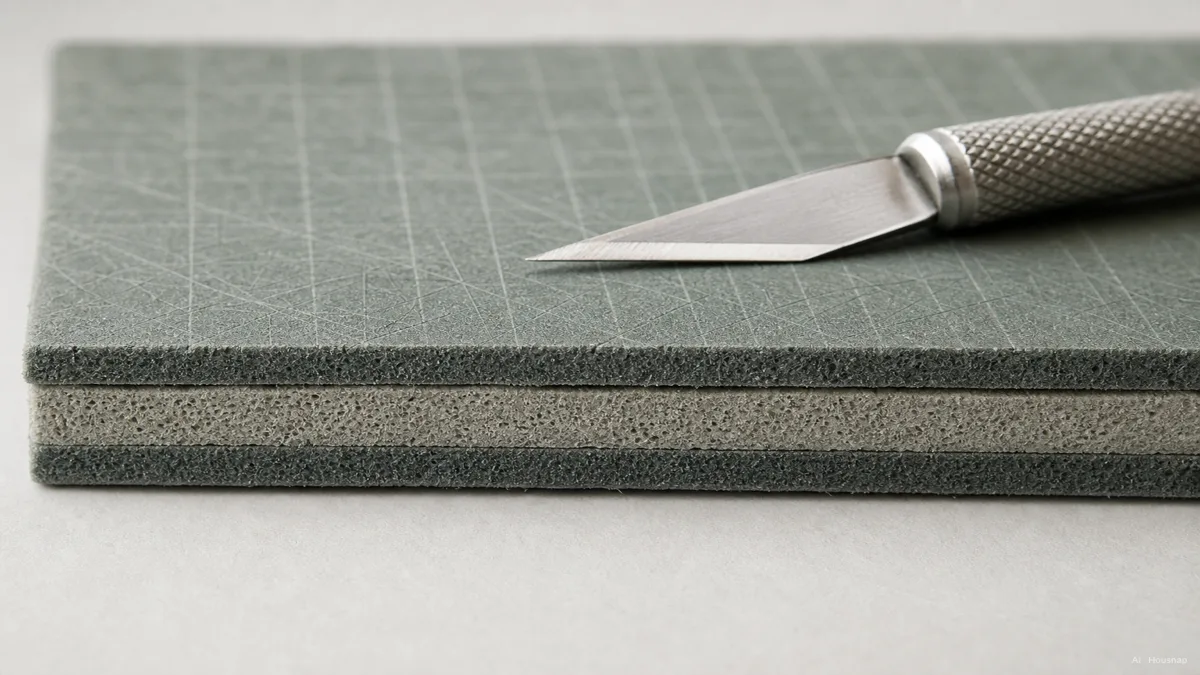
This illustration is not an Excel product cross-section: Excel specifies soft PVC faces and a hard center, unlike the soft center pictured here. See its construction explanation. Choose by documented compatibility rather than assuming one layer arrangement applies to every mat.
Check what the glass actually offers
Glass does not mean grid-free. Tonic’s 352e listing specifies grid and angle markings, an easy-wipe surface and suitability for hot glue guns. Those are useful features for cardmaking; they do not establish approval for a heat press or every cutting blade.
Before choosing glass, confirm your intended cutting tool and heat process in the model’s instructions. If those details are missing, ask the manufacturer before making them the reason for your purchase.
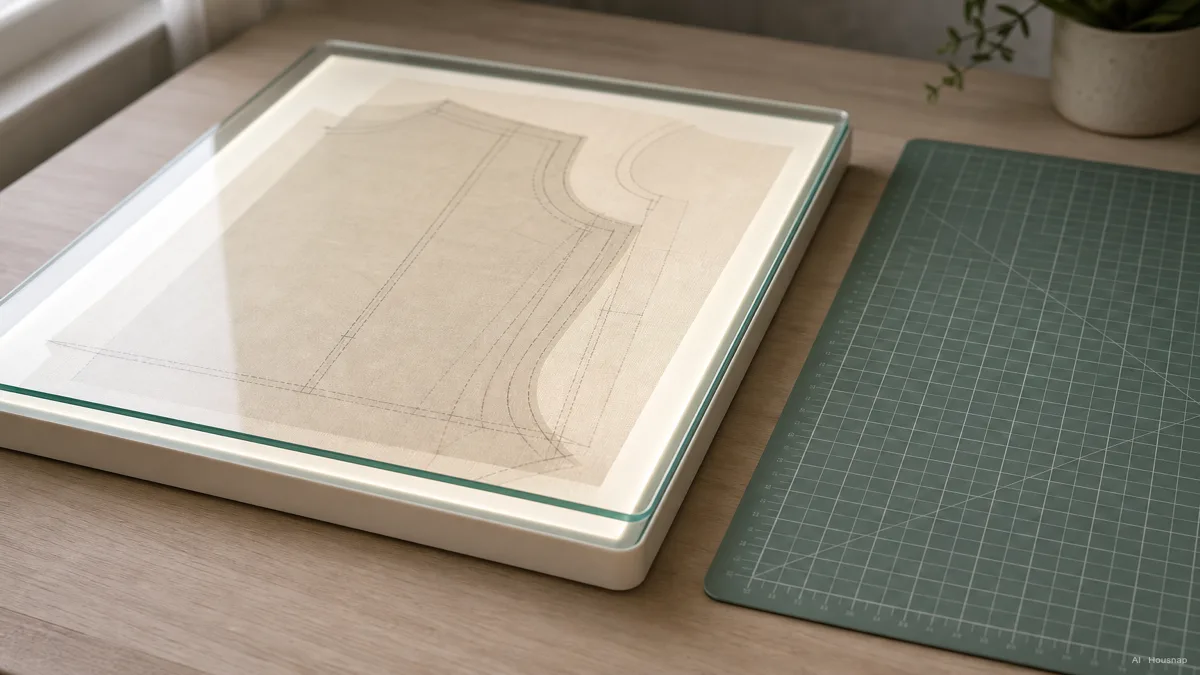
The illustration shows a transparent tracing setup, not a feature shared by all glass mats. The Tim Holtz surface described by Scrapbook is black and white. For tracing, verify a clear viewing area and suitable support in both the mat and lightbox instructions.
Size it around the cut, not the A-number
Lay out your usual material and ruler, then measure the space needed for the entire cut. Compare that with both the usable cutting area and the mat’s outside dimensions. Rhino’s sizing guide specifically calls for desk measurements and room to operate tools.
- A3 candidate: consider it for small pieces and compact desks, after checking dimensions. Rhino Green A3 measures 420 × 297 mm. A 300 mm square cannot lie entirely within that rectangle.
- A2 candidate: compare it when your paper or small fabric layout needs more room than the A3 candidate provides.
- A1 or larger candidate: measure these for long strips and larger patterns. Reject any size your worktop cannot fully support.
These are starting points for your layout check, not universal size recommendations. Include a place to store the mat before choosing the largest option.
Finish with a purchase specification
Write down the surface, permitted blade, required cutting area and storage space. Compare only candidates that meet all four. Treat tracing and heat use as additional requirements when you actually need them, rather than paying for vague versatility.
For a self-healing mat, plan flat storage away from direct heat and sunlight, following Excel’s care guidance. Keep pressing separate: the OLFA RM-SG instructions explicitly exclude steam irons.
Once the mat fits your work, check whether you can comfortably see the cutting marks at your desk. If lighting is the next purchase, use the desk-lamp selection guide to compare light colour and other lamp specifications.
Come è stata costruita questa guida
Written by AI for Chexlow, using manufacturer information from Excel, OLFA, Tonic and Rhino, alongside Scrapbook’s craft-surface guide. The recommendations focus on choosing a first mat by task, blade and workspace; they are editorial judgments, not hands-on product tests.
Curato dal team Chexlow · Le immagini sono illustrazioni generate dall’IA