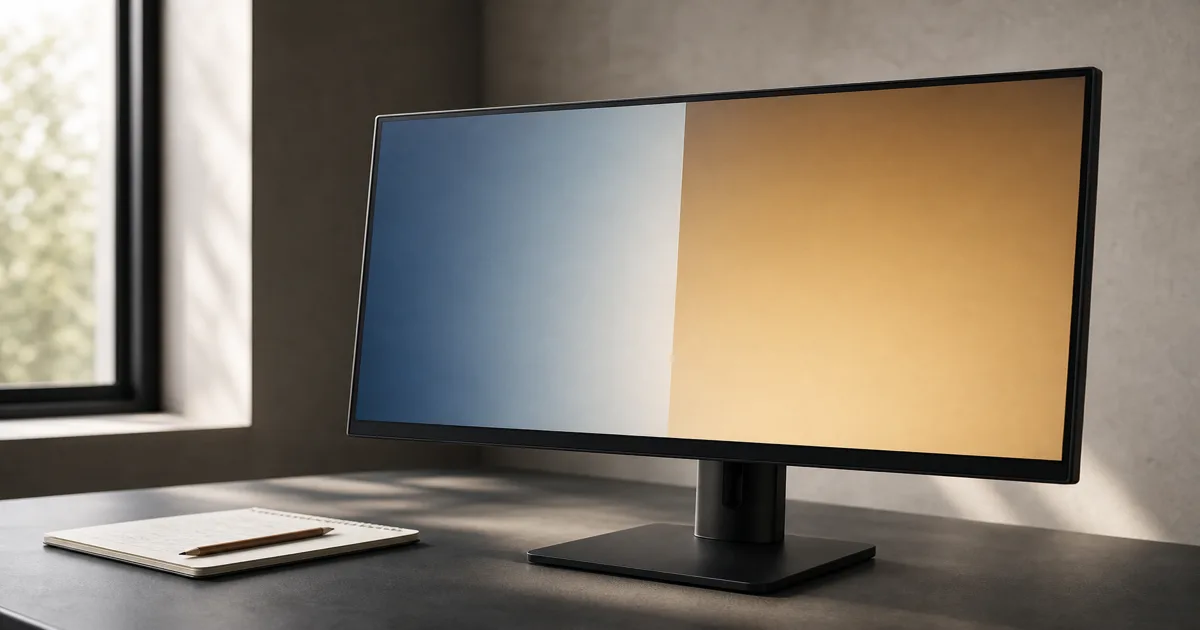
Start with the room you actually watch in
Before opening a product page, note when you watch, whether curtains can darken the room, and which seats people use. Use those answers to choose a starting point:
- Mostly evening films. Put OLED on your shortlist for its dark-scene contrast.
- Mostly daytime viewing. Compare bright QLED models, including Mini-LED options, but keep OLED in contention if a particular model suits your room. Brightness varies by model, not just technology. RTINGS comparison
A window reflected in the screen needs its own check: brightness and reflection handling both matter. Look at the room at your usual viewing time and consider changing the screen position or controlling the light. Reflection testing
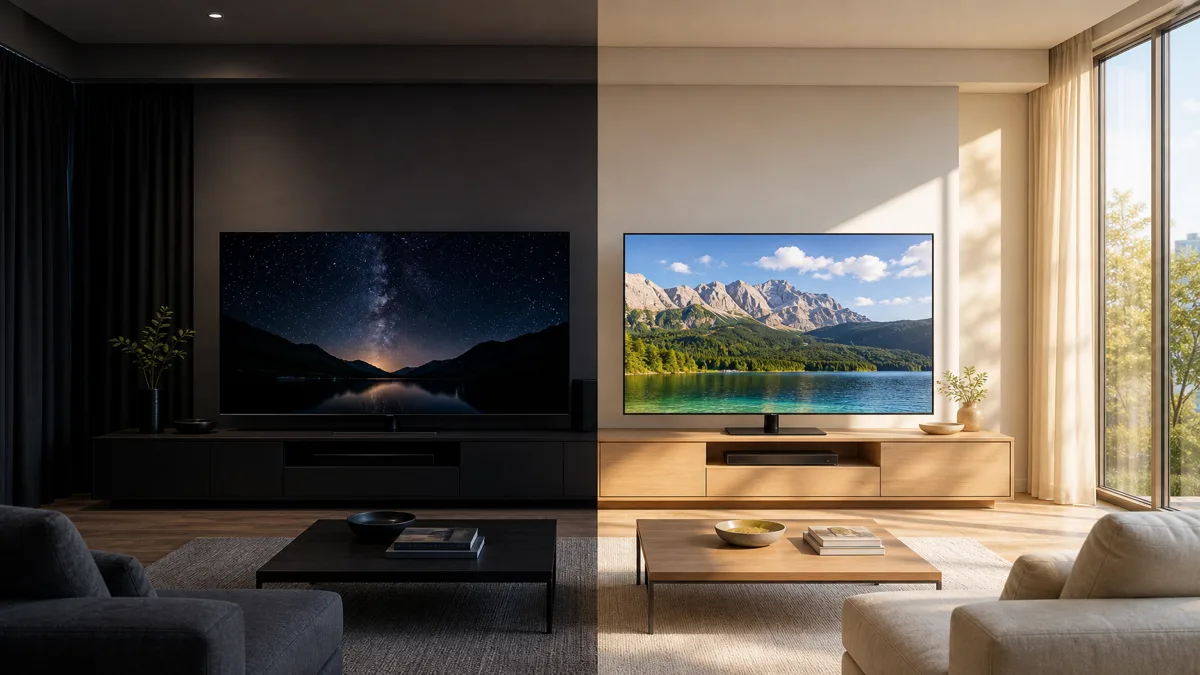
Treat this room illustration as a comparison of priorities, not a promise that every QLED beats every OLED in daylight.
Know which differences to look for
OLED lights its pixels individually; QLED uses an LED backlight behind an LCD panel, with quantum dots for color. Samsung's Neo QLED adds Mini LEDs. These names describe construction, not a complete picture-quality score. Samsung's explanation
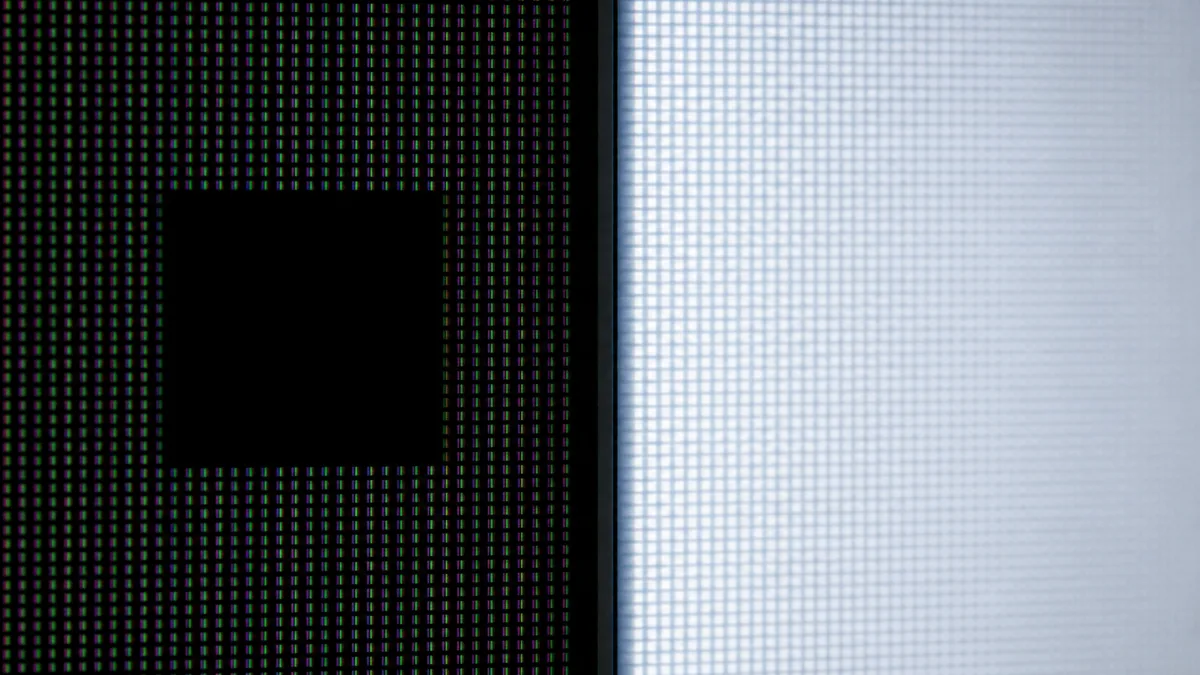
Try a dark scene with subtitles. On a QLED with local dimming, which adjusts the backlight in zones, look for light spreading around the letters. OLED avoids this backlight halo. Contrast comparison
For a wide sofa, also watch from the end seat. OLED generally holds up well off-center; LCD performance varies, including with viewing-angle layers. An anti-reflection claim is not a viewing-angle result. Viewing-angle tests
QD-OLED is still OLED. It uses blue OLED light and quantum dots to make color, rather than a QLED-style backlight. Keep it among the OLED candidates; the name alone is no reason to pay more. Samsung Display
Set the size from your seat, not the showroom
Measure from your seated eye position to the intended screen surface. Then use these rounded starting points from RTINGS' distance guide:
- 55 inches: about 2.3 m for mixed viewing, or 1.7 m for a more cinematic view.
- 65 inches: about 2.7 m for mixed viewing, or 2.0 m for cinema.
- 77 inches: about 3.2 m for mixed viewing, or 2.3 m for cinema.
These correspond to roughly 30° and 40° of horizontal field of view: how much of your vision the screen occupies. They are starting points, not comfort limits. At 2.7 m, begin by comparing a 65-inch screen with a larger option if immersion matters more to you.
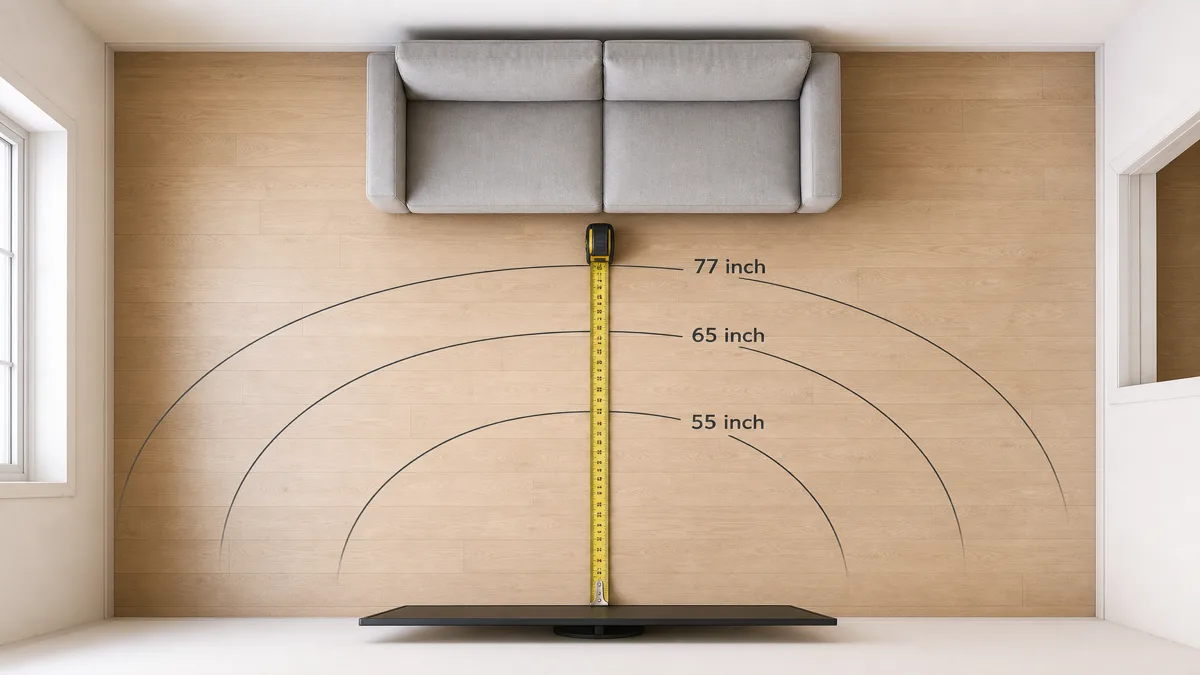
Don't mix that advice with a minimum pixel-visibility distance. Sony's 4K guidance uses 1.5 times the screen's height, not its diagonal, as a minimum reference. It answers a different question from how large you want the picture to feel.
Still deciding between two sizes? Continue with the TV size and viewing-distance guide before choosing a panel upgrade.
Let repeated static content influence the choice
Think about what stays on screen, not just total viewing time. Long periods with the same logo or paused game, especially at high brightness, are relevant OLED burn-in risks. LG documents these conditions and protective features such as pixel cleaning and logo dimming. LG support
If that describes your routine and you don't want to change it, favor QLED in this comparison. If you choose OLED, follow the exact model's protection settings and care instructions. Don't base the purchase on an assumed safe number of hours or a promised lifespan.
Compare two real candidates before paying
Write down a target size, your main viewing condition and one non-negotiable requirement. For example: “65 inches, evening films, picture must look good from the side.” That gives you a useful brief for comparing an OLED and a QLED, rather than an endless list of specifications.
- Check the picture. Ask to see familiar content at a similar viewing distance. Include a dark subtitle scene and a bright scene, then move to the side if that matches your seating.
- Check the fit. Inches describe the screen diagonal. Compare the actual dimensions, stand footprint and delivery access with your space. Samsung's size guide
- Check the whole purchase. Confirm the inputs and apps you need, installation requirements and the written warranty terms for that exact model.
If the preferred panel pushes you into a size you already ruled out, compare a less expensive model at your chosen size before compromising. Buy the candidate that meets your room and viewing requirements within budget.
Come è stata costruita questa guida
Written by Chexlow using AI, based on manufacturer explanations from Samsung, Samsung Display, Sony and LG, alongside RTINGS measurement guides. The scope is a first-TV choice by room, size and viewing habits; the shortlist method is editorial guidance, not a hands-on product test.
Curato dal team Chexlow · Le immagini sono illustrazioni generate dall’IA