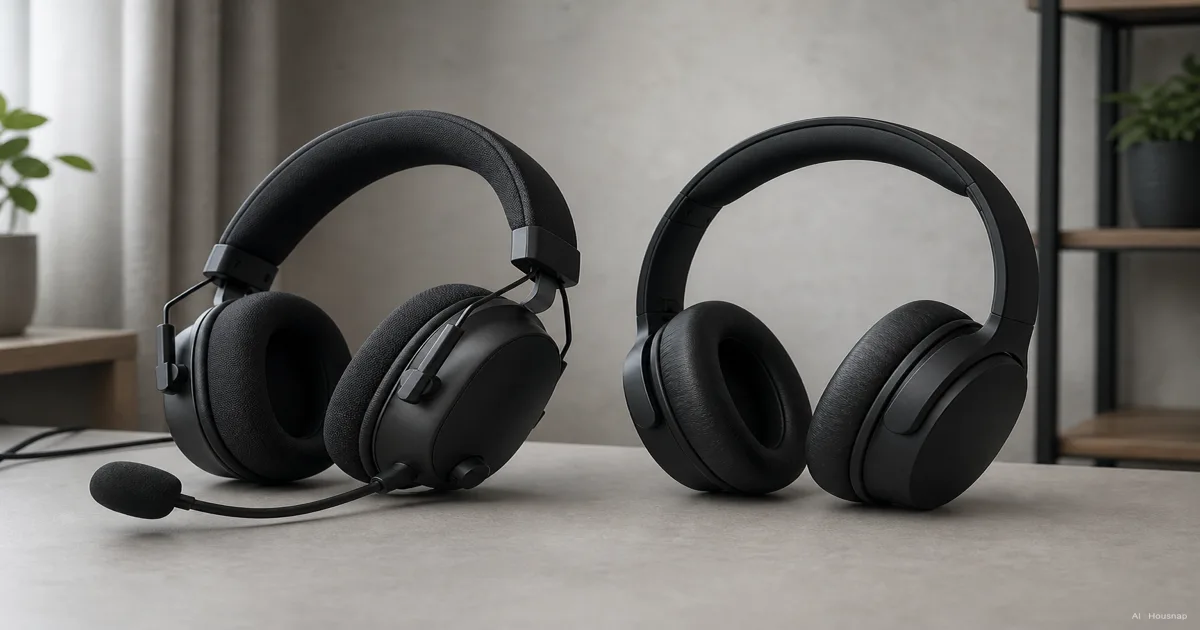
Choose the setup that covers what you actually need
A headset bundles headphones and a microphone, which is the useful distinction here (Turtle Beach). Use that to narrow your first purchase:
- Regular voice chat, no microphone yet: shortlist a gaming headset with confirmed support for your platform.
- A microphone you already like: compare standalone headphones without paying for a second mic you do not need.
- Mostly listening, including music away from the game: start with headphones that suit those uses, then check gaming compatibility before buying.
Do not use the category label as an audio-quality ranking. Compare the actual candidates and include anything needed to make each setup work.
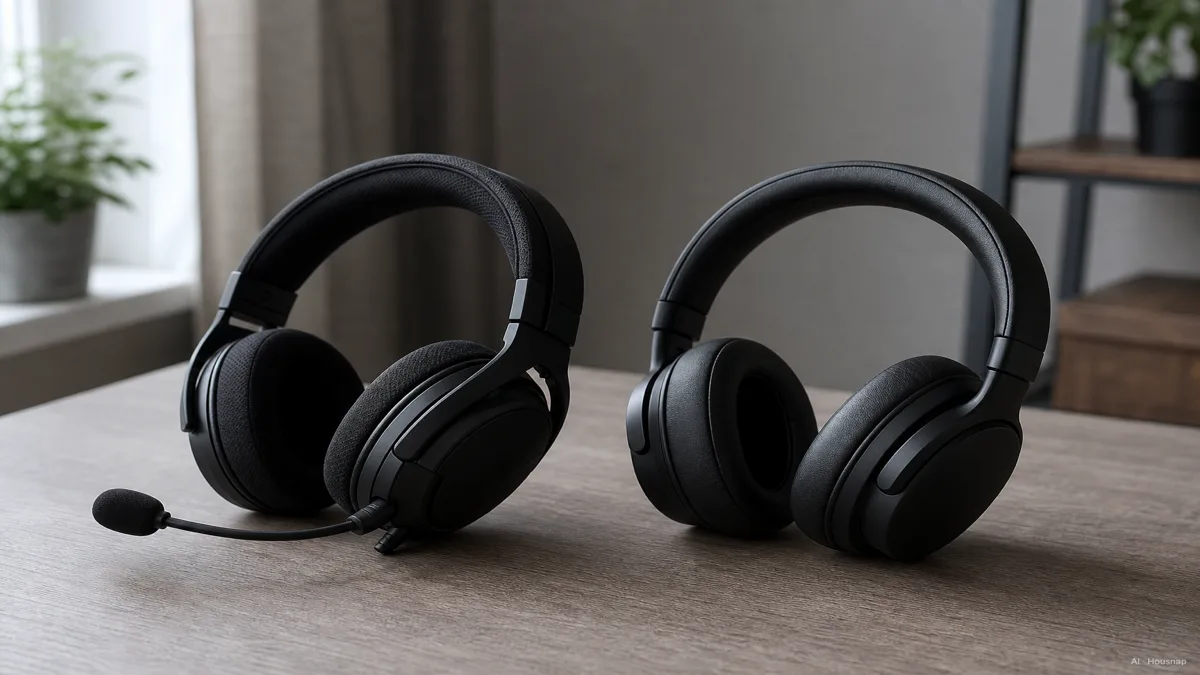
Check the connection before choosing wireless
Write down the exact PC or console and the connection you intend to use. Check both game playback and microphone support; Sony explicitly warns that not every headset works with PS5 (PlayStation compatibility guidance).
- Wired: confirm the required sockets, supplied cable and microphone path. A headphone socket alone is not proof that the mic travels through it.
- Wireless: look for an explicitly supported receiver or wireless mode. “Wireless” does not necessarily mean Bluetooth: Arctis 1 Wireless uses 2.4 GHz and has no Bluetooth (SteelSeries support).
- One pair for phone and gaming: verify both uses separately. Do not assume the gaming connection will also connect to your phone.
For timing-sensitive games, shortlist wired connections or gaming wireless with documented low-latency operation. SteelSeries describes the Arctis connection that way, but do not turn one model's description into a millisecond guarantee for every wireless product.
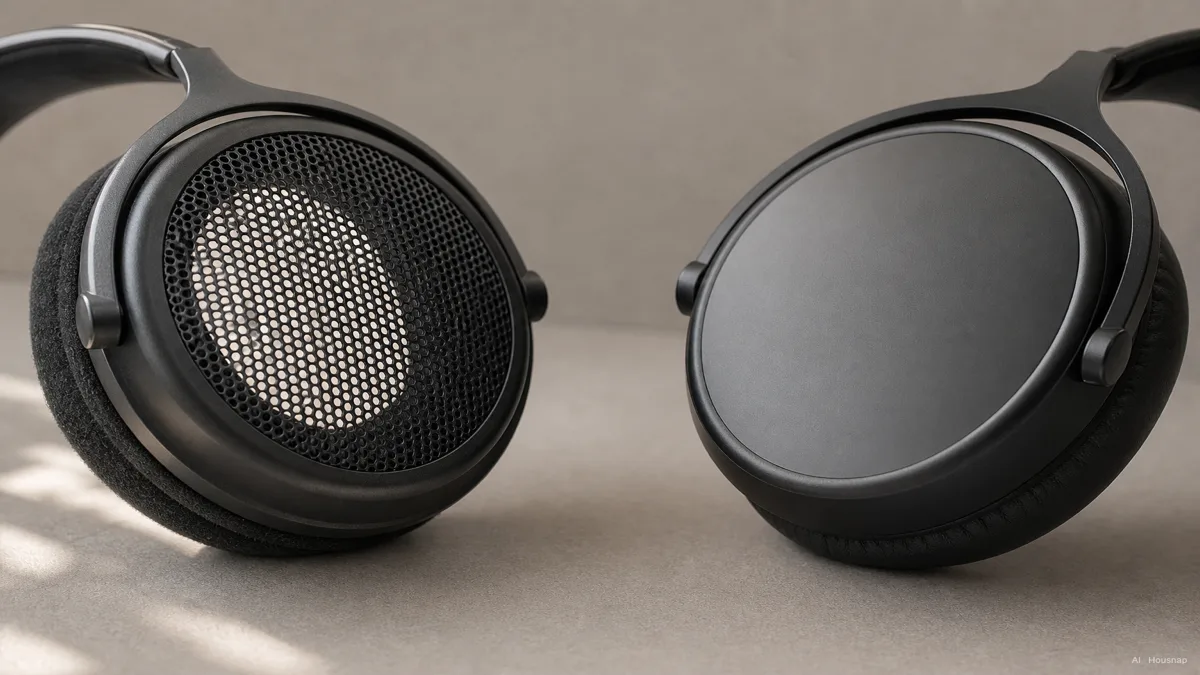
Let the room decide open-back or closed-back
Open-back cups let more sound escape and provide less isolation; closed-back cups reduce those exchanges (Corsair's enclosure comparison). Treat this as a room decision before making it a game-genre decision.
- Shared or noisy room: shortlist closed-back models, then check whether their actual isolation is enough.
- Quiet room where leakage is acceptable: try open-back alongside closed-back rather than ruling either out.
Do not treat either shell as a promise of better aim. If leakage or outside noise could settle your choice, continue with the open-back versus closed-back buying guide.
Solve the microphone question without buying twice
Everyday headphones can have call microphones; Sony's WH-CH520 is one example. The important question is whether the microphone works through your chosen gaming connection.
A useful exception is the WH-1000XM5: when using its supplied cable, Sony tells callers to use the phone's microphone, and Bluetooth is unavailable (Sony cable instructions). Check this detail before assuming wired playback also solves chat.
For a computer setup with headphones but no usable mic, a USB microphone is a supporting purchase worth comparing with the complete headset cost. Shure's MV5C guide shows direct USB input while playback can remain on the computer's headphone output (Shure setup guide). Confirm operating-system support, desk space and the supplied stand or cable before ordering; computer support does not establish console support.
If you can try the setup, select the intended microphone inside the chat app and make a short recording while speaking and typing. Use the result to decide whether you need a new mic at all.
Compare the complete setup before paying
Use familiar music and a familiar game scene to compare your finalists at a comfortable, similar loudness. Try them with your glasses if you wear them, checking pressure around the ears and on top of the head. Weight, pads and clamping force matter to comfort (Turtle Beach).
Do not make a “7.1” label the deciding feature. Spatial audio can be a platform setting: PS5 offers headphone 3D-audio profiles and a stereo/3D toggle (PlayStation 3D-audio setup). Compare the available modes in the same scene and keep the one whose cues you find easier to follow.
Before checkout, keep only candidates for which you can answer all three:
- Connection: which exact cable or wireless mode will carry game sound and chat?
- Complete cost: does the total include any needed microphone, receiver, adapter or stand?
- Fit: can you try the pair, and what are the seller's return conditions if it presses or fits poorly?
Choose the headset when its integrated chat setup is the practical benefit you need. Choose headphones when they fit your listening needs and the microphone question is already settled.
Sources
- Turtle Beach, headset integration and comfort
- Sony WH-CH520, microphone example
- Sony WH-1000XM5, supplied-cable limitations
- SteelSeries, Arctis 1 Wireless connection
- PlayStation, audio and microphone settings
- Corsair, open-back and closed-back designs
- Shure MV5C manual
- PlayStation, headphone 3D audio
Hoe deze gids is opgebouwd
Written by AI for Chexlow, using manufacturer documentation from Sony, PlayStation, SteelSeries, Shure, Corsair and Turtle Beach. The guide turns connection requirements and microphone options into a first-purchase comparison; its selection advice is editorial judgment, not a product test or a claim that one category always sounds better.
Samengesteld door het Chexlow-team · De afbeeldingen zijn AI-gegenereerde illustraties