Decide what the extra money needs to buy
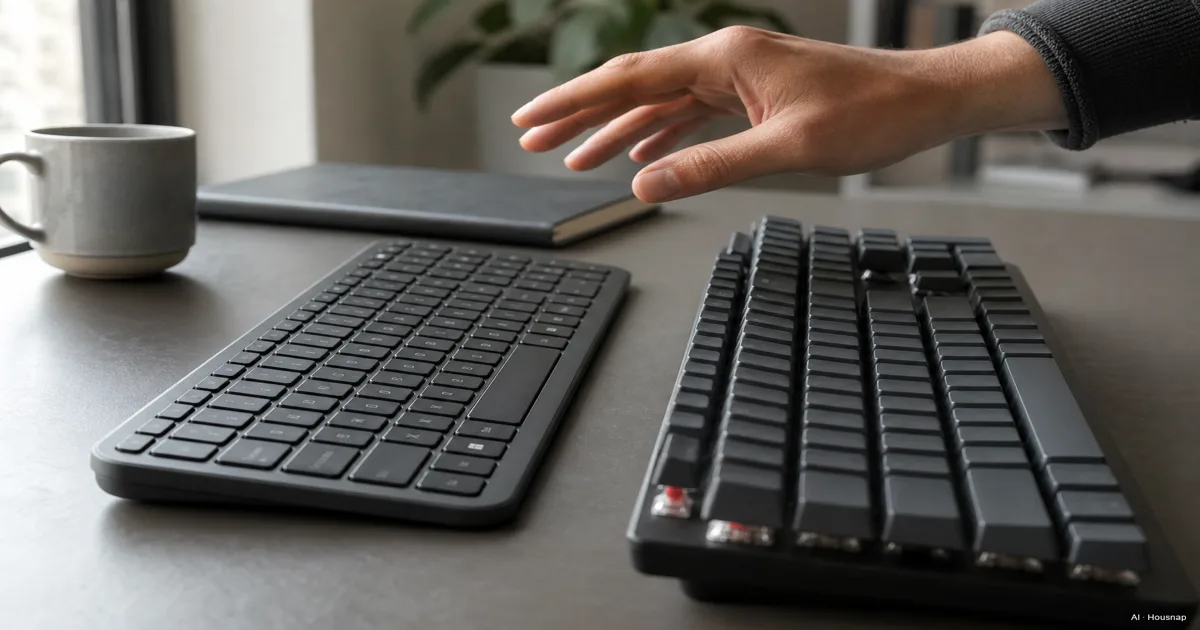
Start with one thing you want to improve: the purchase price, the way keys feel, or the ability to change switches later. A label alone won't tell you whether you'll like typing on a keyboard.
A mechanical board has an individual switch under each key, as Lenovo explains. On a rubber-dome membrane board, the dome supplies resistance and a pressure point before closing the contact. It isn't automatically devoid of feedback. CHERRY's mechanism guide also describes membrane as an often more affordable option.
- Keep the cost down. Start with membrane if its feel already suits you. Daily typing alone isn't a reason to spend more.
- Choose a different feel. Try mechanical if you want to compare smooth, bumped or clicking presses. Pay for a preference you can identify.
- Prefer shallow keys. Include a desktop scissor-switch keyboard in your shortlist. CHERRY's SX design guides the key over a rubber dome with a scissor mechanism for shorter travel.
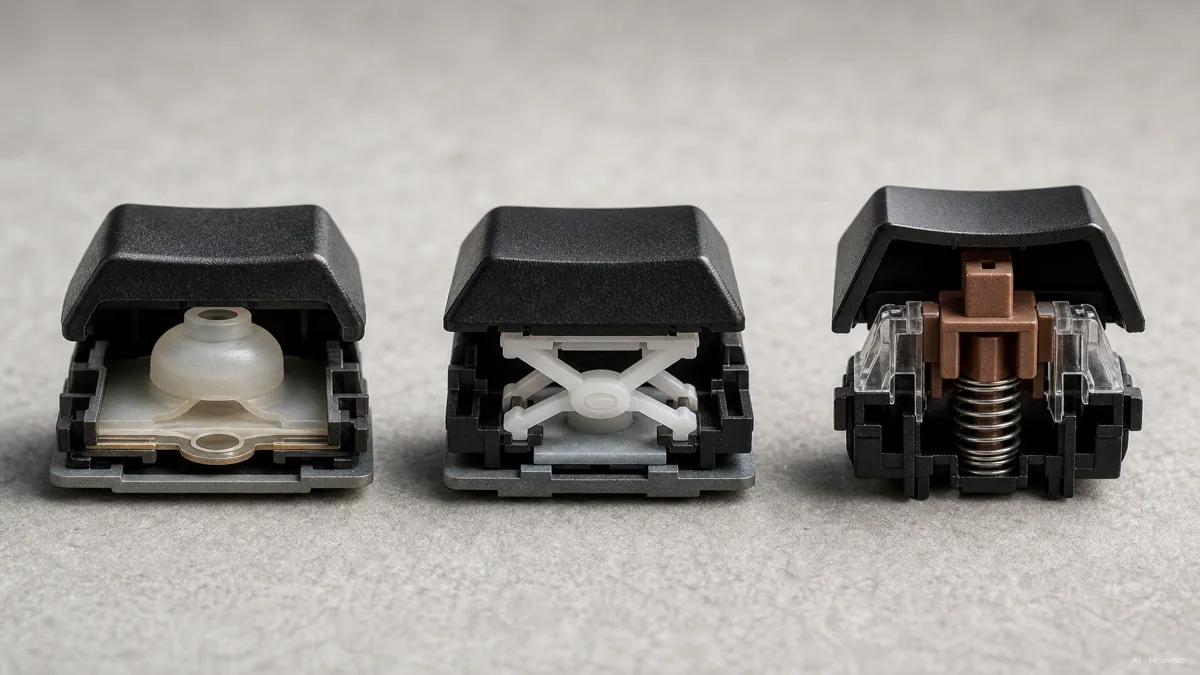
Use the diagram to understand the mechanisms, then compare complete keyboards within your budget. A scissor board belongs in the membrane comparison here; it isn't a halfway upgrade you must buy before going mechanical.
Try the feel and the sound separately
For mechanical switches, linear means no deliberate bump, tactile adds a bump, and clicky adds a click. CHERRY's switch comparison makes that distinction. None of those labels is a complete keyboard noise measurement.
Quietness deserves its own check. For example, MX SILENT RED uses damping to reduce operating noise. That is a specific design feature, not a promise that every linear switch is quiet.
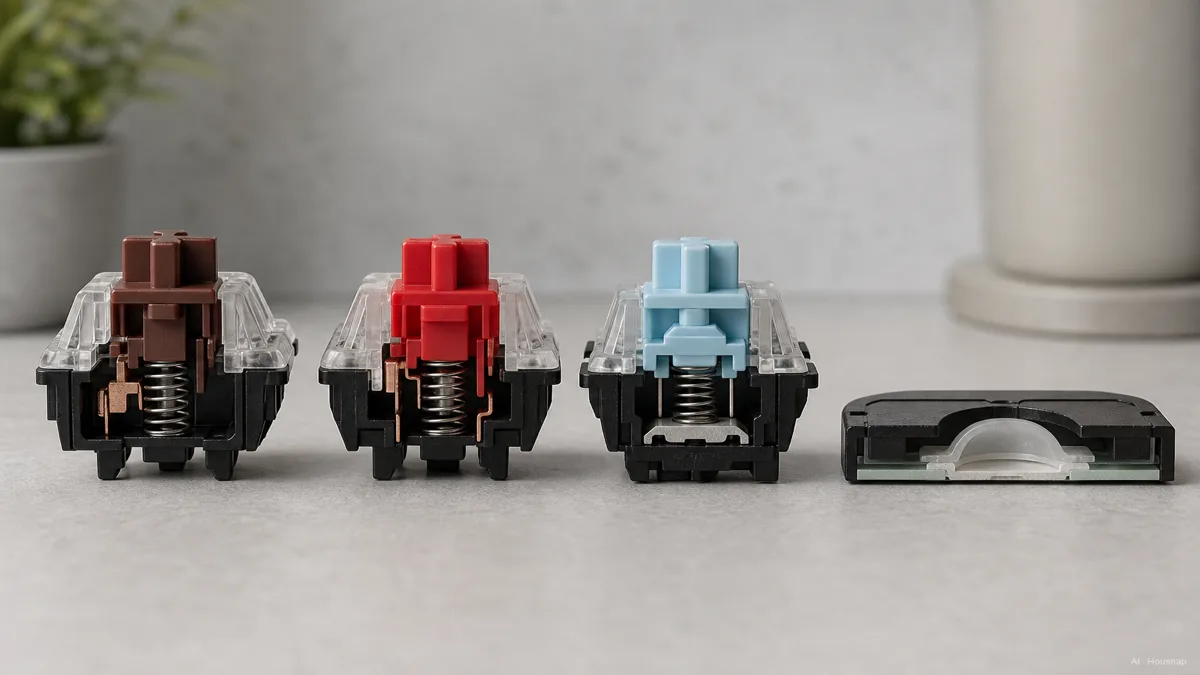
Type a familiar paragraph on the candidate, then try Space, Enter and Backspace. Notice whether you like the resistance and can tolerate the sound during ordinary typing, rather than just pressing one key slowly. For a shared room, rule out any candidate whose sound is already distracting; don't assume “membrane” means silent.
If you can't try it, check the seller's return conditions before committing. Once mechanical feels like the right direction, use the switch selection guide to narrow the feel further.
Pay for repair options, not promised years
A switch endurance rating is about the switch. CHERRY lists over 100 million operations for MX BROWN, but that doesn't establish how many years a complete keyboard will last. Don't turn it into a guaranteed annual saving.
The more useful question is what you can replace. Hot-swap allows switch changes without soldering, but not every mechanical board supports it. Before paying extra, find the exact version's supported switch list: Keychron's compatibility guide shows why standard, low-profile and magnetic switches aren't universally interchangeable.
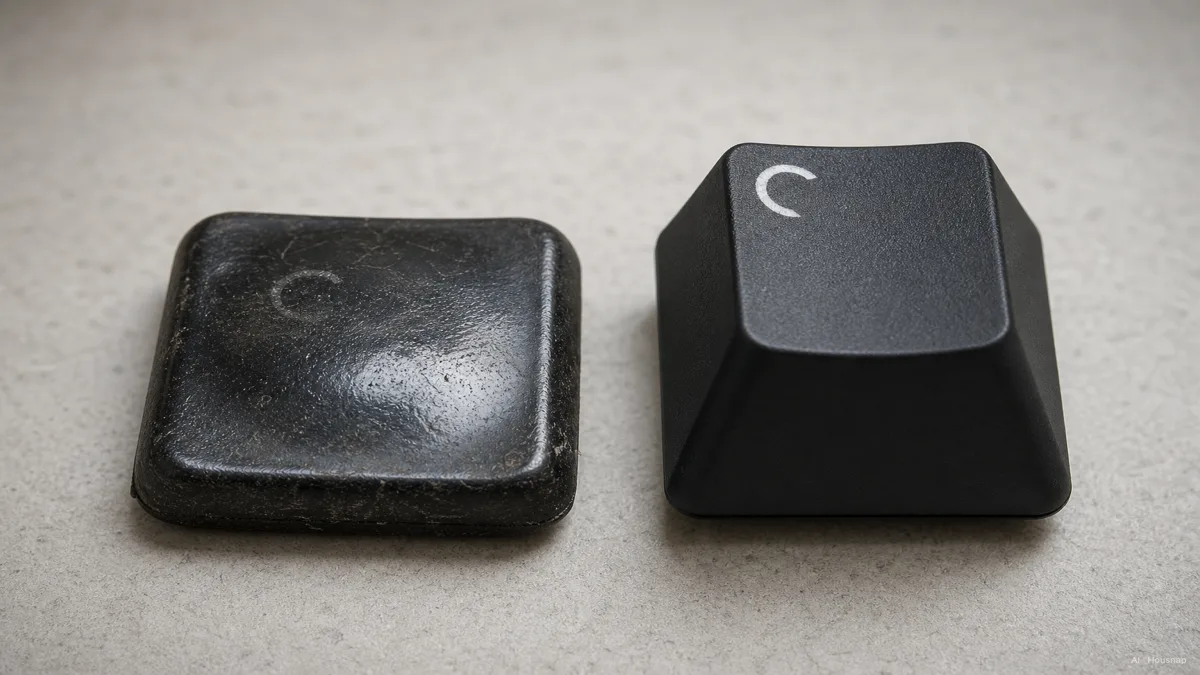
This illustration is not a controlled wear test. Keycap appearance can't prove which mechanism lasts longer. CORSAIR describes shine resistance and double-shot lettering as keycap properties; assess those separately from the switches.
If you expect to change the feel, compatible hot-swap is worth comparing. If you don't, give more weight to the complete keyboard's price, warranty and return terms. Spare switches and keycaps needn't be part of the first purchase.
Turn your preference into a shortlist
Keep one membrane candidate and one mechanical candidate until you've checked the details below. Include scissor keys on the membrane side if shallow travel is what you liked.
- Keys you actually use. Locate the number pad, arrows, function keys and language-specific keys in the exact layout photo. Check the manual for any shortcuts that require an Fn combination.
- Your computer. Confirm the connector, operating-system support and any software needed for the features you want.
- Game combinations. Check simultaneous-key support, often called rollover, and the combinations you use. It isn't exclusive to mechanical boards: the rubber-dome CORSAIR K55 RGB specifies 8-key selective rollover. “Selective” isn't a promise that every eight-key combination works.
- The exact purchase. Compare the same layout, switch option and hot-swap version across sellers, along with return and warranty terms.
If both candidates pass, choose membrane when the mechanical feel doesn't justify the difference to you. Choose mechanical when you've found a feel you prefer or a replacement option you expect to use. If connection type is the remaining question, continue with wired versus wireless keyboards.
Hoe deze gids is opgebouwd
AI wrote this guide for Chexlow using CHERRY mechanism and switch documentation, Lenovo's overview, Keychron's compatibility guidance and CORSAIR specifications. It focuses on a first purchase and separates documented features from editorial selection advice; it does not report hands-on testing.
Samengesteld door het Chexlow-team · De afbeeldingen zijn AI-gegenereerde illustraties