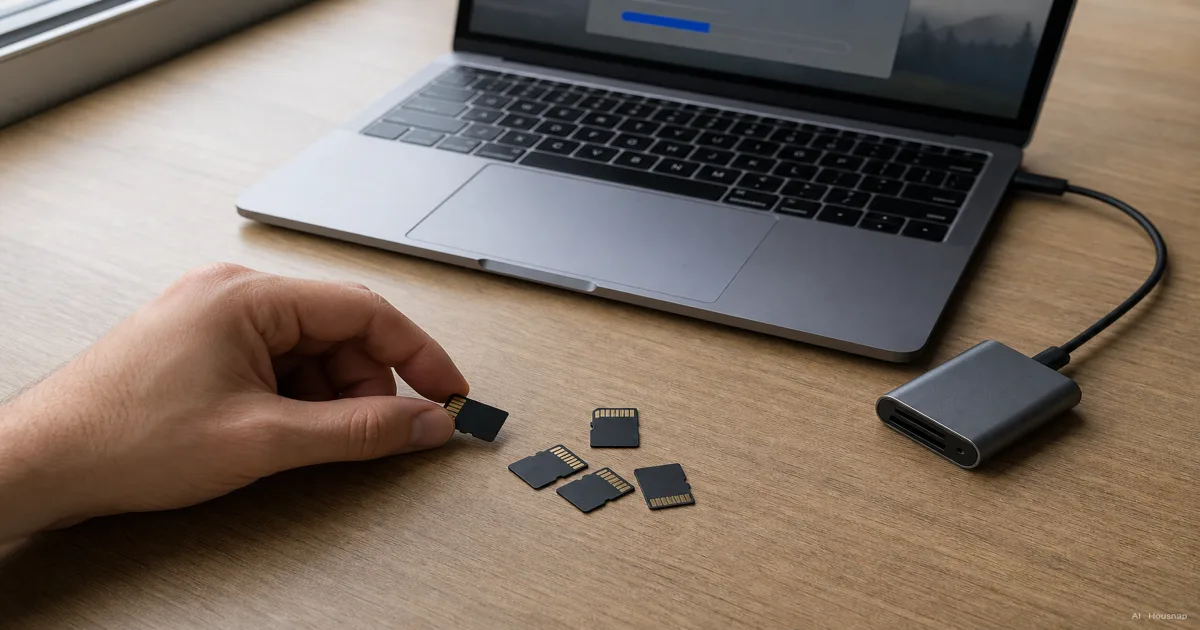
Start with the device, including its exact model
Before comparing cards, write down the device model, supported card format and maximum capacity from its manual. An SDHC-only device cannot use an SDXC card just because it fits. Check the SD Association’s compatibility guide if those letters are unfamiliar.
Buying for a Switch 2? Look for microSD Express first. Conventional microSD cards work in the original Switch, but Switch 2 needs Express for expanded game storage. An A2 or V30 logo is not a substitute for Express. Nintendo’s compatibility guidance separates the two generations.
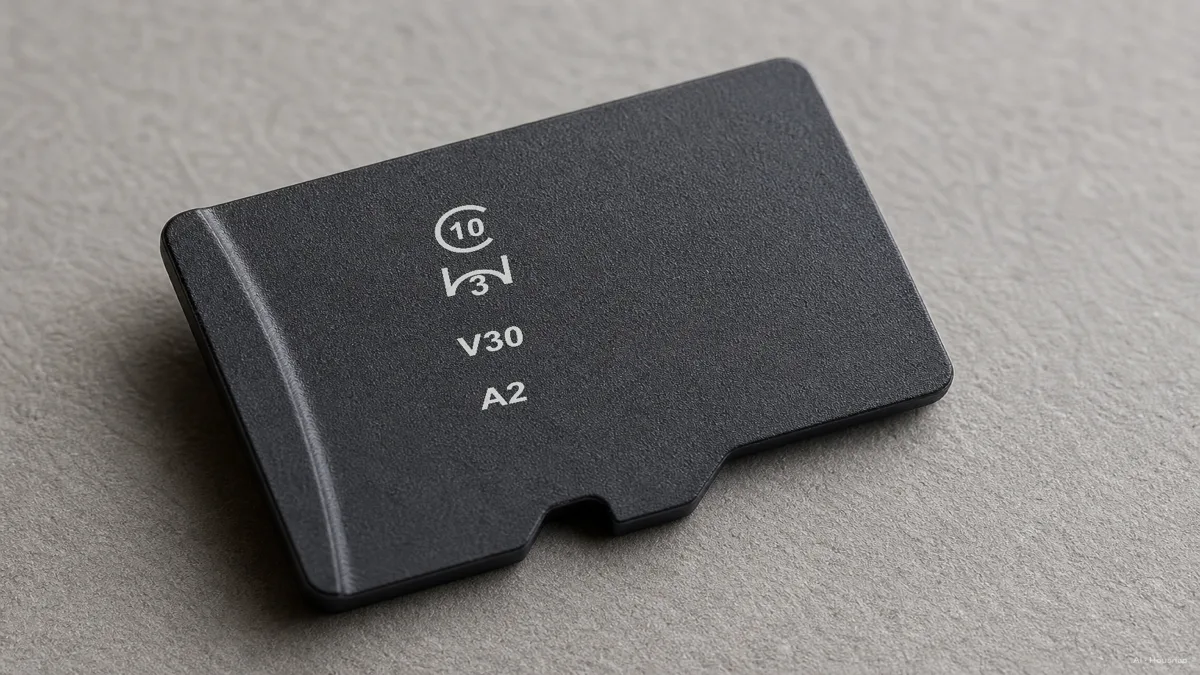
Read the speed symbol, not just the biggest number
Keep this small decoding list beside the product listing. These are minimum write rates under the relevant standard’s conditions, not promises about every transfer:
- C10 or U1: 10 MB/s.
- U3 or V30: 30 MB/s.
- V60 or V90: 60 or 90 MB/s.
These thresholds are listed in Kingston’s speed-class guide. Equal numbers do not make different class families interchangeable: match the symbol family your device specifies, then meet or exceed the required rating. That is the SD Association’s matching rule.
For video, choose the recording mode before the card
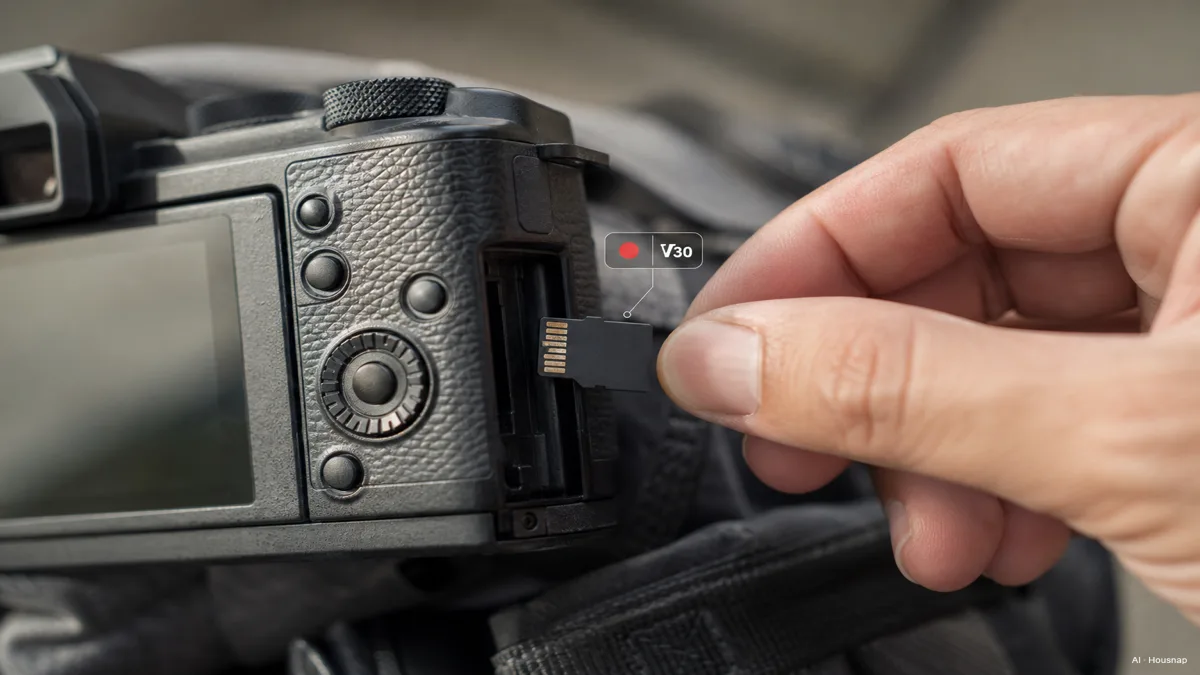
Find the card requirement for the resolution, frame rate and recording mode you will actually use. “4K” on a product listing is not enough information to select a card. If the manual specifies V30, look for V30 or an explicitly supported higher option, rather than relying on U3 alone.
V60 and V90 require UHS-II operation or faster under the SD standard. Do not assume buying one unlocks those ratings in a UHS-I device. Also check whether the camera accepts microSD directly or specifies another card format; the illustration below is a use-case image, not an insertion guide for every camera.
The interface describes how the card and device communicate. Standard UHS-I reaches 104 MB/s and UHS-II reaches 312 MB/s, but those are bus rates, not assured recording speeds. The SD Association distinguishes interface speed from actual performance. For this purchase, satisfying the camera’s requirement comes before chasing a higher interface number.
For apps and games, ask what A2 can actually change
A1 and A2 rate small random accesses as well as sequential performance. IOPS means operations per second; here the operations use 4 KB blocks under specified test conditions. SD Association
- A1: minimum 1,500 random-read and 500 random-write IOPS.
- A2: minimum 4,000 random-read and 2,000 random-write IOPS.
- Both: 10 MB/s minimum sequential performance. Nextorage’s specification summary
A2 performance requires an A2-compatible host as well as the card. Treat the logo as a reason to check device support, not as a promise that games will load twice as fast. SD Association
Valve specifies UHS-I for Steam Deck’s microSD slot. That interface specification alone does not establish A2 support. For a phone, check whether it allows the intended apps on removable storage. For either device, compare compatible cards at the capacity you need rather than paying extra for A2 on assumption. If a manufacturer explicitly requires A2, follow that requirement.
For continuous recording, check endurance separately
For a dash cam or security camera that repeatedly records to the card, shortlist cards whose manufacturer explicitly supports that workload. Then check the camera’s speed and capacity requirements too.
For example, Kingston’s High Endurance line targets write-intensive camera use, yet its listed speed class is U1/Class 10. “High endurance” therefore does not mean “meets a V30 requirement.” This is a distinction to check, not a recommendation of that card for every camera.
If you have not chosen the camera yet, first decide how many dash-cam channels and which recording setup you need, then check that model’s card requirements.
Turn the requirements into a shortlist
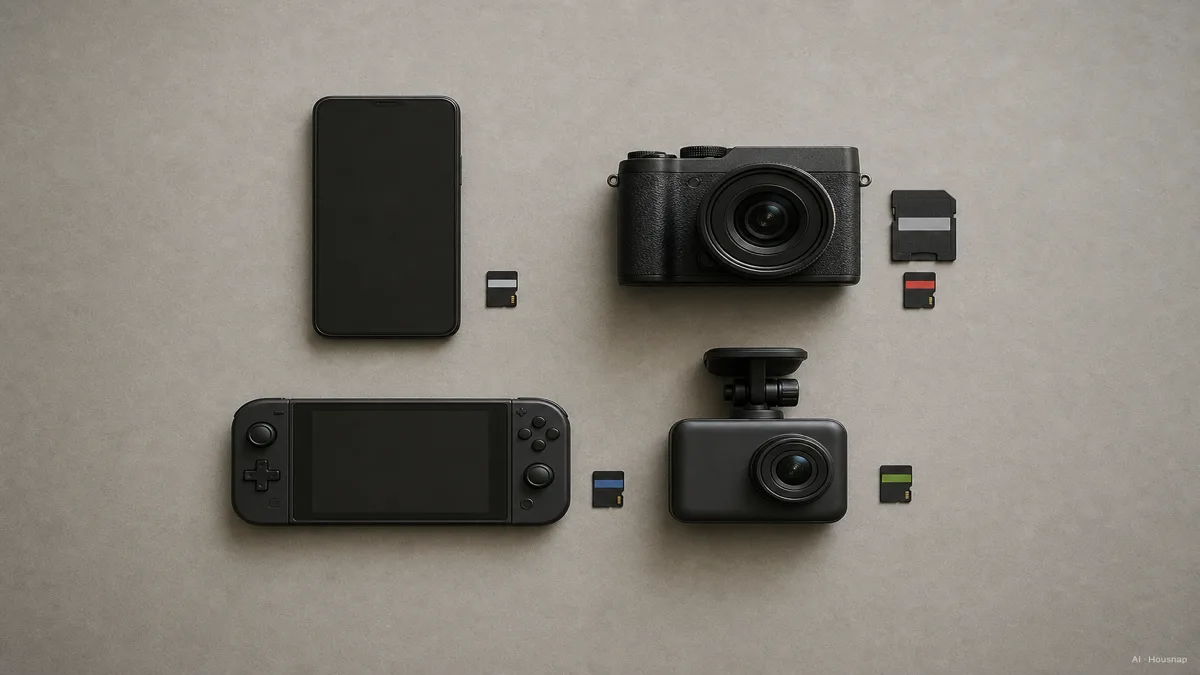
Use the illustration to choose your use case, then compare cards against your own device rather than treating each icon as a universal recommendation.
- Compatibility first. Record the exact format, interface and supported capacity.
- Required markings next. Copy the manual’s symbols and any recommended card models, including capacity variants.
- Workload check. Add confirmed A2 support or a recording-endurance requirement where relevant.
- Capacity last. Estimate the games, files or recordings you want to keep between transfers. Compare prices only after candidates meet the same requirements.
A useful shopping note is specific: “microSD, supported capacity, the manual’s required class, and continuous-recording approval if needed.” If a listing leaves one of those unclear, check the card manufacturer’s specification before choosing it.
For footage you want to keep after reusing the card, plan a separate copy. If you need somewhere to put it, compare an external SSD and HDD for your photo and video storage.
Hoe deze gids is opgebouwd
Written by Chexlow AI using SD Association standards and official documentation from Nintendo, Valve, Kingston and Nextorage. The guide turns those requirements into a first-purchase checklist; it does not report hands-on card testing or promise a particular device’s performance.
Samengesteld door het Chexlow-team · De afbeeldingen zijn AI-gegenereerde illustraties