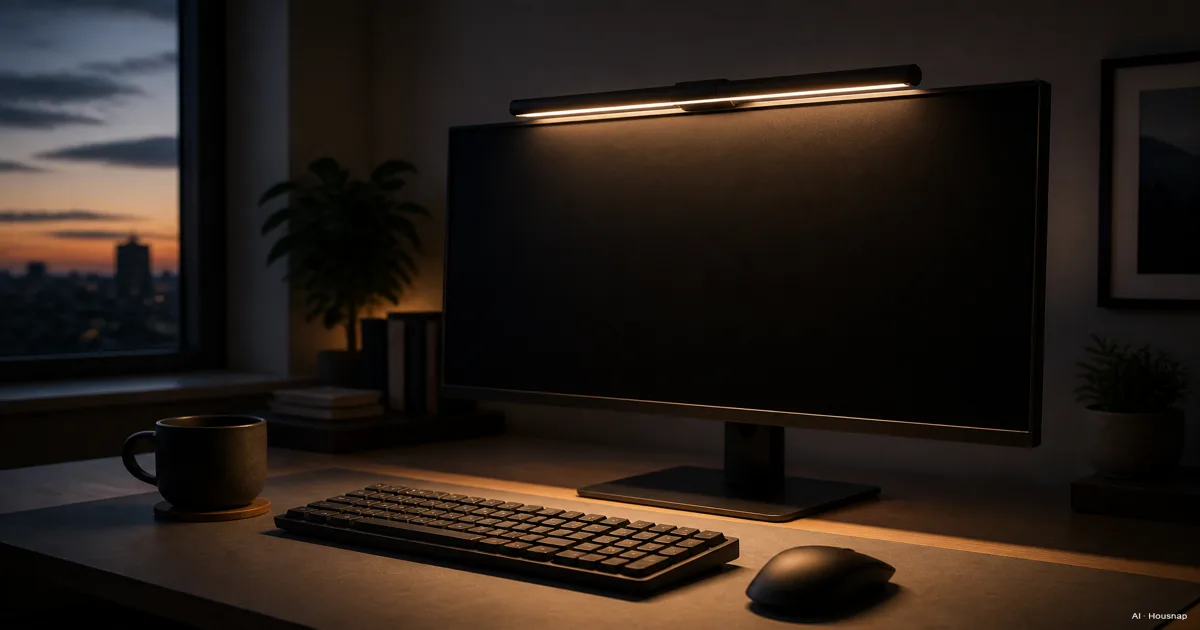
Decide where you actually need the light
Put your keyboard, notebook and other work where you normally use them. If the area to illuminate stays in front of the monitor, a light bar is a sensible shortlist; if you move between papers and objects beside the screen, consider a movable desk lamp. That distinction is also the basis of BenQ’s lighting comparison.
“Asymmetrical” describes a beam directed toward the desk rather than spread equally around the lamp. ScreenBar’s optical design uses this approach, but a glare-free illustration is not a guarantee for your installation.
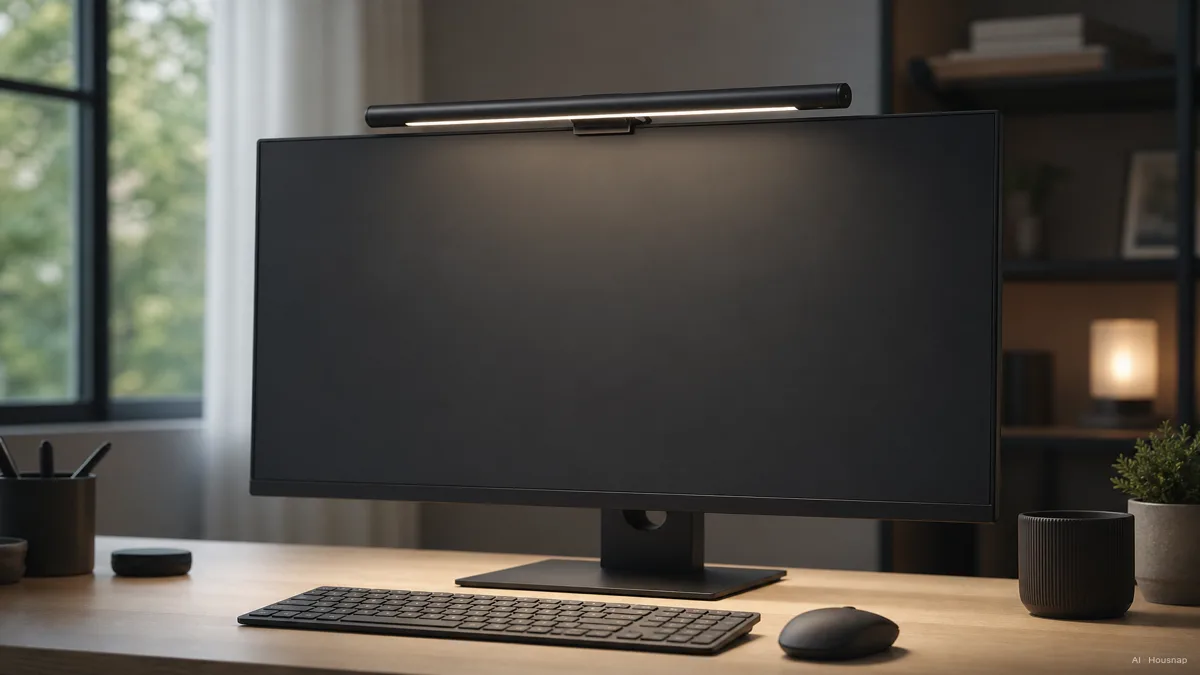
Keep a desk lamp that already lights your work well. If a movable lamp fits your tasks better, the next decision is which desk-lamp color temperature to choose.
Clear the mounting and power checks first
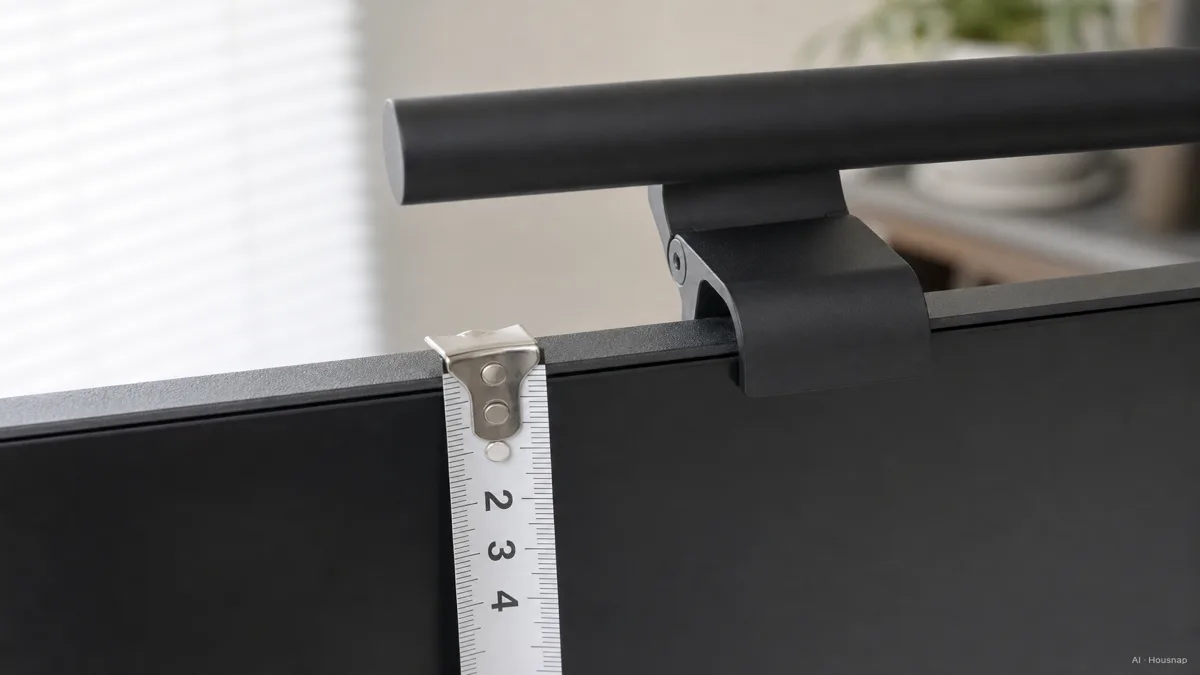
Measure the monitor’s front-to-back thickness where the clamp will sit, not just the visible border around the picture. Note the rear shape, curvature and camera position, then compare them with the exact light bar’s mounting instructions.
- Check the model, not the family name. The original ScreenBar specification lists 1–3 cm. Other ScreenBar models have different limits.
- Resolve borderline fits. Halo 2’s specification page says 0.43–6 cm, while a shared BenQ FAQ says 0.43–6.5 cm. If your monitor falls in that disputed interval, ask BenQ to confirm the exact combination before ordering.
- Leave room for the camera. Check that the clamp and bar can coexist with your webcam. For a laptop, require explicit compatibility: Xiaomi does not recommend its Mi Computer Monitor Light Bar for laptops.
Read the electrical rating as carefully as the clamp diagram. The Mi model specifies 5 V/1 A; Halo 2 specifies 5 V/max. 3 A. A matching USB connector alone does not settle the power requirement. Check the intended port or supplied adapter against the model’s instructions before deciding you need another accessory.
Compare the lit area, then the adjustments
Lux and lumens answer different questions. Lux describes illumination at a surface; lumens describe emitted light. The Department of Energy’s lighting definitions distinguish surface illumination from light output. For this purchase, ask how much of your work area is lit at the stated level.
For example, BenQ lists 60 × 30 cm at 500 lux for ScreenBar, alongside a separate center reading of 930 lux at 45 cm. Do not treat the brighter center figure as the whole desk’s brightness. Ask for the coverage diagram and measurement height, then compare them with your notebook and keyboard positions; bar length alone is not a coverage measurement.
Color temperature changes the light’s color, not the size of the lit area. The Mi light bar’s 2700–6500 K range is one example, not a compulsory range for every buyer. Pick usable brightness and color settings over the widest headline range.
Continuous adjustment is also a preference, not an automatic quality verdict: ScreenBar offers 15 brightness levels and eight color-temperature settings. For “flicker-free” claims, look for model-specific documentation rather than treating a badge as proof of overall comfort; Xiaomi’s page provides a test-report reference.
Pay for a feature you will actually use
Choose the simplest bar that passes the fit, power and coverage checks. Then decide which inconvenience you want to remove.
- Reaching up to change settings. A remote may be useful. It is not exclusive to one premium tier: Mi Computer Monitor Light Bar includes one.
- Repeated brightness adjustments. Consider automatic dimming. Check how the controls let you return to your preferred manual setting.
- Wanting light behind the screen as well. Look at a model with rear lighting. Halo 2 offers front/rear adjustment and automatic brightness control. Its motion sensing can switch the light off after five minutes without significant movement, a detail to consider if you sit still while reading.
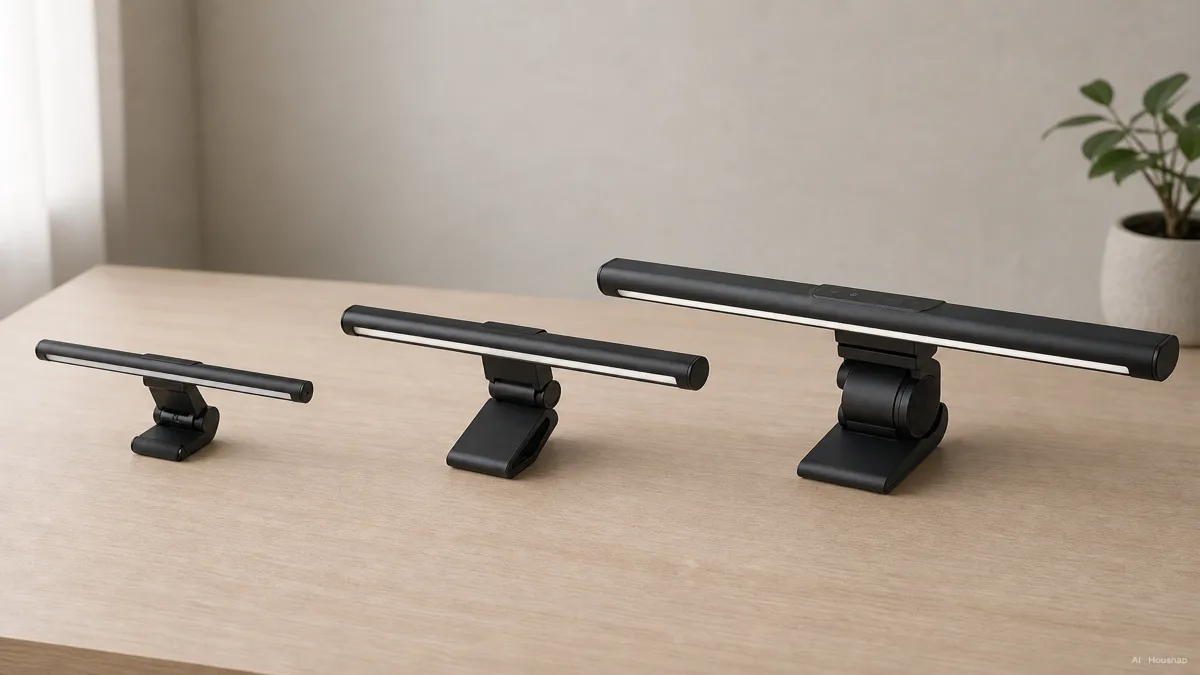
The illustration shows feature tiers, not tested products or a promise that the largest bar performs best. Compare exact models; price alone does not establish glare control.
Before ordering, check the return terms so you can assess the fit in your own setup. Once installed according to the manual, check the full page, keyboard and screen from your usual seated position. Adjust the light within its permitted range; if you cannot get useful illumination without distracting reflections, reconsider the model or lamp type.
Hoe deze gids is opgebouwd
Written by Chexlow’s AI editor using BenQ and Xiaomi specifications and product documentation, plus U.S. Department of Energy lighting definitions. This guide organizes those sources into first-purchase checks; it does not report hands-on testing or a new human review.
Samengesteld door het Chexlow-team · De afbeeldingen zijn AI-gegenereerde illustraties