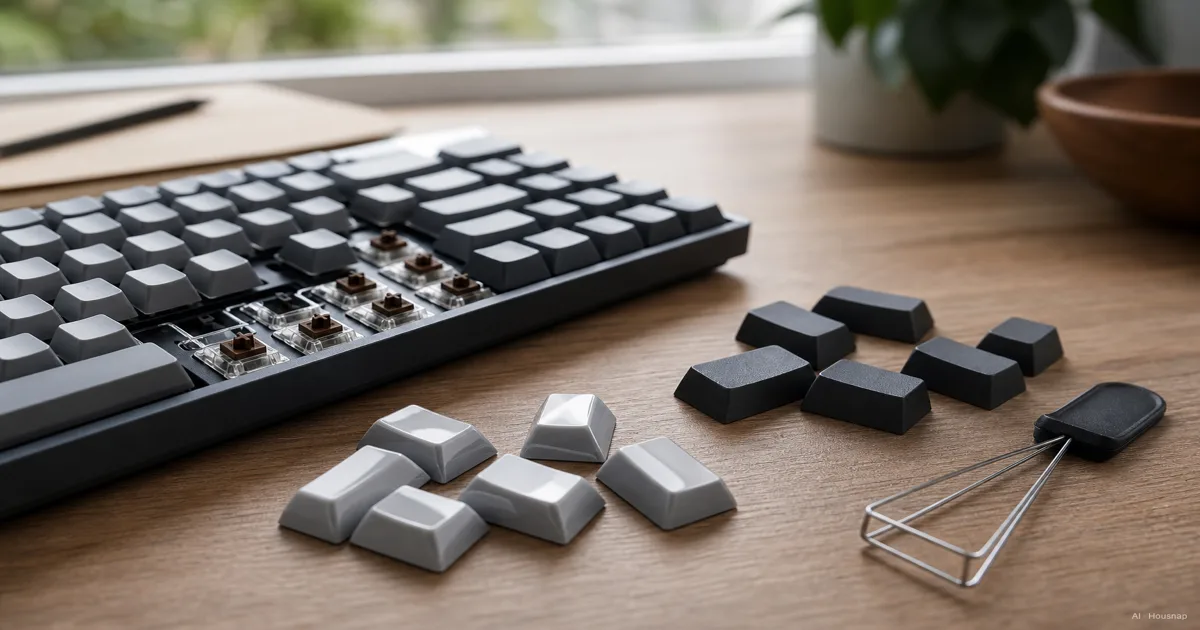
Choose what you want to change
Before comparing plastics, name the reason you want new keycaps: the surface, the design, the lettering or the shape. That gives you something more useful to shop for than a material ranking.
- Start with PBT if keeping the surface from becoming shiny is your main concern. Check the individual set's finish and compatibility before committing.
- Keep ABS on your shortlist if an ABS set has the design or finish you want and you accept visible wear. ABS is not automatically a budget compromise: Keychron's comparison also discusses premium ABS construction.
Compare complete sets that meet your requirements. A material label alone does not tell you whether the package includes every key you need.
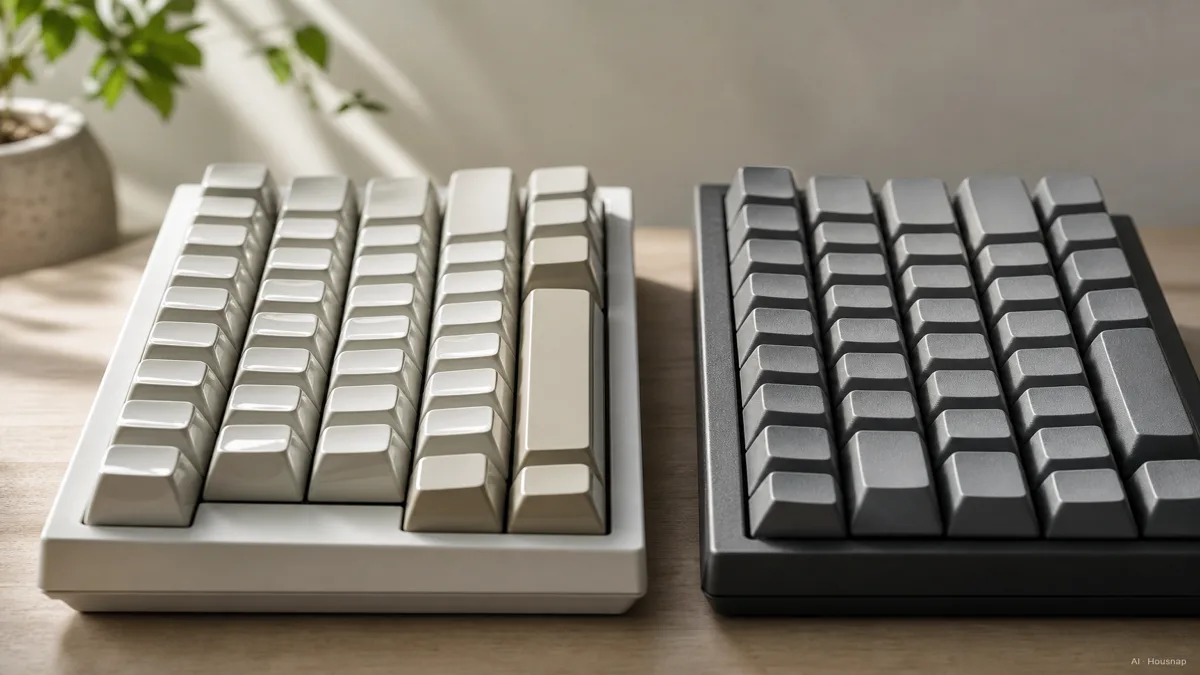
Decide how much surface wear matters
PBT generally wears more slowly than ABS, according to Corsair's material comparison. Treat that as a relative advantage, not a promise of an unchanged surface.
If shiny patches would make you want another set, give wear resistance more weight. If you are comfortable with that change, keep comparing the ABS sets you like. Neither choice needs a predicted replacement date.
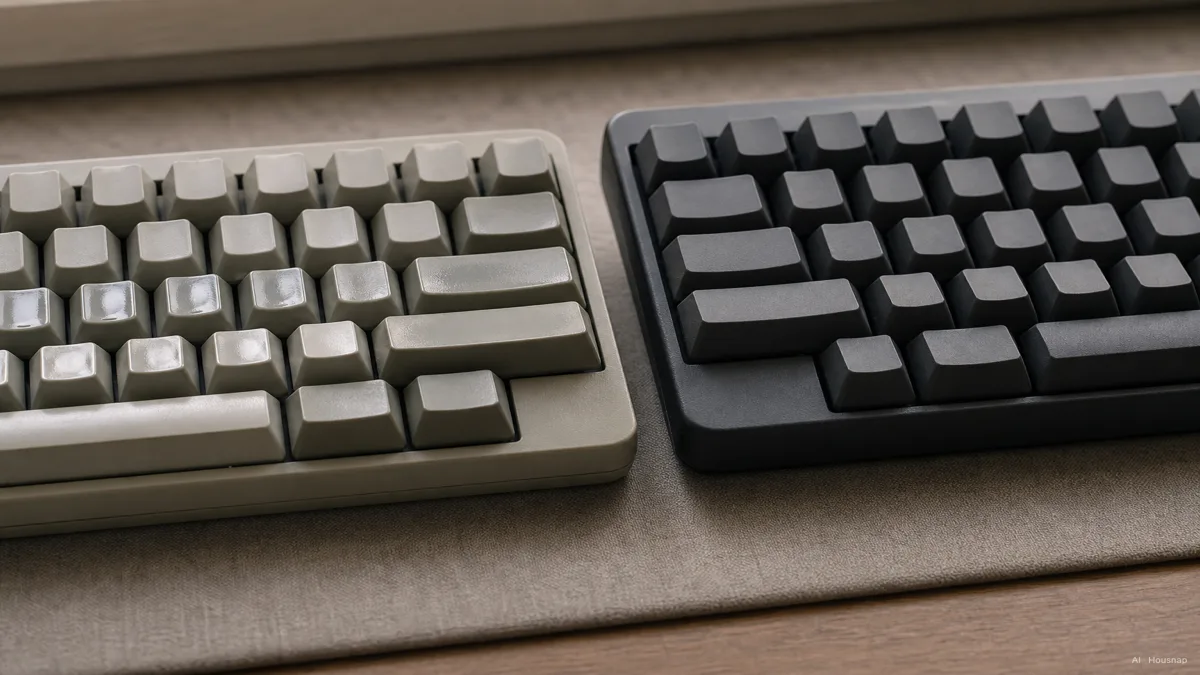
This illustration shows the visual contrast, not a controlled wear test or a guaranteed lifespan. Keeping the letters readable is a separate buying check.
Check the lettering and lighting separately
Double-shot means the lettering is molded from a separate shot of plastic rather than printed on the surface, as GMK explains. Dye-sublimation uses heat to print the legends, the letters and symbols on the keys. It is a different process, not another name for PBT. Keychron explains both methods.
Double-shot does not automatically mean illuminated letters. Keychron's manufacturing explanation distinguishes transparent and opaque legend materials.
- For letters you can read using the keyboard's lighting, look for explicit shine-through support and photographs of that exact variant with its lights on.
- For an unlit design, inspect the contrast between the letters and the keycap. Do not pay for lighting support you do not need.
- For either choice, require a stated legend method. Ask the seller if the description only says ABS or PBT.
Match the kit to your keyboard
Open your keyboard's specifications beside the keycap kit's layout diagram. Check the exact version, not just a familiar model name.
- Mount and larger keys. Confirm the keycap mount and the stabilizer attachments that support longer keys. Corsair's compatibility guide checks MX stems, stabilizers and the bottom row together. A cross-shaped mount is only part of the answer.
- Layout and included sizes. Compare Enter, both Shift keys, the spacebar and the bottom row individually. ANSI and ISO need different key coverage; Keychron illustrates the Enter and Shift differences. Check your keyboard's own layout, including JIS where applicable, rather than relying on the kit's total key count.
- Height and shape. This is the keycap's profile. Check it alongside compatibility rather than treating a change of profile as automatically impossible. For a low-profile board, require explicit model support: Keychron's low-profile design explanation shows why height and stabilizer positions can prevent a fit.
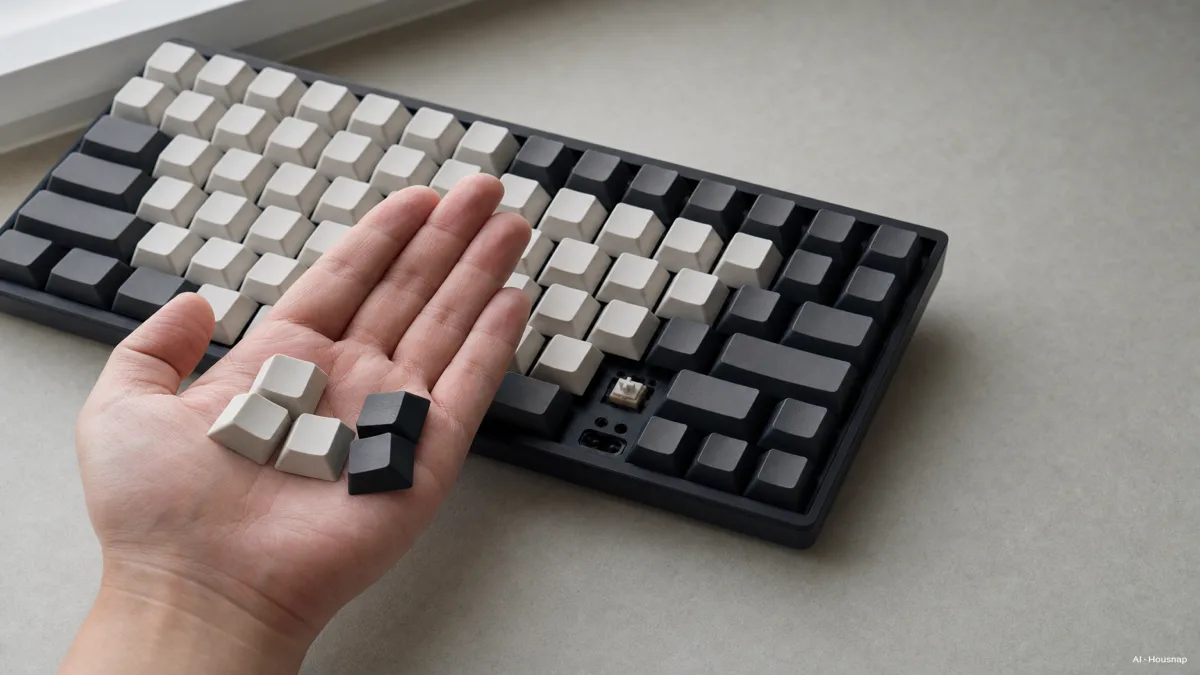
The socket in the keycap fits over the switch stem. Hot-swap refers to replacing switches without desoldering, as Corsair explains; it is not a requirement for changing removable keycaps. Check your keyboard's instructions before removing anything.
If one required key is missing or its fit is unclear, pause the purchase and ask for confirmation.
Make the final choice without chasing a sound label
Do not buy PBT solely because a listing promises a deeper or quieter sound. Glorious explains that switches and the plate supporting them also affect sound and feel. For a useful listening comparison, look for the candidate keycaps on the same keyboard and switches.
If your real concern is an audible click or the sensation during a keypress, read the guide to choosing mechanical keyboard switches before spending on keycaps.
For the purchase itself, narrow the shortlist to one ABS set and one PBT set that pass the fit and lettering checks. Choose the finish and design you prefer within your budget. If neither improves something you care about, keep the set you already have.
Como este guia foi construído
This guide was written by AI for Chexlow, using manufacturer explanations from Corsair, Keychron, GMK and Glorious. It separates material choice from lettering, lighting and compatibility so readers can assess a first replacement set. The buying priorities are editorial guidance, not results from hands-on product testing.
Editado pela equipe Chexlow · As imagens são ilustrações geradas por IA