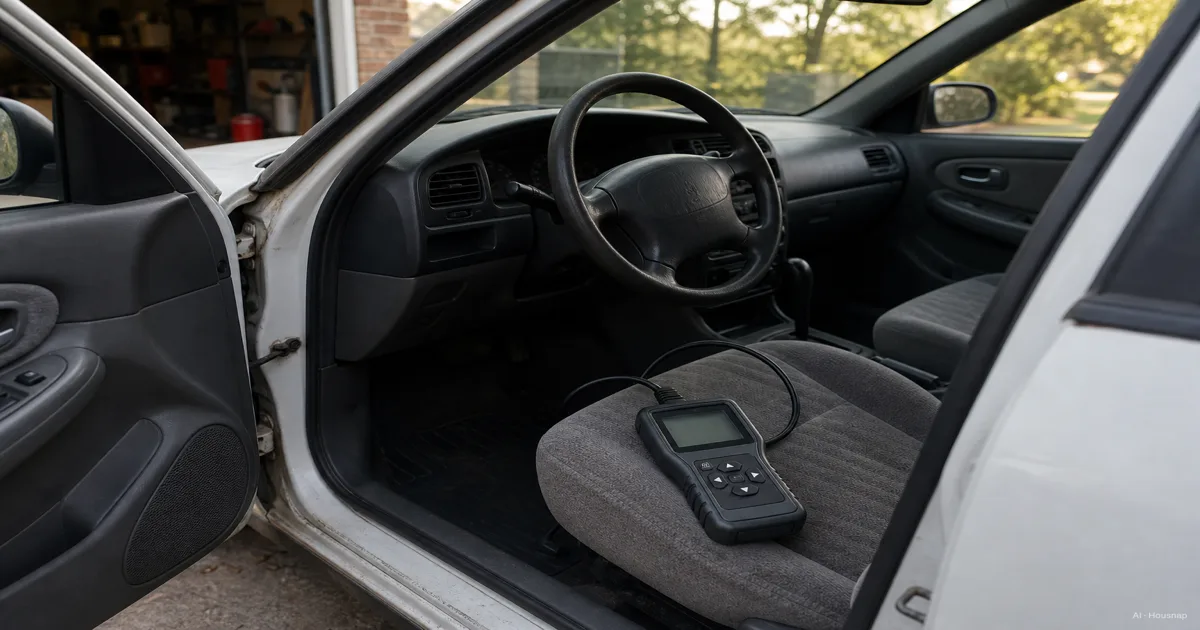
Decide what you need to read
Start with the warning or task, not the scanner's price tier. Standard OBD-II diagnostics focus on emissions-related information; ABS and airbag diagnostics require additional, vehicle-specific coverage. OBDLink explains that distinction.
- Check-engine information. Shortlist readers with code descriptions, live data, freeze frame and readiness status.
- ABS or airbag warnings. Require explicit support for that system on your car. A general claim that the brand is supported is insufficient.
- A maintenance procedure. Write down the exact reset or test you intend to perform and verify it separately from code reading.
If your actual goal is backup starting power for a discharged starter battery, move to the jump starter buying guide. That is a separate purchase with its own battery requirements: for example, NOCO specifies 12-volt lead-acid batteries for the GB40.
Check the car before choosing the device
Record the make, model, model year, engine and original sales market. OBDLink's vehicle support guide explains why a 16-pin socket alone does not prove OBD-II compatibility. Its 1996-and-newer coverage statement concerns cars and light trucks sold new in the US, not every vehicle worldwide.
For an import, older vehicle, hybrid or EV, get confirmation for the exact vehicle and intended function. Do not translate a US model-year claim into a local-market guarantee.
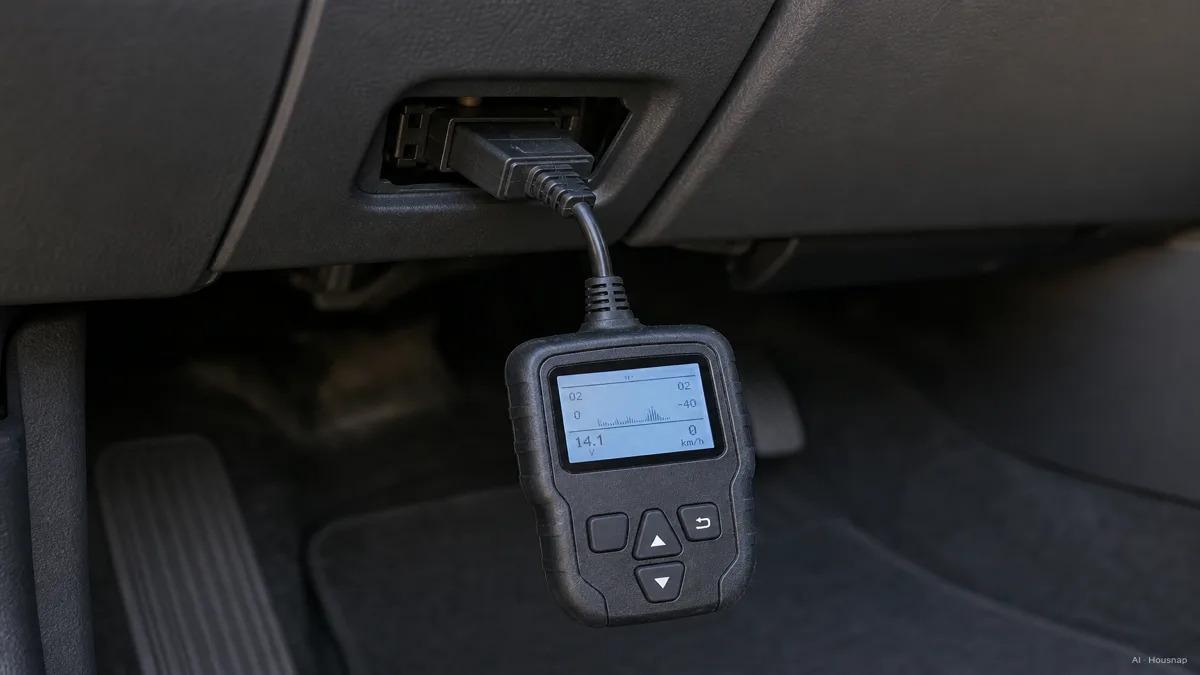
Ask the scanner maker: “Does this exact device read this system or perform this procedure on my vehicle?” Include the VIN if requested. Autel's coverage instructions distinguish device model, vehicle and function. Unconfirmed coverage is a reason to pause the purchase.
Choose the screen, then inspect the data
A phone adapter makes sense if you want to use your phone for reports and graphs. A standalone handheld suits you if you prefer dedicated controls. Neither shape establishes diagnostic depth.
Before buying an adapter, check the exact app, operating system and adapter combination. OBDLink's app list separates those combinations; compatibility with one app does not establish compatibility with another.
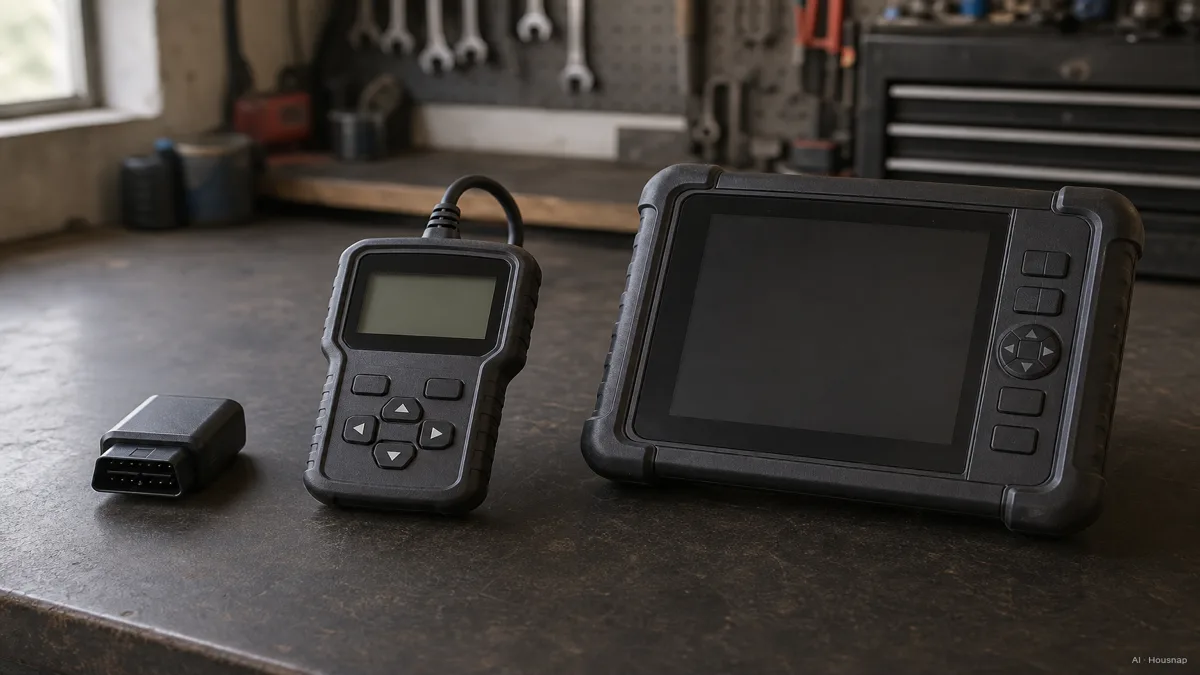
Compare the manual or a demo screen against this shortlist:
- Live data. Look for readable units and graphs for the values you need. PIDs are identifiers for individual parameters; your car may support only part of a tool's advertised list. OBDLink's data list makes that limitation explicit.
- Freeze frame. This is saved operating data associated with a fault, useful when the symptom is absent now. Check whether you can save or export it; OBDLink's diagnostics guide shows a report workflow.
- Readiness. Look for emissions-monitor completion status. The Autel AL519 manual also documents live data and freeze frame, so these are not phone-only features.
A larger service tool earns consideration when a specific supported task demands it. “Bidirectional” means sending commands to operate components during tests, as described for the Autel MK808BT Pro. Buy that capability for a defined procedure, not as a promise of automatic diagnosis.
Compare the complete cost before checkout
Make one shortlist for each confirmed option and add the device, required app and any necessary software access. OBDLink includes its own app, but its FAQ notes that add-ons and third-party apps may cost extra or require a subscription. Do not assume every phone-based scanner has recurring fees either.
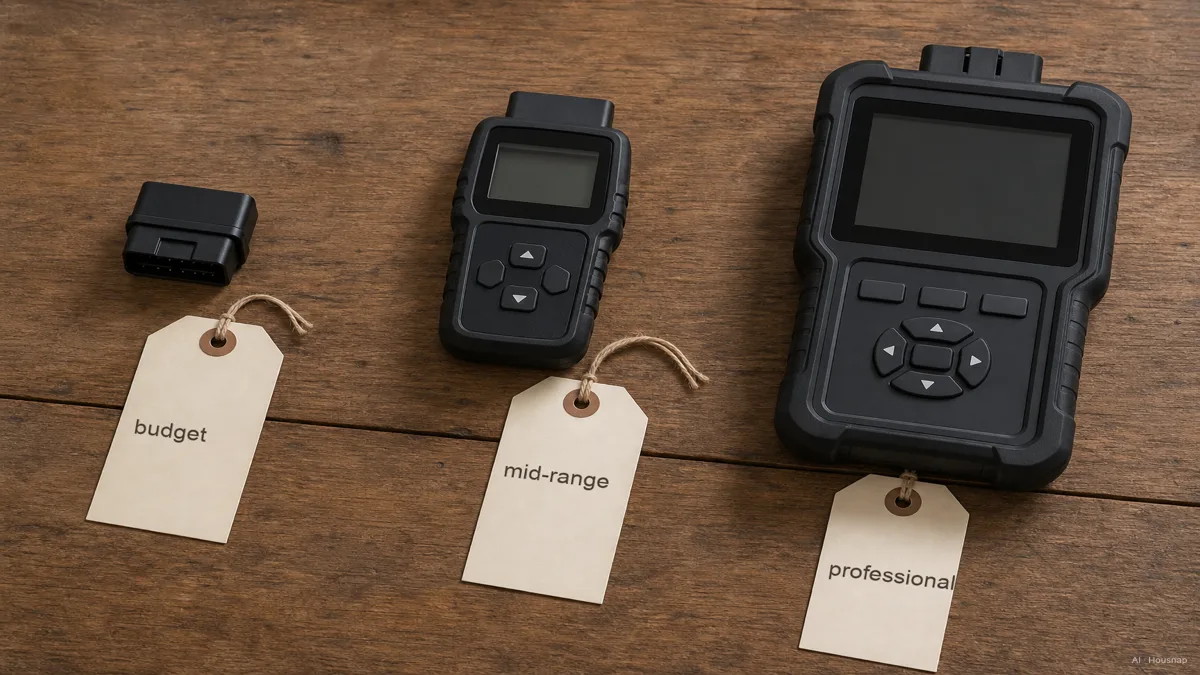
The budget, mid-range and professional labels are useful prompts, not compatibility grades. Ask what a higher price adds on your car. If the answer is only more advertised brands, keep comparing.
Before paying, obtain a clear answer about included functions, renewal terms and what remains usable if you do not renew. Keep the coverage confirmation and check the seller's return conditions. Prefer the simplest option that meets your confirmed requirements.
Make the first scan a record, not an erase command
Follow the device manual's connection and ignition instructions. Save the codes and available freeze frame before clearing anything: OBDLink warns that clearing deletes freeze frame. The Autel manual also explains that clearing can reset readiness monitors and that codes identify a problem area, not a confirmed replacement part.
Use that record to discuss the next diagnostic step with a repairer. A flashing check-engine light calls for prompt attention, not a longer shopping session; follow the vehicle handbook and seek service. EPA explains the misfire risk.
Como este guia foi construído
Written by AI for Chexlow, using OBDLink support documentation, Autel product documentation and manuals, NOCO specifications and EPA guidance. The editorial focus is choosing a first scanner by vehicle, task and software requirements; this is document-based guidance, not a hands-on product test.
Editado pela equipe Chexlow · As imagens são ilustrações geradas por IA