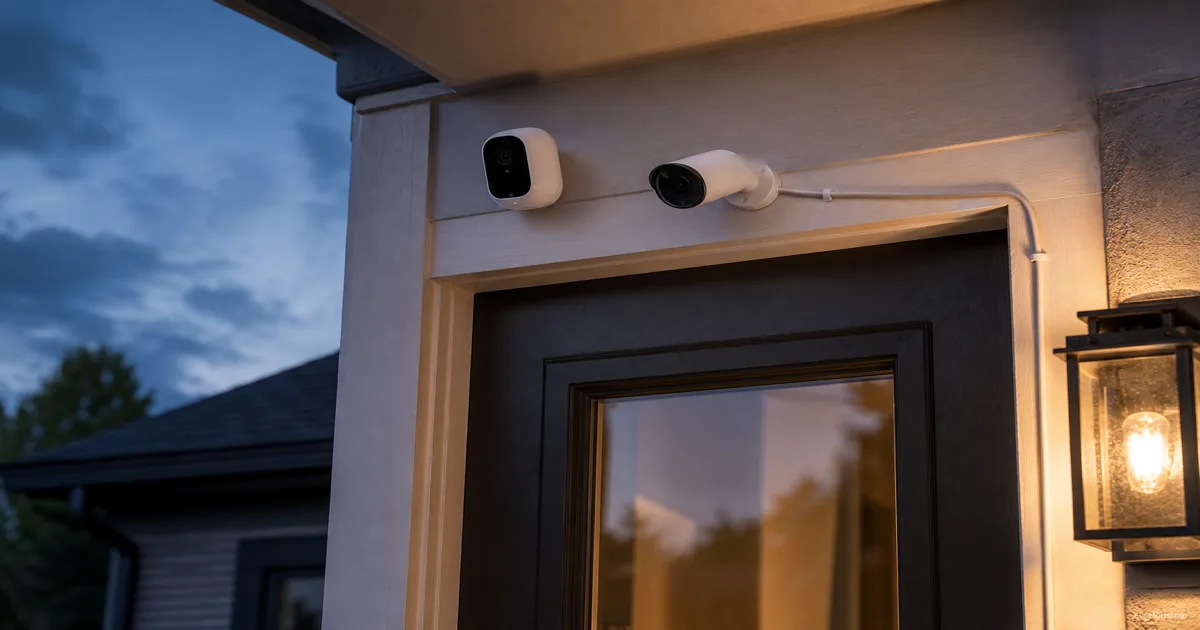
Decide what must be recorded
Start with a concrete question: do you only need a clip when someone arrives, or do you need to look back through a whole stretch of time, including quiet moments?
- Event clips are enough. Keep battery cameras on your shortlist if you can accept the selected model's clip limits and charging routine.
- The full timeline matters. Make continuous recording an explicit requirement. A power cable alone is not proof that the camera and storage service support it.
For example, Google's recording guide says Nest Cam (battery) provides event history on battery; 24/7 history requires external power and an eligible subscription. Check the operating mode, not just the product name.
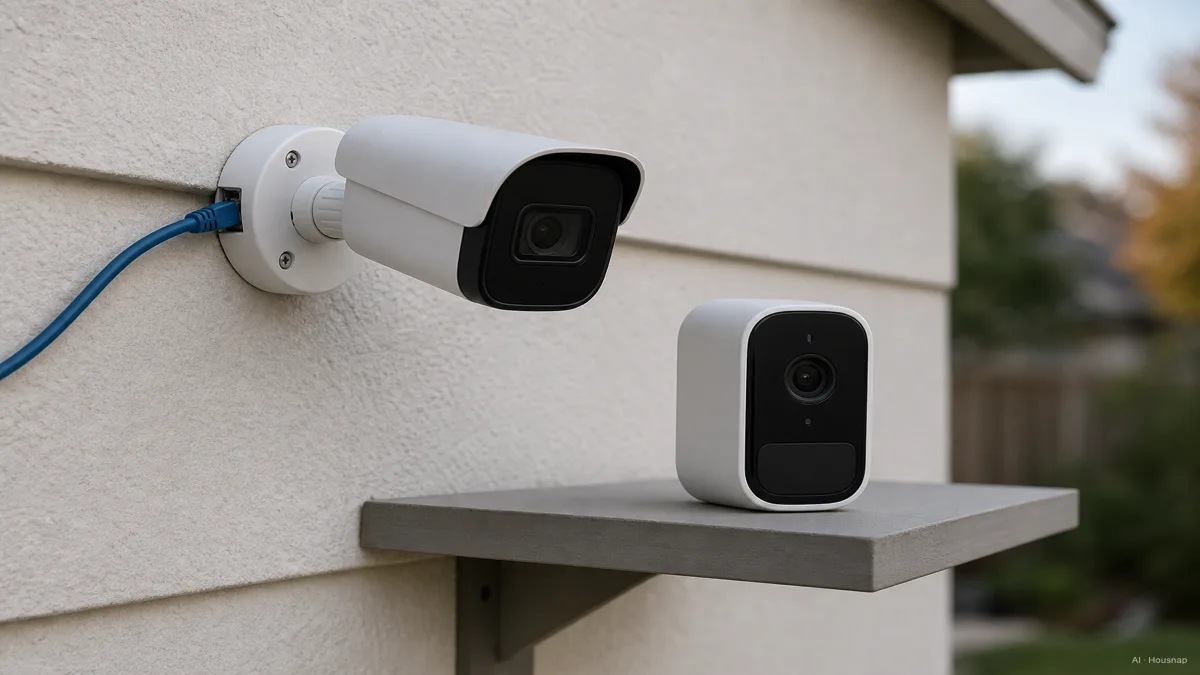
Check which connection your location allows
“Wired” can describe power without describing how video travels. Tapo C120, for example, takes USB power but connects over Wi-Fi. A nearby outlet therefore does not settle the network question.
PoE, or Power over Ethernet, carries power and video through one Ethernet cable. Lorex explains the camera, recorder and PoE-switch connections. An NVR is a network video recorder that stores camera footage.
- Outlet nearby. Consider plug-in Wi-Fi, then check reception at the intended mounting point and the approved cable route.
- Ethernet route available. Consider PoE; confirm compatible power equipment and recording hardware before buying.
- Neither route practical. Consider battery, but check the mount separately from the power supply.
Cable-free does not guarantee a drill-free installation. Google's Nest Cam mounting instructions use screws on walls and allow magnetic mounting on suitable metal surfaces. For outdoor plug-in use, Google specifies a weatherproof cable.
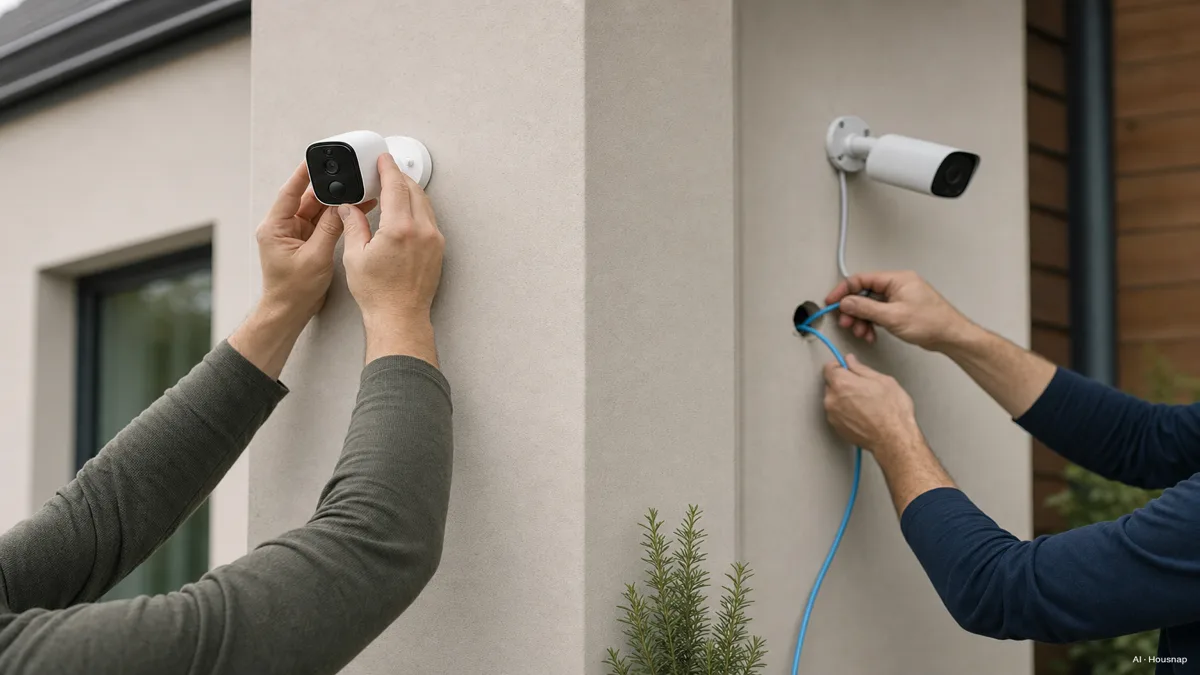
This illustration contrasts the installation tasks; it is not a five-minute installation promise. Check mounting permission and the actual instructions. If the location is exposed, use the indoor-versus-outdoor camera guide to check the housing and viewing requirements before choosing a power type.
Decide whether recharging is realistic
Imagine removing the camera from its planned position, charging it and putting it back. If that means an awkward ladder trip, treat access as a buying constraint.
Google identifies activity, temperature and settings as runtime factors for its battery cameras. Its battery-saving guidance also explains that saving charge can shorten clips and delay the next recording. An advertised runtime is not a fixed charging schedule.
Before accepting battery power, ask which recording settings produced the runtime estimate and whether those settings still capture what you need. If not, reconsider continuous power rather than sacrificing the footage you bought the camera for.
Separate an internet outage from a power outage
Write down two requirements: “save footage locally” and “send an alert to my phone.” Check each independently.
Reolink's PoE guidance shows that supported local recording and playback can continue without internet, while remote access and push notifications cannot.
A battery helps only where the rest of the arrangement allows it. Reolink's outage chart says charged battery Wi-Fi cameras can record to microSD during a power outage; unpowered wired cameras and recorders stop.
Offline storage can also be temporary: Google documents up to one hour of event buffering for a powered-on Nest Cam (battery), uploaded after reconnection. That is not an uninterrupted offline video archive.
If outage recording is essential, ask the manufacturer or installer to confirm the complete power and storage arrangement, including any hub or recorder.
Compare the complete purchase, then choose
For each shortlisted setup, write down the camera, installation, required power accessories, storage and subscription cost for the same period. A two-year comparison includes 24 monthly payments, or two annual payments if billed annually. Add a backup-power quote only if your outage requirement calls for it.
For a camera with card recording, include a compatible card in the budget. TP-Link recommends endurance microSD cards for continuous recording in Tapo/Kasa cameras; check the exact camera's supported capacity and compatibility list. These cards are a supporting purchase for that storage route, not a requirement for every camera.
Your final choice should pass three checks: it records the time span you need, can be installed and maintained at that location, and keeps footage in a way you are willing to pay for. If battery fails the charging check, revisit plug-in or PoE. If wiring is impractical, accept event recording only when it still answers your original question.
Como este guia foi construído
This guide was written by the Chexlow AI editor using Google, Lorex, TP-Link and Reolink documentation. It compares first-purchase decisions about power, recording, installation and storage; the named products illustrate specific documented behavior, not hands-on test results.
Editado pela equipe Chexlow · As imagens são ilustrações geradas por IA