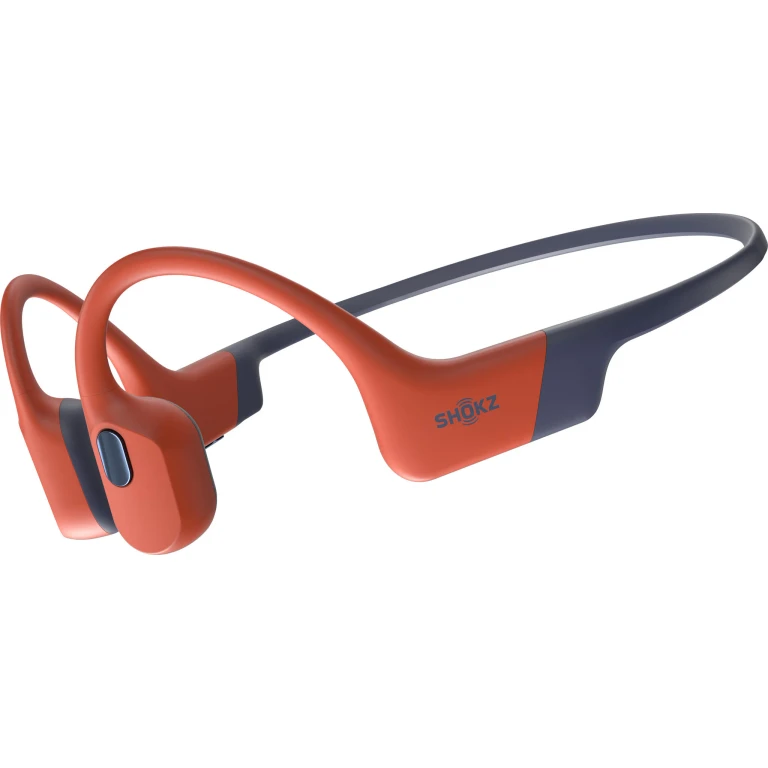
Decide whether you want outside sound or quiet
Picture the place where you will use these most. For a walk or run where you want your ears uncovered, bone conduction is worth trying. For a noisy train where you want to hear a podcast clearly, start with noise-cancelling alternatives: WHO notes that well-fitted noise-cancelling headphones can reduce the need to turn up the volume.
Open ears do not guarantee that you will notice every vehicle or warning. Shokz's own outdoor-use guidance warns that headphones can impair traffic awareness. Pause playback when your attention is needed rather than treating this design as safety equipment.

If you need quiet on the train but outside sound at other times, the next useful comparison is ANC versus transparency mode. Decide which listening problem comes first before picking a headphone type.
Try the contact points before comparing sound
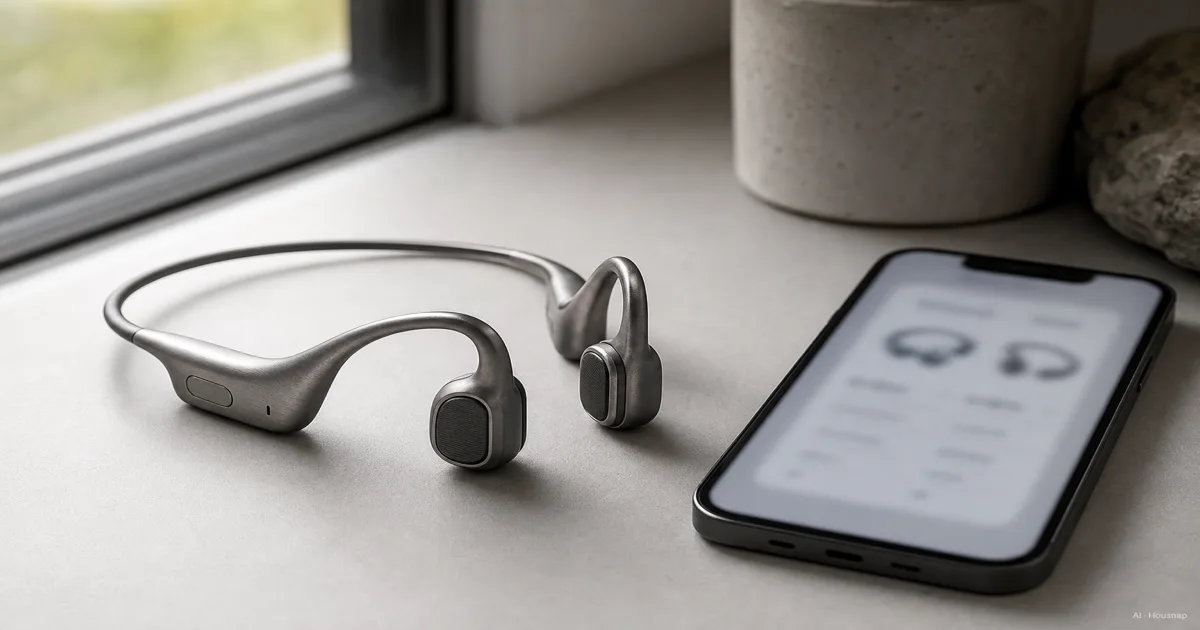
Bone conduction sends vibration through bone to the inner ear, leaving the ear canal open. That explains the pads in front of the ears in the illustration; they need skin contact rather than an ear-tip seal. See Shokz's technology explanation.
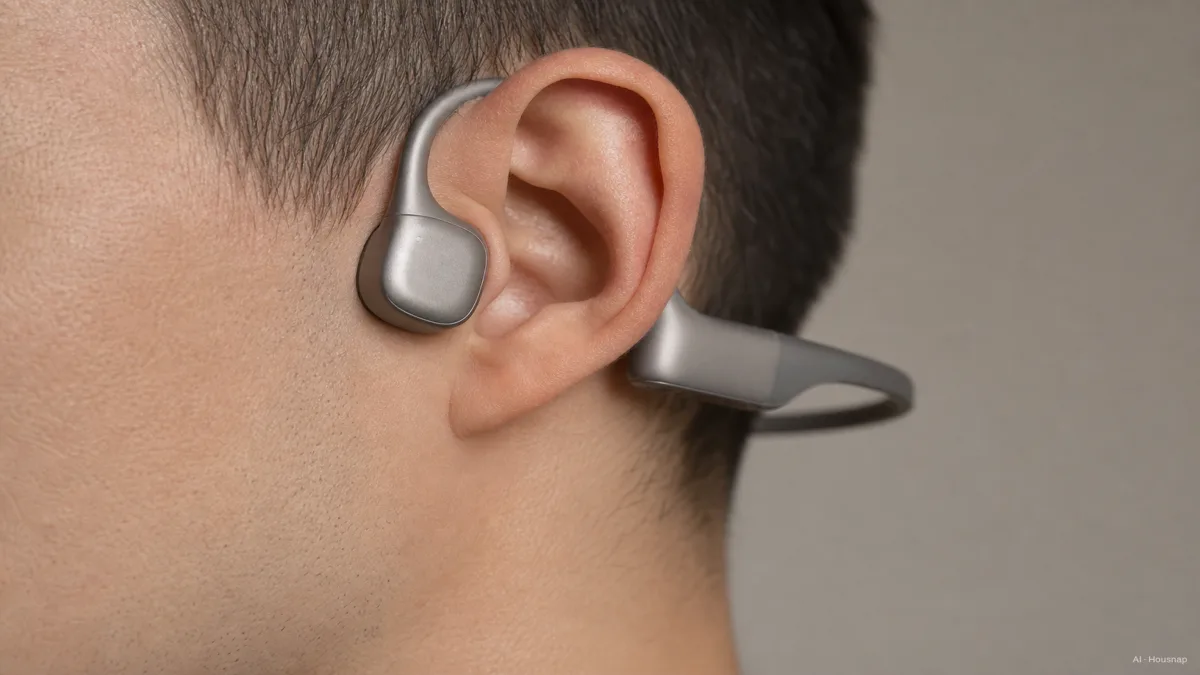
Bring your glasses and any headwear you expect to use. Try turning your head, looking up and pressing pause. Check whether the pads stay in place and whether the rear band catches on your collar. These are practical buying checks, not a promise that a particular frame will fit everyone.
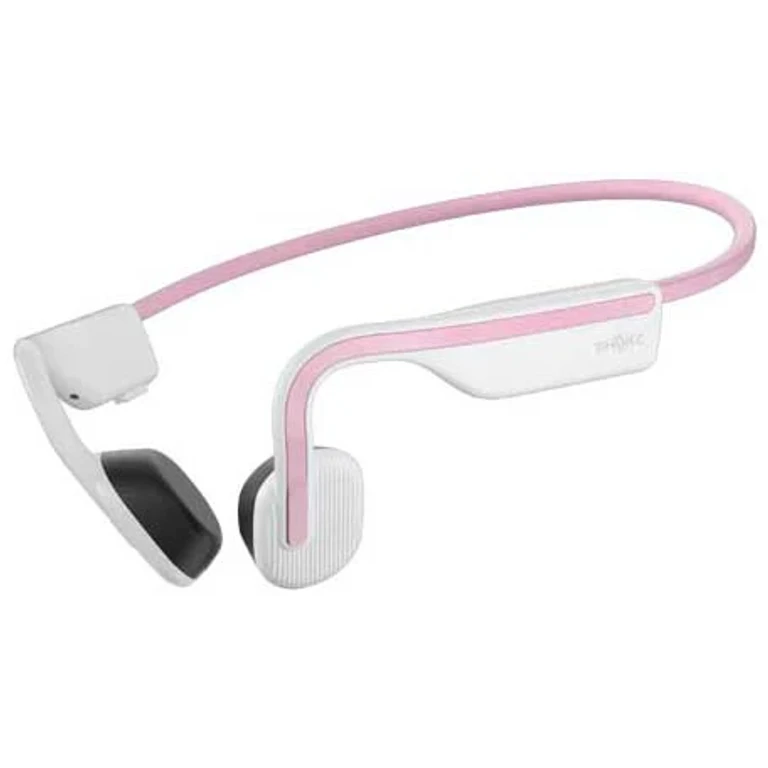
Size options matter more than a universal “comfortable” label. OpenRun comes in Standard and Mini; use the size guidance for the exact model you are considering. If no size sits comfortably and you want an alternative without ear tips, compare over-ear and on-ear fit.
Choose running or swimming before choosing a model
A water-resistance label is not enough to decide this. Look for the manufacturer's stated activity and restrictions, then check how the audio reaches the headphones.
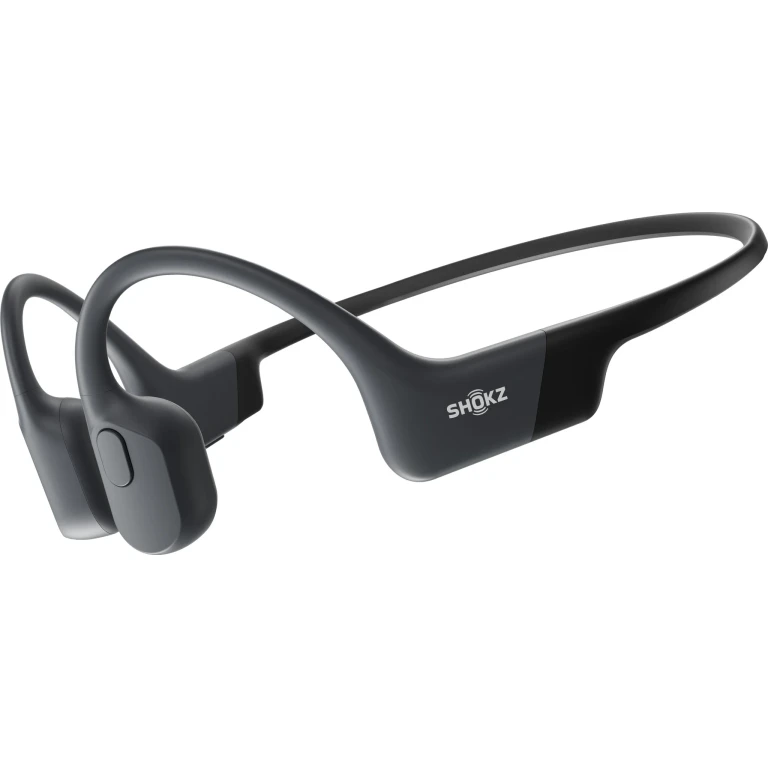
- Land-based listening. OpenRun is rated IP67, yet Shokz specifically advises against underwater swimming. A running model does not become a swim model because its rating sounds reassuring.
- Pool listening. OpenSwim Pro has IP68 protection and 32GB storage, with underwater listening restricted to MP3 mode. Its Bluetooth connection is for use out of the water.
Before buying a file-based swim model, identify the actual audio files you will load. The OpenSwim Pro manual describes computer transfer through the supplied magnetic cable and lists supported formats. Check that workflow against your music source; a storage capacity alone does not tell you whether your library will work.
Narrow the shortlist to features you will use
Keep only models that pass the activity and fit checks. Then compare these three things:
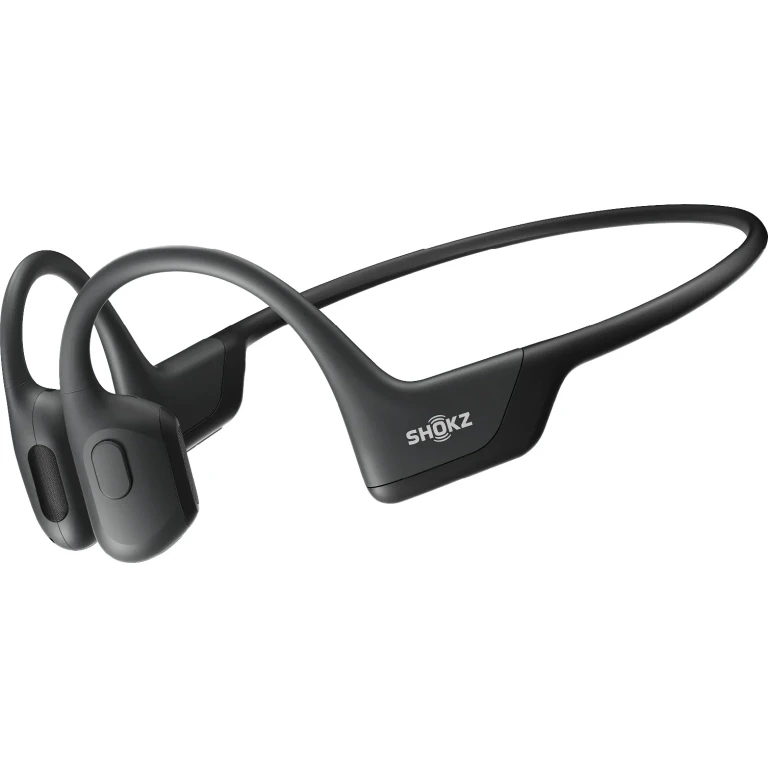
- Sound at a comfortable volume. Try a familiar voice recording and a familiar song. OpenRun Pro 2 combines bone and air conduction drivers, so “bone conduction” does not always mean the same driver arrangement. Decide whether you like the result; driver count alone is not a reason to spend more.
- Runtime in your playback mode. OpenSwim Pro lists up to nine hours over Bluetooth but six in MP3 mode. Compare the figure for your intended use and leave some margin beyond your usual session.
- The exact charging connection. OpenRun listings distinguish magnetic and USB-C versions. Check the selected version and included cable before ordering; the model name alone is not enough.
For a first purchase, pay for the fit, playback method and sound you can actually use. Check the seller's try-on and return conditions if you cannot audition the headphones beforehand. Extra chargers or earplugs do not belong on a default shopping list.
Keep listening volume moderate and take breaks. Bone conduction can still damage hearing at high volumes; uncovered ears are not permission to keep turning it up.
Sources
- Shokz technology
- Shokz hearing-safety explanation
- WHO safe-listening guidance
- OpenRun specifications and FAQ
- OpenRun Pro 2 technical details
- OpenSwim Pro specifications
- OpenSwim Pro user guide
How this guide was built
AI wrote this guide for Chexlow using Shokz product documentation and WHO listening guidance. It focuses on first-purchase suitability, fit and playback requirements; the buying checklist is editorial guidance, not a hands-on product test.
Edited by the Chexlow team · Images are AI-generated illustrations