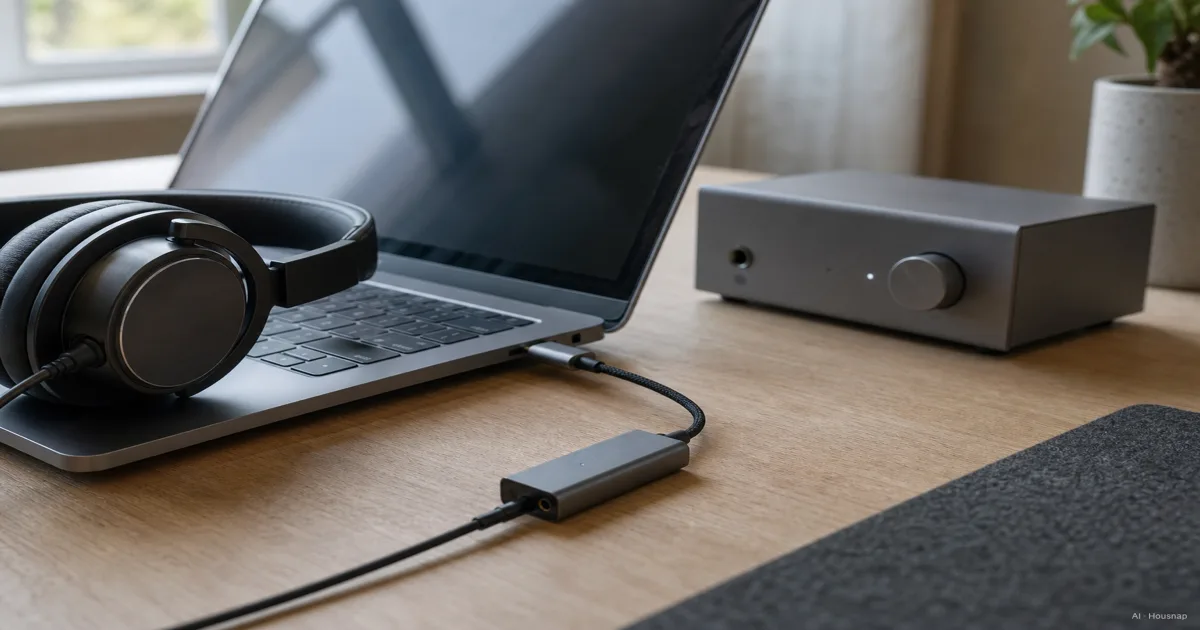
Start with the reason you would buy one
Before comparing products, finish this sentence: “I need this device to fix or add ___.” That answer should be more specific than better sound.
- Nothing is missing. If listening is comfortable and the output is clean, postponing the purchase is a reasonable choice.
- The headphones cannot connect. Look for a DAC/amp with the right digital input and headphone socket.
- Volume or noise is a problem. Check the playback settings, then try another source or pair of headphones before blaming the amplifier. JDS Labs’ troubleshooting guide recommends isolating problems by changing components in the audio chain.
Write down what changes during that comparison. A fault that follows the headphones is a different buying problem from one that appears only on a particular output.
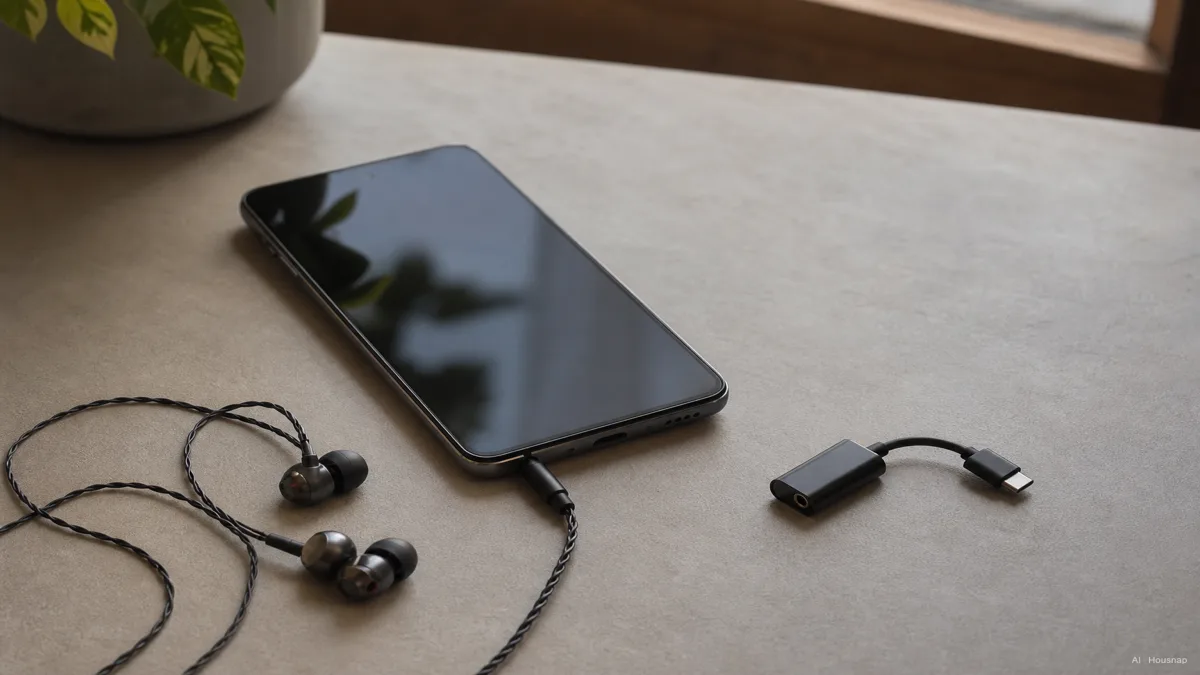
Trace the connection before choosing the box
For a digital source and analog wired headphones, the path is digital audio → DAC → headphone amplifier → headphones. The DAC converts the digital signal; the amplifier supplies the headphone-driving output. JDS Labs explains the two functions.
Draw your intended connection using the actual socket names. A USB DAC/amp combines both jobs, while an amplifier-only product requires an analog source. Check the inputs rather than assuming a product called an amplifier accepts USB audio.
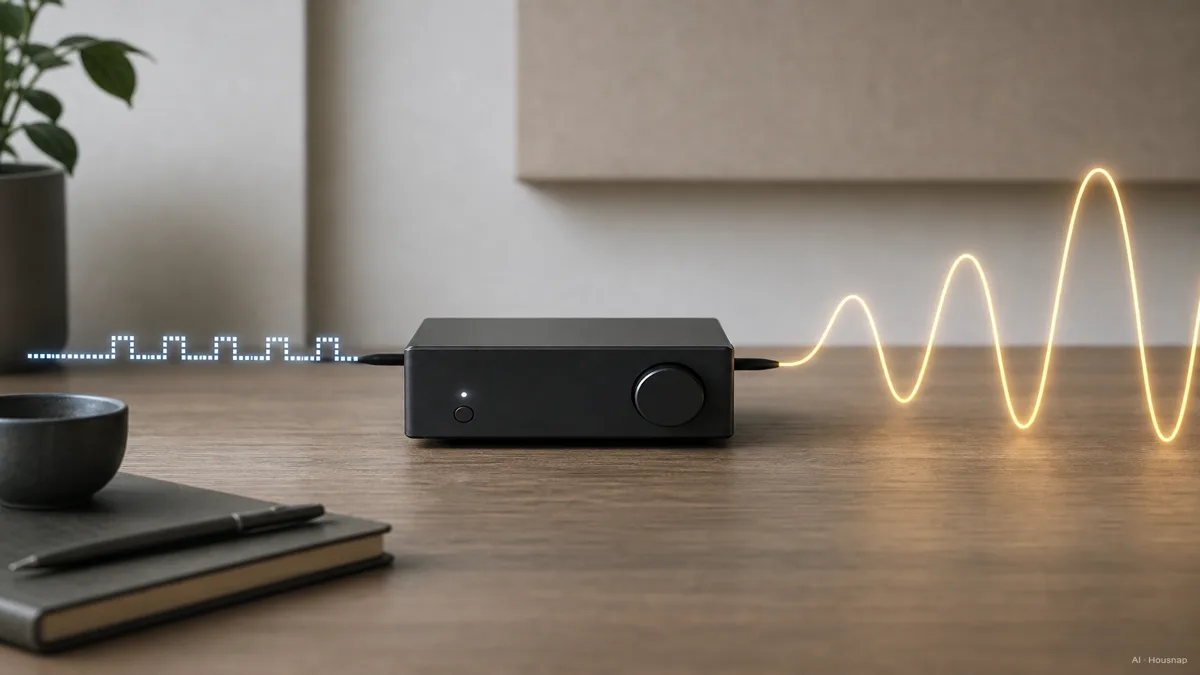
The illustration separates those jobs; it is not evidence that a larger waveform sounds better. For a first purchase, make the connection work before comparing chip names.
Read sensitivity with its unit, then check output
Copy the headphone model, impedance in ohms and complete sensitivity specification. JDS Labs’ power guide uses sensitivity, impedance and listening level together to assess power needs. An impedance number alone is not a buying verdict.
Sensitivity describes the sound level produced by a specified input. Rane explains the 1 mW reference; manufacturers also use a voltage reference, as shown by Neumann’s 1 Vrms specification. Do not compare bare dB numbers when the reference differs.
Ask the DAC/amp maker whether the output socket you will use can drive your exact headphones. Include the full sensitivity unit in that question. If the manufacturer publishes only a broad “supported impedance” range, request the output specification at a relevant load before deciding.
Choose portable or desktop around your use
- A dongle suits a mobile setup. Start here if carrying less matters and its verified output meets your needs. The FiiO KA11 is an example of a USB-powered DAC/amp with a 3.5 mm headphone output. USB power means the connected device supplies its power.
- A desktop combo suits a fixed setup. Consider one when you need additional inputs, convenient desk controls or output a shortlisted dongle cannot provide. The FiiO K11 illustrates the format with external power and USB, optical and coaxial inputs.
These are format examples, not a requirement to buy either model. Compare candidates against the connection and headphone requirements you wrote down, then compare total cost including necessary cables.
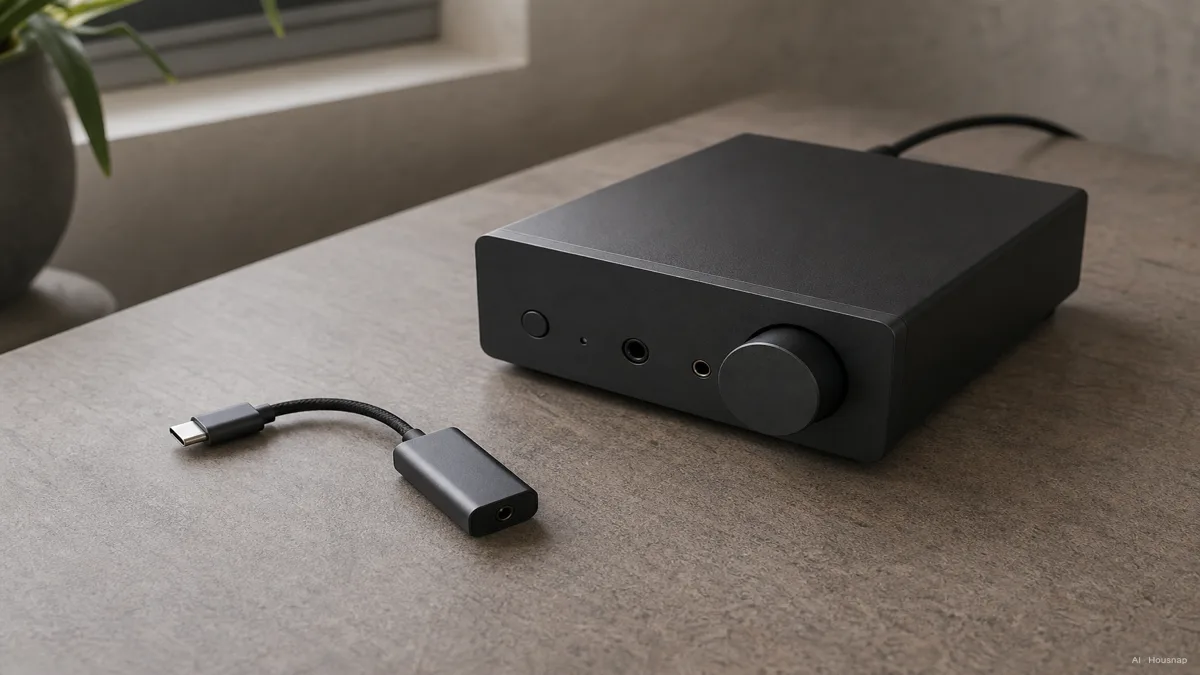
Read output figures beside their socket and load. For example, the K11 specifies different power at 32 ohms and 300 ohms, and for single-ended and balanced outputs. Its largest advertised number does not describe every connection.
Check the complete setup before ordering
Use this final shortlist check:
- Source compatibility. Confirm the exact phone, computer or console, required cable, operating mode and any driver requirement in the manual.
- Headphone connection. Keep a conventional single-ended cable on a compatible single-ended output. A simple adapter does not turn it into a balanced cable; FiiO warns that connecting an unbalanced plug to a balanced output can cause damage.
- Playback requirement. If you specifically want Apple Music above 48 kHz on an iPhone or iPad, Apple specifies an external DAC. Treat this as format compatibility, not a promise of audible improvement.
- Everyday operation. Check how volume is controlled and whether microphone input is explicitly supported if you need calls or chat. On first use, start with the volume low.
If gaming and voice chat are the unresolved part of the purchase, compare a gaming headset with headphones and a separate microphone before committing to the DAC/amp. Settle the whole connection plan first.
How this guide was built
Written by Chexlow’s AI editorial team using manufacturer documentation from JDS Labs, Rane, Neumann, FiiO and Apple. The guide organizes those sources into a first-purchase decision, with product examples used to explain specifications rather than report listening tests or current availability.
Edited by the Chexlow team · Images are AI-generated illustrations