Choose how you want to hold and carry it
Picture the moment you need a top-up: checking a ticket with your phone in one hand, or leaving it on the desk between calls. Start there, before comparing capacity.
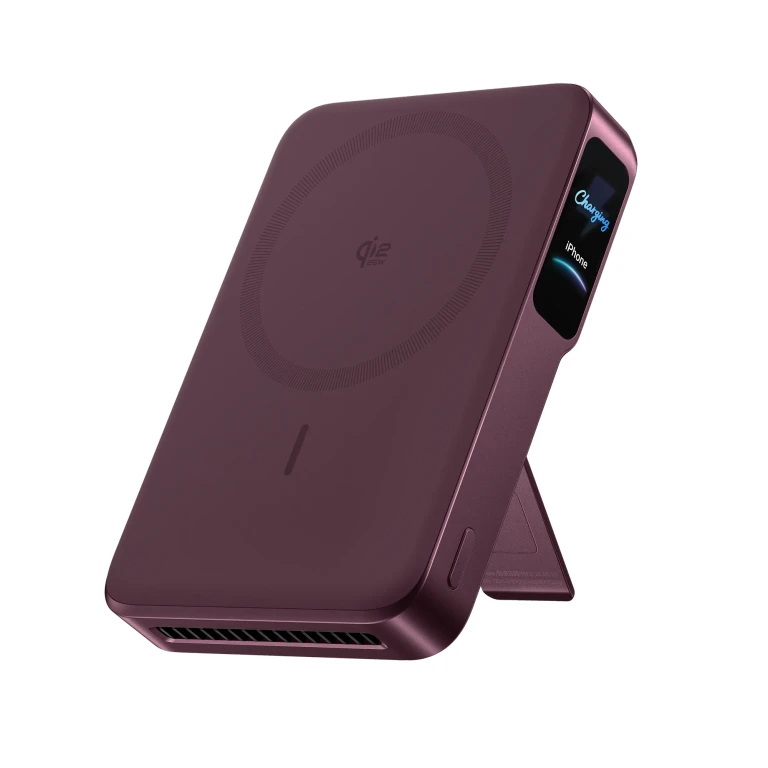
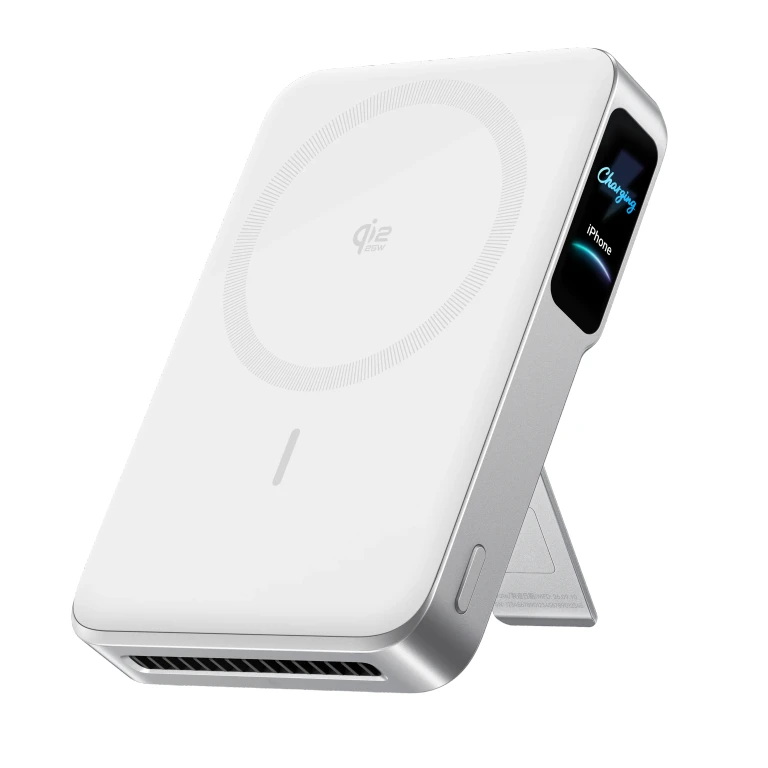
- Choose magnetic if you want the pack attached to your phone. Compare the combined thickness and weight, not just how slim the pack looks alone.
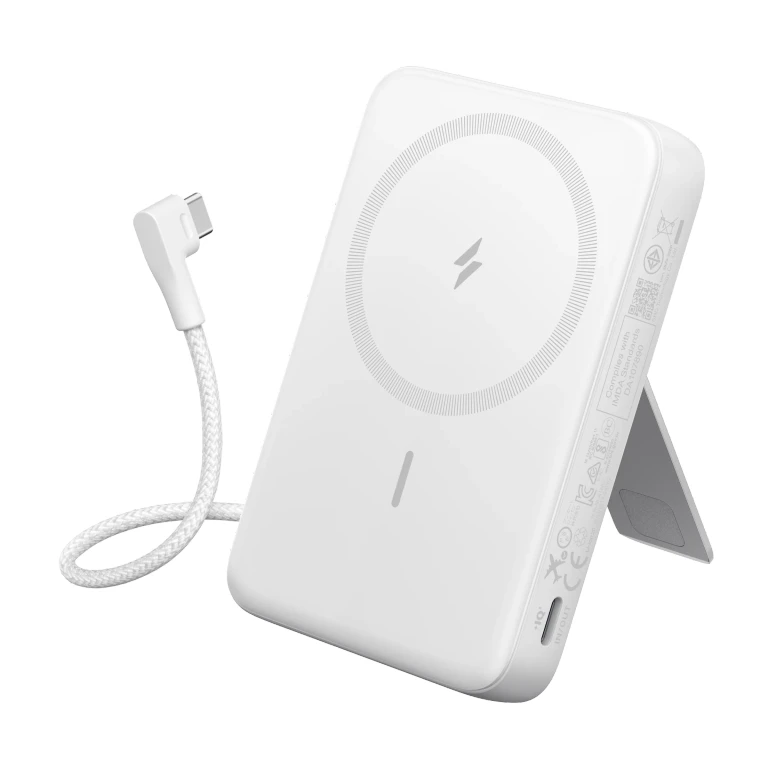
- Choose wired if you prefer the battery beside the phone rather than behind it. Include the cable you will actually carry when comparing the complete setup.
- Need both? Consider a magnetic pack with USB-C output. Belkin’s Qi2 10K supports both routes, for example; verify the wired specification rather than assuming every magnetic pack has a fast backup port.
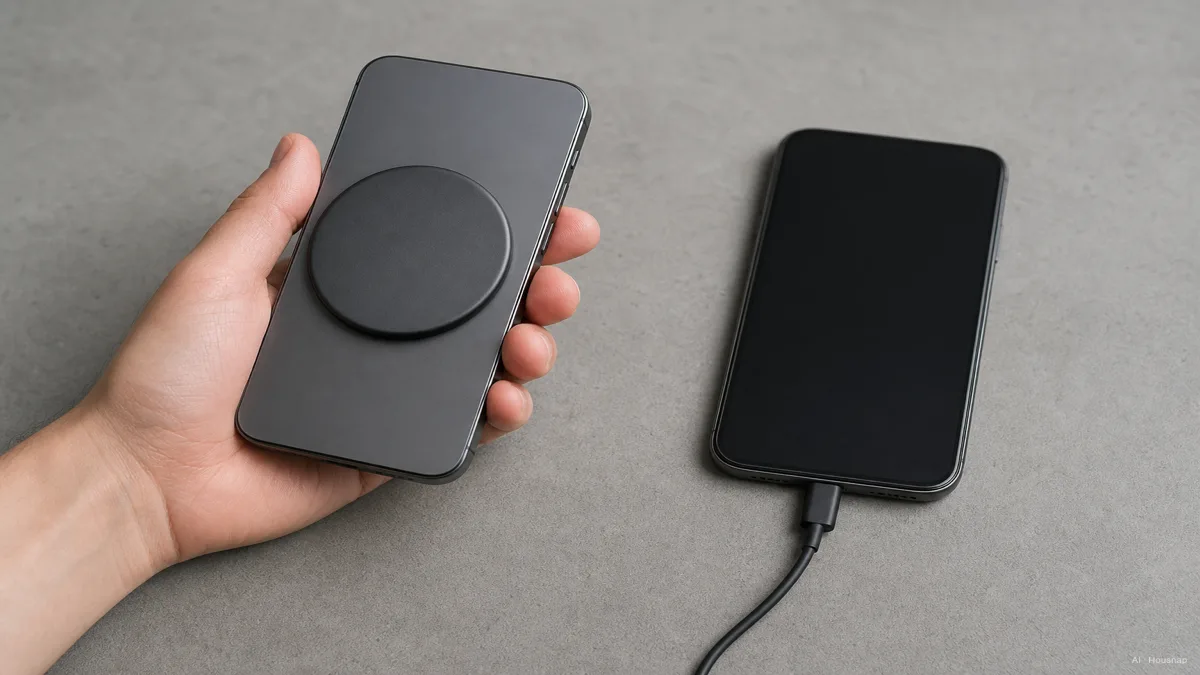
Our first-buy recommendation is to pay for magnetic attachment when it solves a daily annoyance. If you will mostly put the phone down to charge, start your shortlist with wired banks.
Check the phone and case before paying for magnets
A magnetic ring answers where the pack sits, not how fast your phone charges. WPC explains that Qi2 uses magnetic alignment and certification testing; check the exact model in its certification database.
The original Qi2 power tier is 15W; Qi2 25W is the name for the higher-power tier. The WPC announcement distinguishes them. A higher rating on the bank is useful only when the phone supports the corresponding charging mode.
Check your exact phone, not a broad claim such as “iPhone 12 or later.” Apple lists iPhone 16e as non-MagSafe. For Qi2 Ready, the approved phone-and-accessory combination matters, as WPC specifies; an arbitrary magnetic case is not a substitute for that approval.
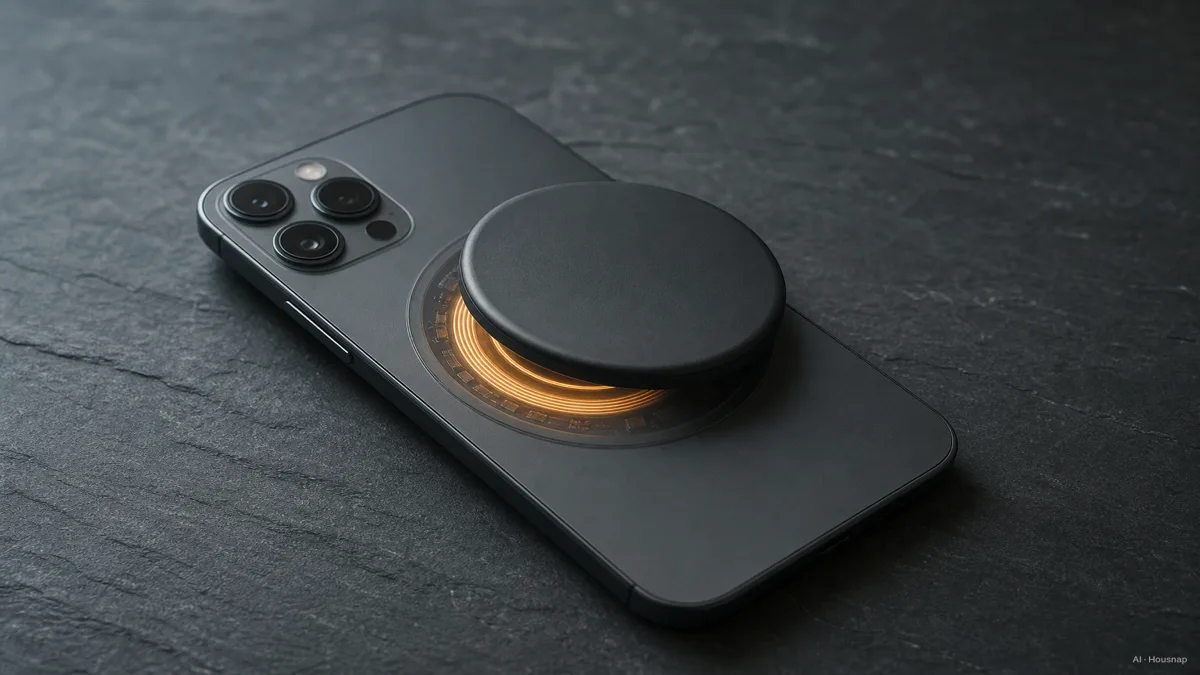
Before buying, check the pack’s footprint against the camera surround and your case’s stated compatibility. If the combination is unclear, keep wired on the shortlist. If you need a different case, compare case materials and protection, then confirm charging compatibility separately.
Compare outputs, then check the cable you already own
Read three separate specifications: wireless output, USB-C output and input for recharging the bank. Also check the shared-output rating if you will charge two devices. Belkin’s documentation separates these operating modes; the largest number in a listing is not necessarily the output your phone gets.
For the wired route, match the phone’s required charging protocol and cable. USB PD means USB Power Delivery, a charging standard; USB-C describes the connector. Apple’s fast-charge guidance distinguishes USB-C cables from USB-C to Lightning cables for earlier iPhones. Reuse a suitable included or existing cable; buy one only if its connector or charging specification does not fit your setup.
Do not choose on a promise that wired is always cooler or wireless always slower. Apple notes that excess warmth can limit charging above 80%. That is a reason to follow the device’s temperature guidance, not a basis for promising a longer battery life from one type of bank.
Choose a capacity, then finish your shortlist
For a small emergency top-up, compare 5,000mAh packs first. For longer stretches away from a socket, compare 10,000mAh models, then check their actual dimensions and weight. These are starting points for shopping, not promises of one or two full charges.
The capacity label is not a recharge counter. In Anker’s worked example, 10,000mAh at 3.7V is 37Wh, equivalent to 7,400mAh at 5V before losses. Wh measures energy; mAh figures need their voltage to be meaningfully compared.
Finish with a short checklist:
- Magnetic shortlist: confirmed phone-and-case compatibility, acceptable attached size and the wireless mode your phone supports.
- Wired shortlist: suitable output, the correct cable and a size you will carry.
- Either type: check input requirements for refilling the bank and any conditions attached to claimed phone-charge counts.
If capacity and charging power still blur together, continue with how to choose capacity and USB PD output. Keep that decision separate from whether you want the pack attached to your phone.
How this guide was built
AI wrote this guide for Chexlow using WPC standards information and Apple, Anker and Belkin documentation. The editorial recommendations focus on choosing a charging format and checking compatibility; they do not represent hands-on product tests or a new human review.
Edited by the Chexlow team · Images are AI-generated illustrations