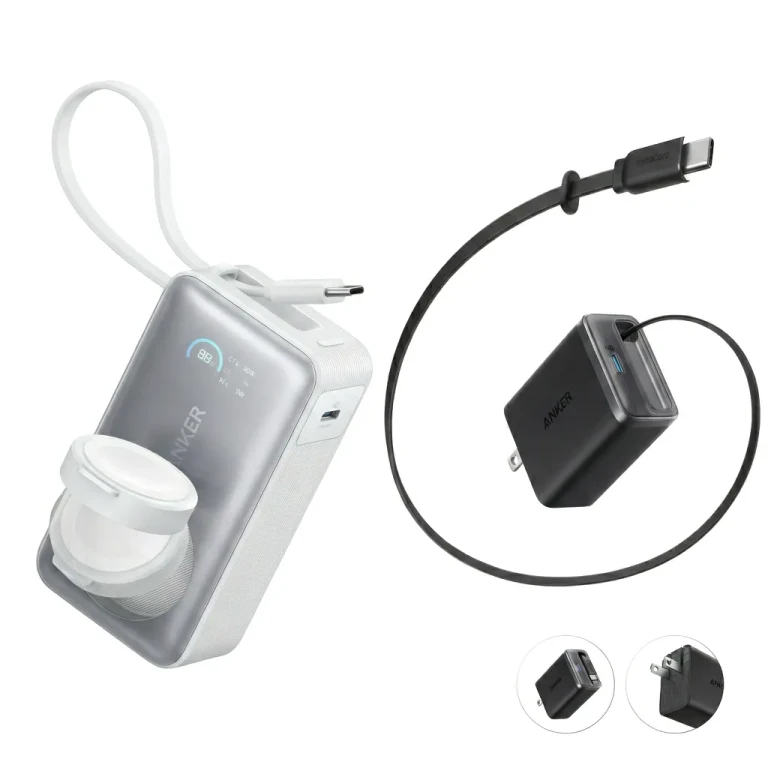
Start with the devices you need to power
Write down what must work away from a socket, how it receives power and how long you need it. A phone top-up on the train and a fridge at a campsite deserve different shopping lists.
- USB charging only. Start by comparing power banks that meet your devices’ charging requirements.
- An appliance needs AC. Look for a power station with the correct AC outlet and electrical specifications for that appliance.
- The connection is unclear. Check the device manual before choosing either category. A wall charger in the box does not, by itself, settle the question.
Product names are unreliable shortcuts: the Jackery Explorer 100 Plus specifications list 99.2Wh but no AC output. A handle and a power-station label do not guarantee a socket.
Check output before buying more capacity
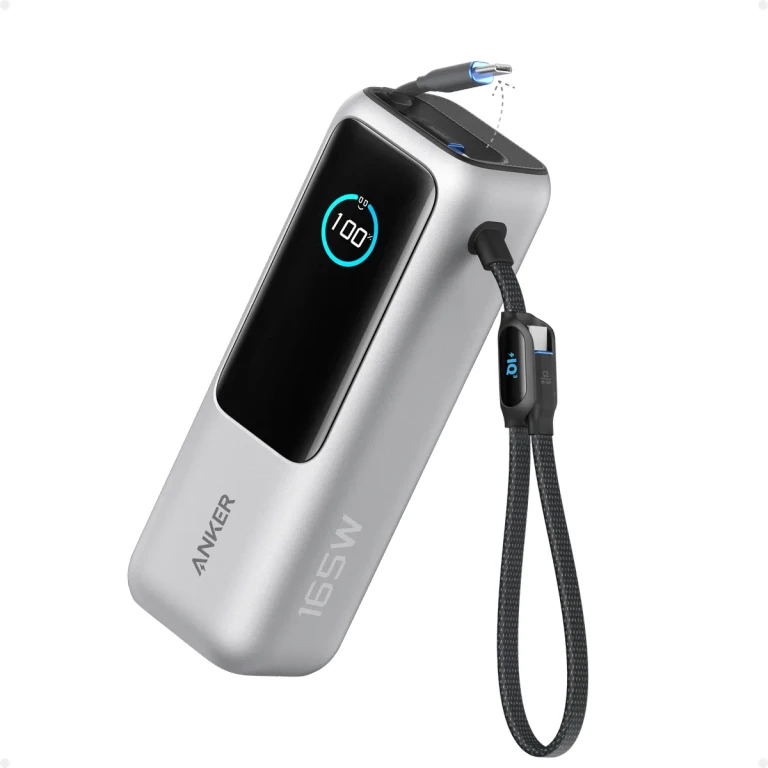
For USB devices, check the output available from the port you will actually use, including when another device is connected. The Anker 537, for example, divides its two-port output into 45W and 20W. A combined number is not the allowance for each port.
If USB covers your needs, continue with choosing power-bank capacity and fast charging.
For AC appliances, compare their combined running demand and startup requirements with the station’s ratings. The RIVER 2 manual separates 300W rated output from 600W peak. Treat boost modes as model-specific exceptions, not the baseline for choosing a station.
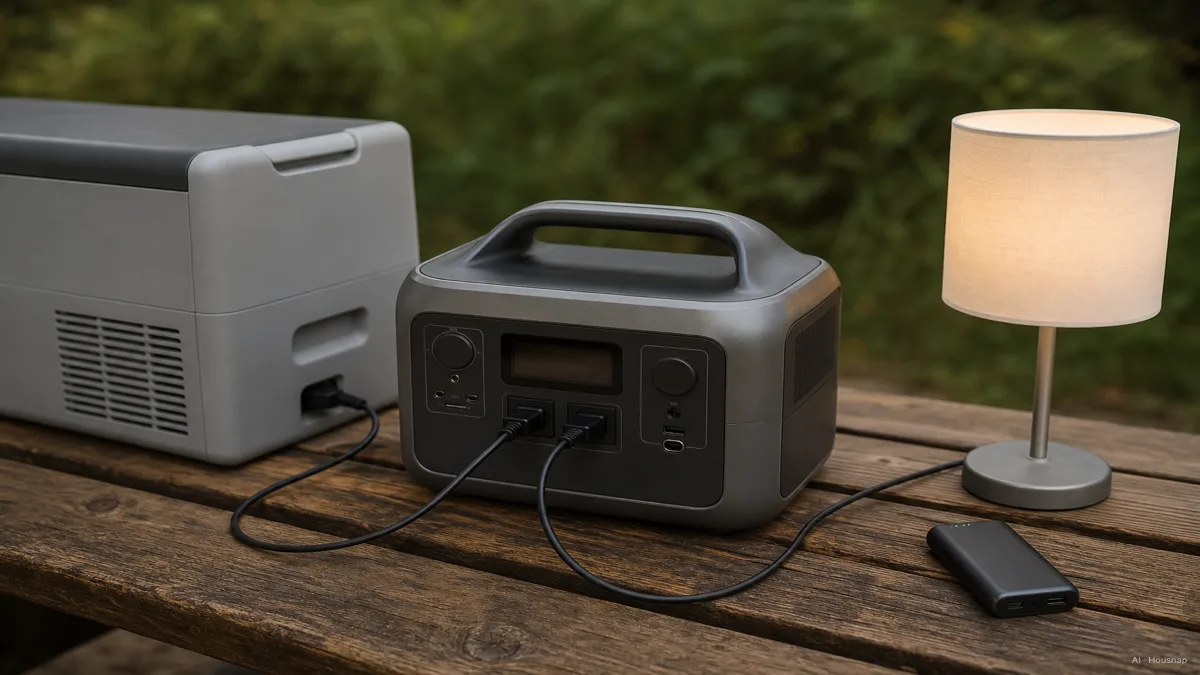
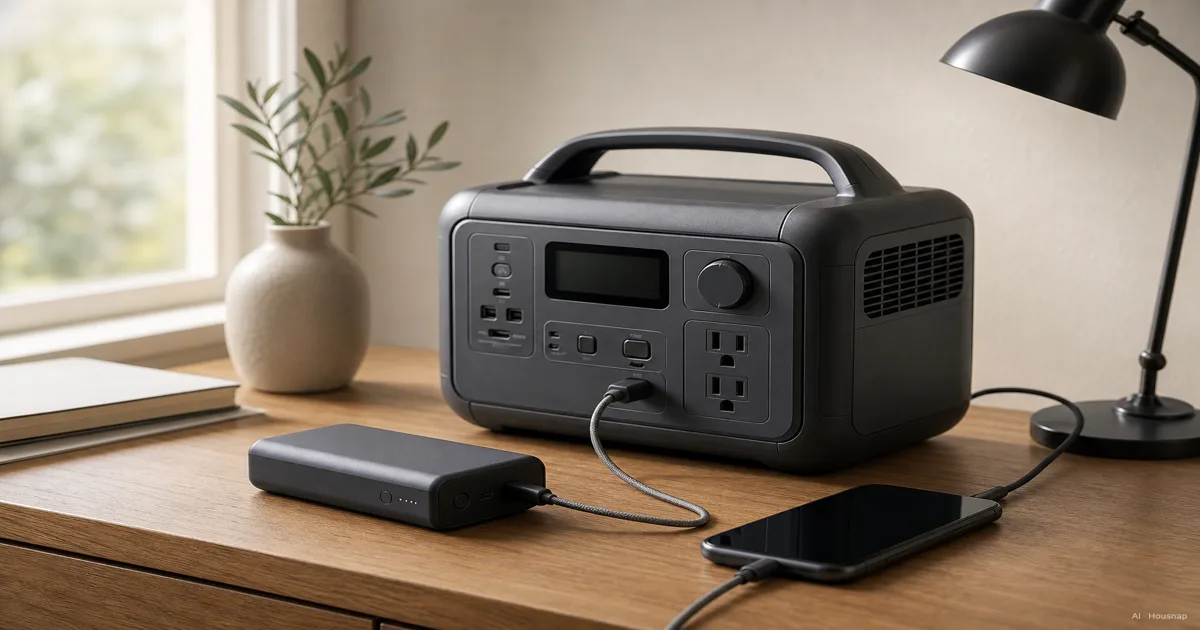
The illustration shows the intended use, not proof that any station can run that combination. Put your own appliance requirements beside the candidate’s specifications.
Use Wh to compare energy, then estimate the time
mAh measures charge; Wh measures energy. Convert using the battery voltage associated with the mAh rating: Wh = mAh × V ÷ 1,000. At 3.7V, 20,000mAh equals 74Wh. Do not substitute a USB output voltage. See UGREEN’s conversion explanation.
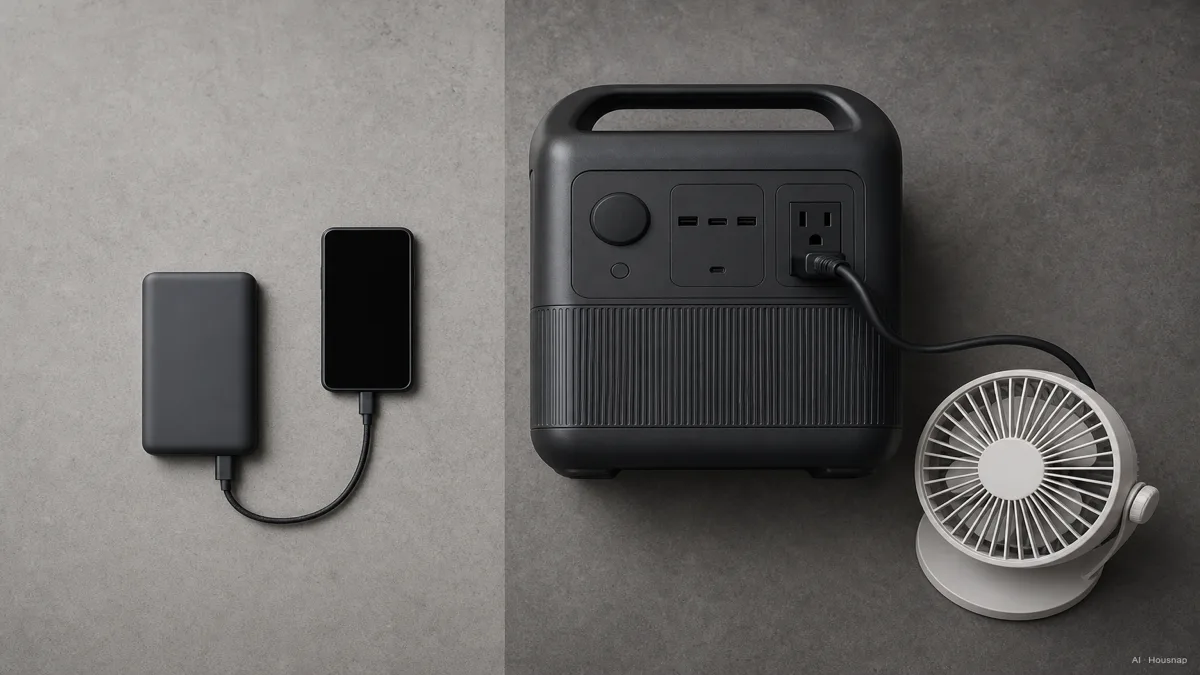
For a first estimate, divide Wh by the total running watts, as described in EcoFlow’s runtime FAQ. An illustrative 200Wh ÷ 50W gives four hours before losses, not a guaranteed runtime.
Stored energy is not all delivered to your device; Anker explains that charging transfers consume energy. Avoid buying a battery whose loss-free estimate only just meets your deadline. Ask for runtime information at a load like yours.
Choose something you can carry and recharge
Compare actual weight, dimensions and charging arrangements after the electrical requirements are met. For scale, the 256Wh RIVER 2 listing specifies 300W output and 7.7lb weight. That is one model, not a weight rule for the category.
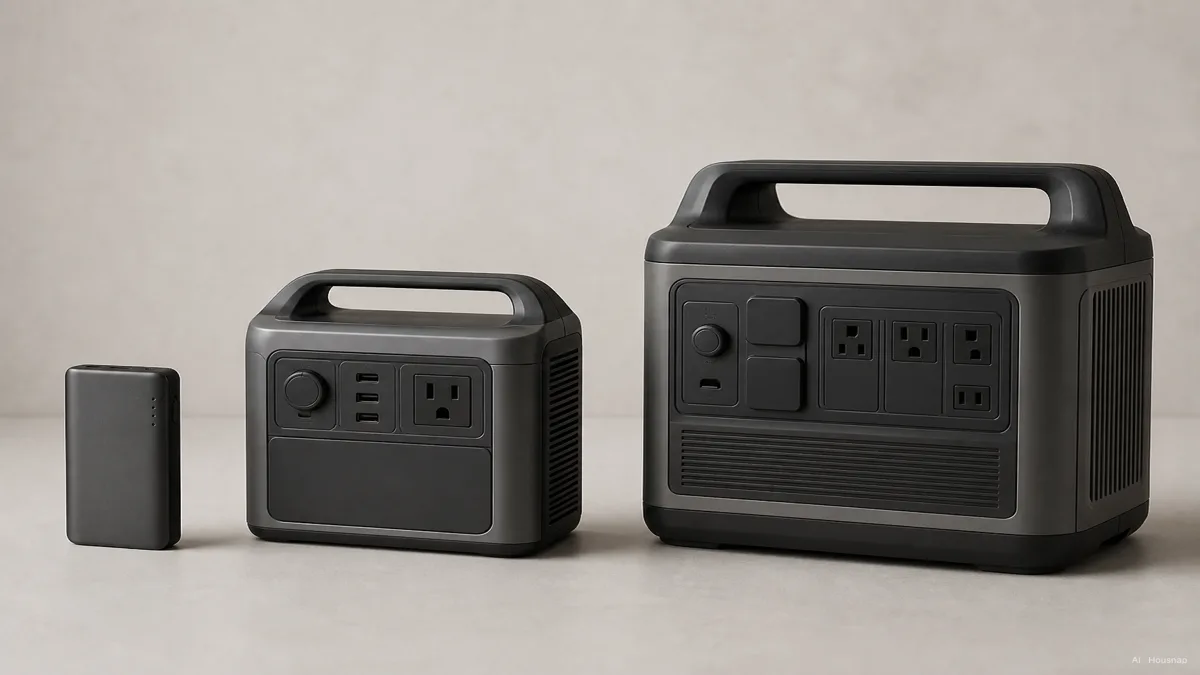
Before ordering, decide where it will fit and where you will recharge it. Check the required charger and cable, what is included, and the recharge time for your chosen input. Compare the complete setup cost. Add solar equipment only when you have a specific off-grid charging plan and confirmed compatibility.
Apply flight restrictions before placing the order
Under FAA guidance, power banks belong in carry-on baggage. Above 100Wh, airline approval becomes relevant; over 160Wh is prohibited for these ordinary portable batteries. Airline and international restrictions may be stricter.
If flying is essential, send the airline the exact model and Wh label before buying. Otherwise, finish with three answers: the connection works, the output meets the load, and the energy covers your intended use with a realistic margin.
How this guide was built
Written by AI for Chexlow, using manufacturer specifications, an EcoFlow manual and FAA battery guidance. This comparison focuses on choosing the appropriate type of portable power; the shopping sequence and illustrative calculation are editorial guidance, not product testing or a compatibility guarantee.
Edited by the Chexlow team · Images are AI-generated illustrations