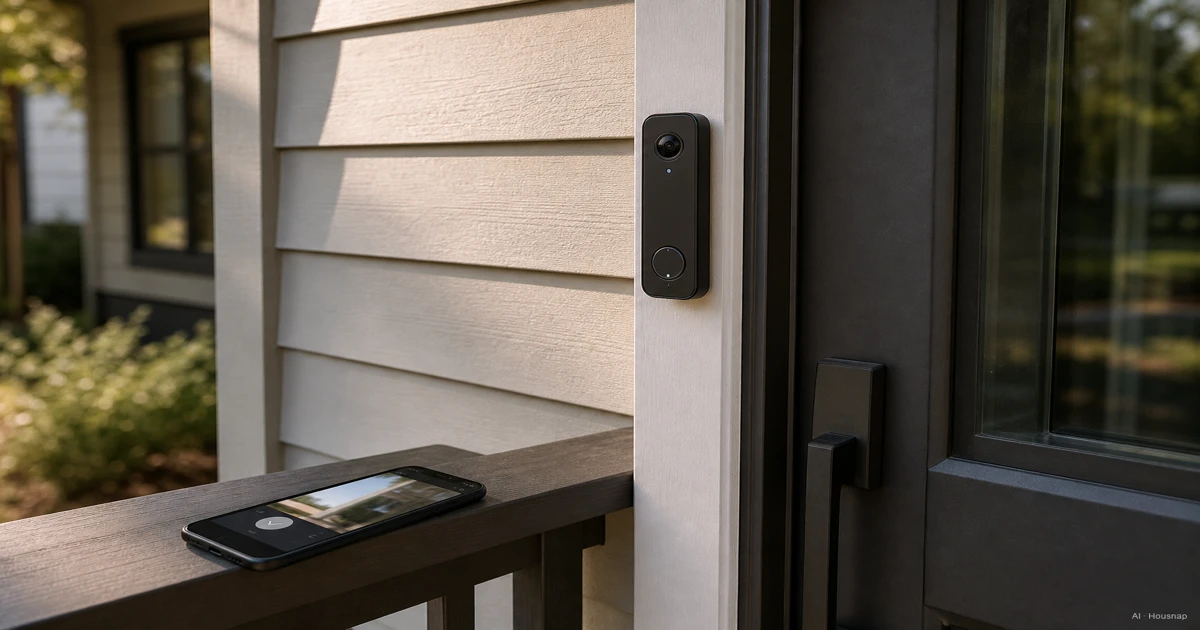
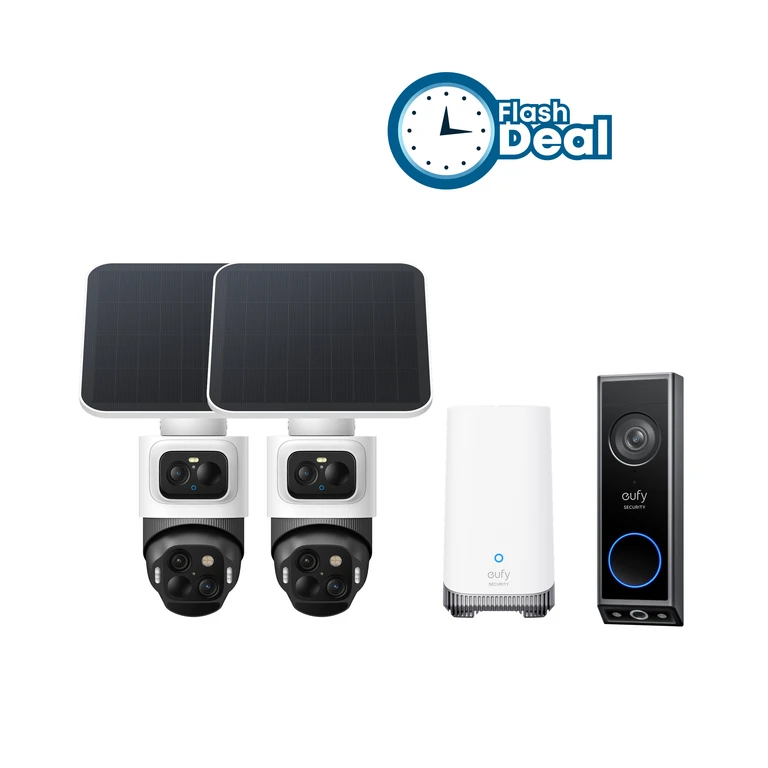
Check whether your entrance can support it
Start with the spot you want to watch. If the real concern is a driveway or garden away from the door, compare battery and wired security cameras before buying a doorbell.
For the entrance itself, use these checks to rule out unsuitable models:
- Existing wiring. Match the exact model's transformer and chime requirements. For example, Nest Doorbell wired 2nd and 3rd gen require 16–24 VAC and 10–40 VA. If the supply is unknown or unsuitable, Google directs you to a certified electrician.
- An apartment intercom. Do not assume its wires are ordinary doorbell wiring. Google says integrated intercom and gate systems typically are not compatible with Nest doorbells. Check with the installer or building manager before planning a replacement.
- No suitable power cable. Consider battery models if you can reach them for charging. Confirm mounting permission and the actual fixing method. Battery-powered does not mean tool-free: Nest's wire-free instructions list a screwdriver and drill.
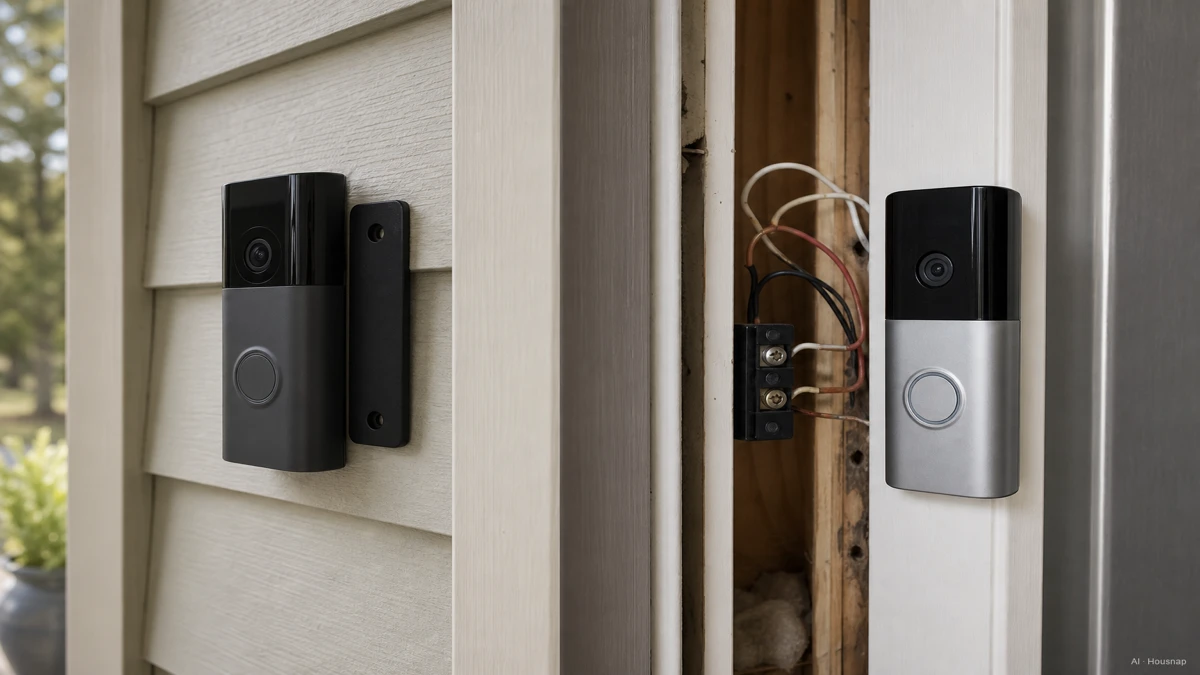
The illustration contrasts installation types; it is not a five-minute or tool-free installation guarantee.
Check your home Wi-Fi at the intended mounting spot, with the door closed, and compare the candidate's supported bands. Treat a phone check as an initial screen, then check the doorbell itself during setup. Google's installation guide identifies weak Wi-Fi as a possible cause of video delay. If coverage is poor, work through mesh Wi-Fi versus an extender before choosing network hardware.
For a cold entrance, check charging limits separately from operating temperature. The Nest battery doorbell cannot charge below 0°C, even when wired. Choose battery power only if the charging access and climate suit you.
Decide what must still be available after an alert
Write down which of these you actually need: answering now, replaying a missed delivery, or reviewing the time between detected events. They are different requirements.
- Live view only. Ring offers this without a subscription, but replaying recorded video requires a subscription. A live feed is not a saved record of a visit you missed.
- Event clips. These save detected activity. Check clip length, the interval between recordings and whether the specific alerts you want are included in the chosen plan.
- Continuous history. Require explicit support for the exact model and recording plan. Nest Doorbell battery cannot record 24/7 even when connected to wiring.
Then choose where recordings should live. For example, eufy E340 has 8 GB of built-in storage and can work with compatible HomeBase units. That is not the same as every local-storage doorbell accepting a microSD card.
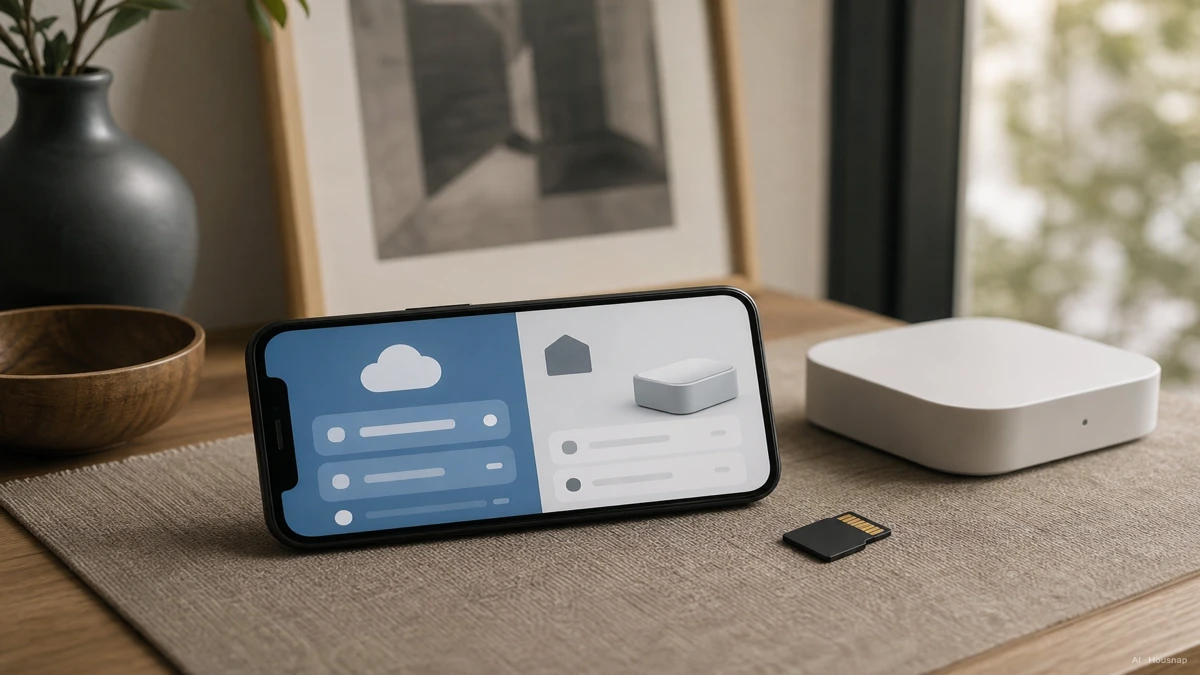
Ask where the usable copy remains if the doorbell is removed, and how to export a clip. Check what works during an internet outage rather than treating “local” as a promise that every feature works offline. Eufy also notes that optional cloud features can send footage or notification thumbnails to the cloud.
Compare complete setups over the same period: doorbell + installation + required accessories + recording fees. Use either 24 monthly payments or two annual payments for a two-year comparison, according to the plan you would buy. Include only accessories the selected setup needs.
Check the doorstep view, not just the resolution
Use the visitor's face and the usual parcel spot as your two framing checks. Ask for a sample from the exact model, then confirm both positions during setup before final mounting.
A diagonal angle alone is not a floor-coverage guarantee. Nest Doorbell battery combines a 145° diagonal view with a taller 3:4 image. Compare the image shape, mounting position and vertical coverage as well as the pixel dimensions. Do not make “150° or more” a universal buying rule.
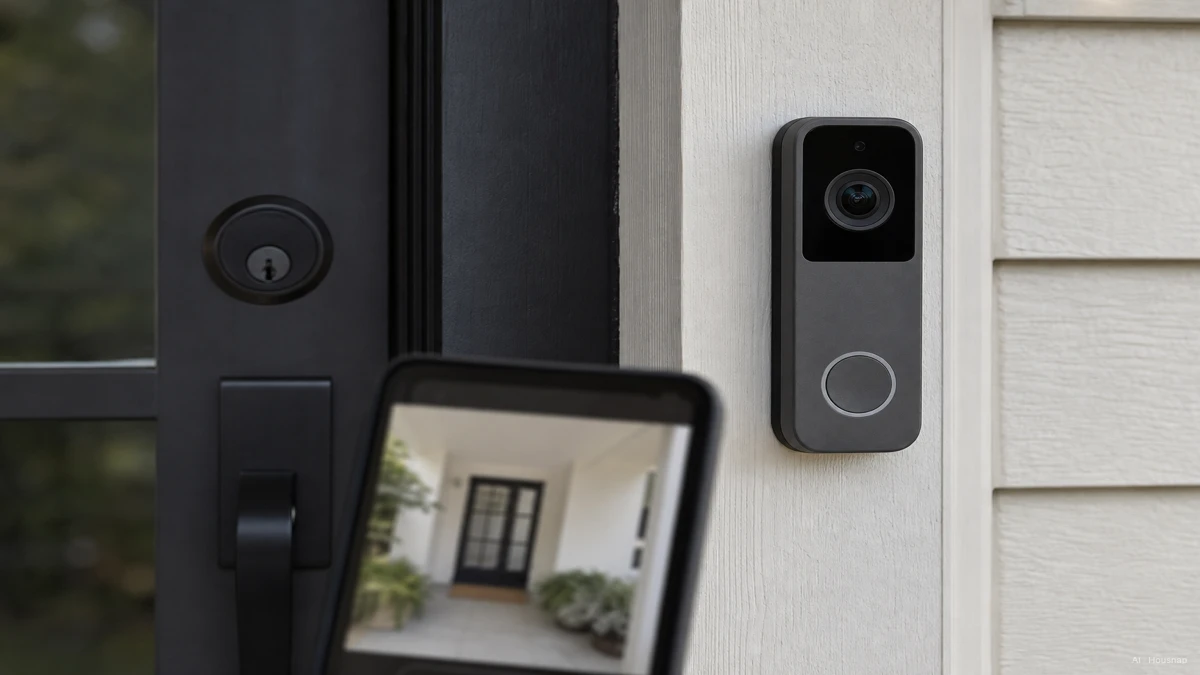
For an unlit porch, look for night footage that shows a person at your expected distance. Check whether the example uses extra lighting. Also match the model's weather rating and operating range to the exposed location; one IP threshold is not a substitute for its installation instructions.
Turn your checks into a shortlist
Keep candidates that pass your entrance, recording and framing checks. Then use your own priority to choose:
- Avoiding a new power cable matters most. Start with a battery model whose mount is permitted and whose charging routine you can manage.
- Reviewing the whole timeline matters most. Keep only models explicitly supporting continuous recording with the required power supply and plan.
- Avoiding a recording subscription matters most. Compare local-recording setups, including any required hub or storage, and confirm what stays available without a paid plan.
Before paying, verify how the bell will sound indoors, who can answer it and what your existing smart speaker or display can actually do with it. For example, a wire-free Nest battery doorbell cannot ring the existing wired chime. Price the compatible alternative if indoor ringing is essential.
Finish with one sentence for each finalist: “It fits this entrance, saves this kind of footage, and costs this much for the complete setup.” If one part is still unknown, resolve it before ordering.
Sources
- Google: transformer requirements
- Google: existing-system compatibility
- Google: battery doorbell installation
- Google: battery settings and cold-weather charging
- Google: event and continuous history
- Ring: live view and recorded video
- eufy: E340 storage and compatibility
- Google: model-specific technical specifications
How this guide was built
Written by AI for Chexlow, using Google, Ring and eufy documentation to distinguish installation, recording and viewing requirements. The selection order is editorial guidance for a first purchase, not a hands-on product test or a new human review.
Edited by the Chexlow team · Images are AI-generated illustrations