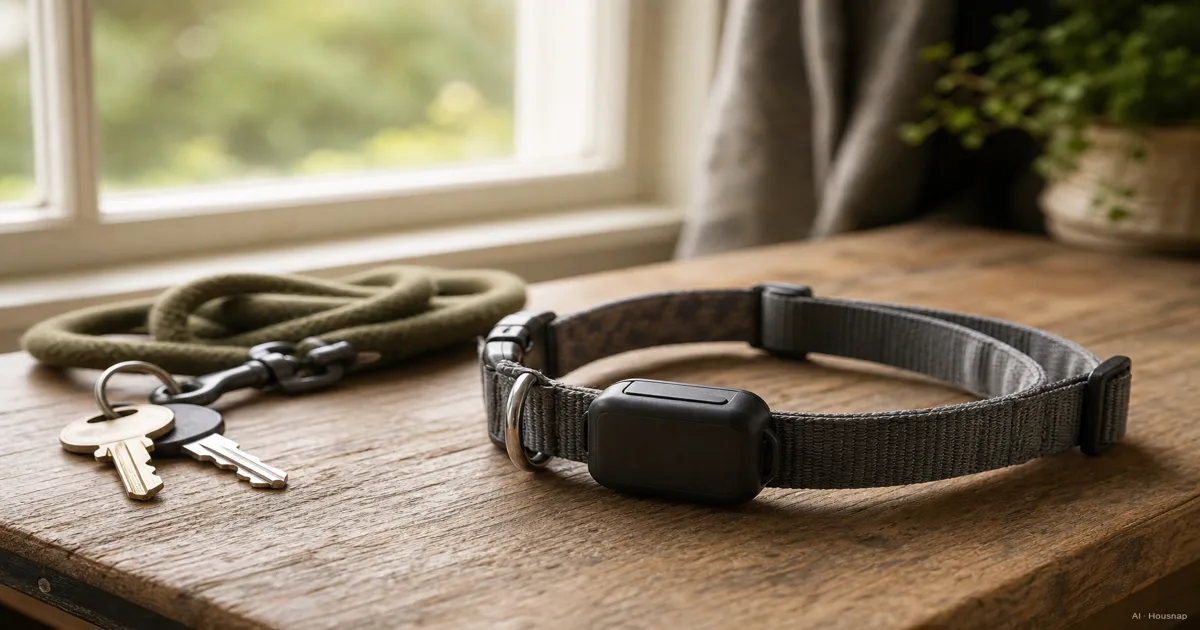
Choose how the location will reach you
Start with the job: do you need to check a moving pet from elsewhere, or find one while searching nearby?
- Remote updates. GPS calculates position; cellular service delivers it to your phone. Tractive describes these as separate steps, so receiving satellite signals alone does not ensure you receive a location. How Tractive works
- Nearby searching. A Tabcat radio homing kit is a subscription-free alternative for searching with a handset. Walls reduce its range. Choose it for that task, not remote monitoring. Tabcat FAQs
- Bluetooth tags. AirTag relies on nearby Find My devices to relay its location. That dependency is why this guide does not recommend it as your sole live pet-tracking system, even in a city. Apple’s explanation
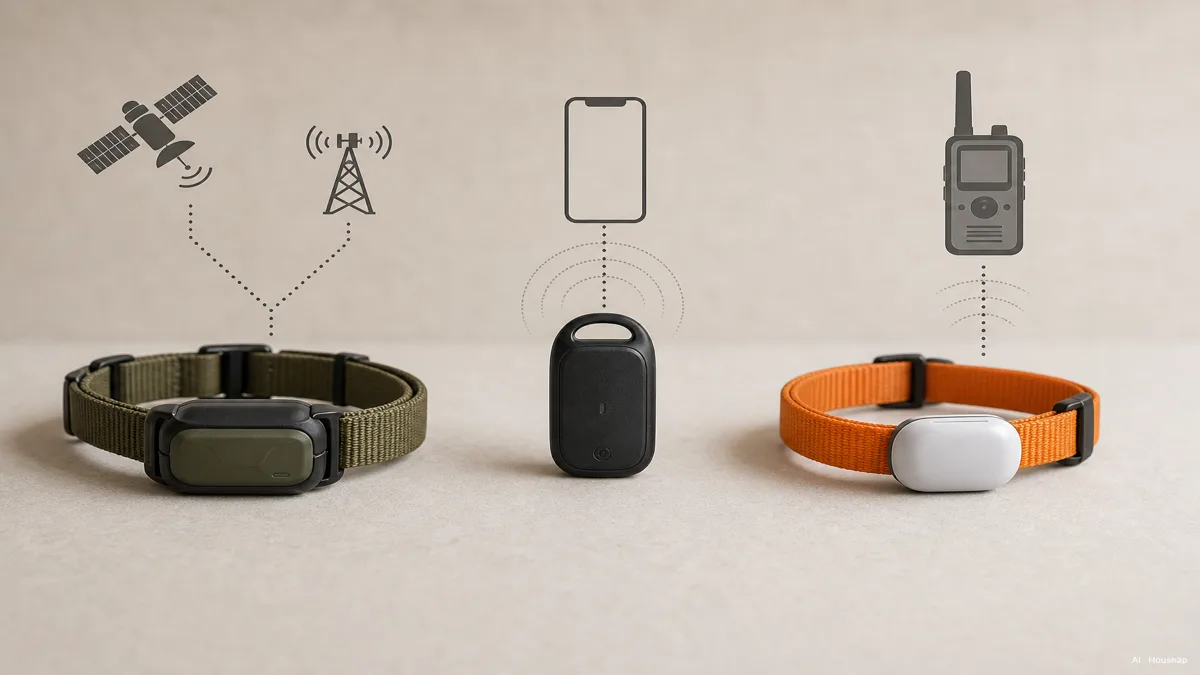
For wider outdoor searches, distinguish a GPS-and-VHF dog-tracking system from a small homing tag. Garmin treats VHF radio and LTE cellular tracking as different communication routes. Ask which route the exact collar and receiver use before buying a bundle. Garmin’s explanation
Check the whole setup on your pet
Before comparing maximum battery life, check the model’s stated pet-size limits, dimensions, mounting method and weight with its attachment. Confirm that the mount fits the collar width; a photograph of a similar-looking pet is not a sizing check.
For cats, check the safety release as well as the electronics. Tractive’s CAT 6 Mini instructions specify adjusting its breakaway buckle to the cat’s weight and placing the tracker on top of the neck. Follow the instructions for your exact model, rather than copying another collar’s setting. CAT 6 Mini setup
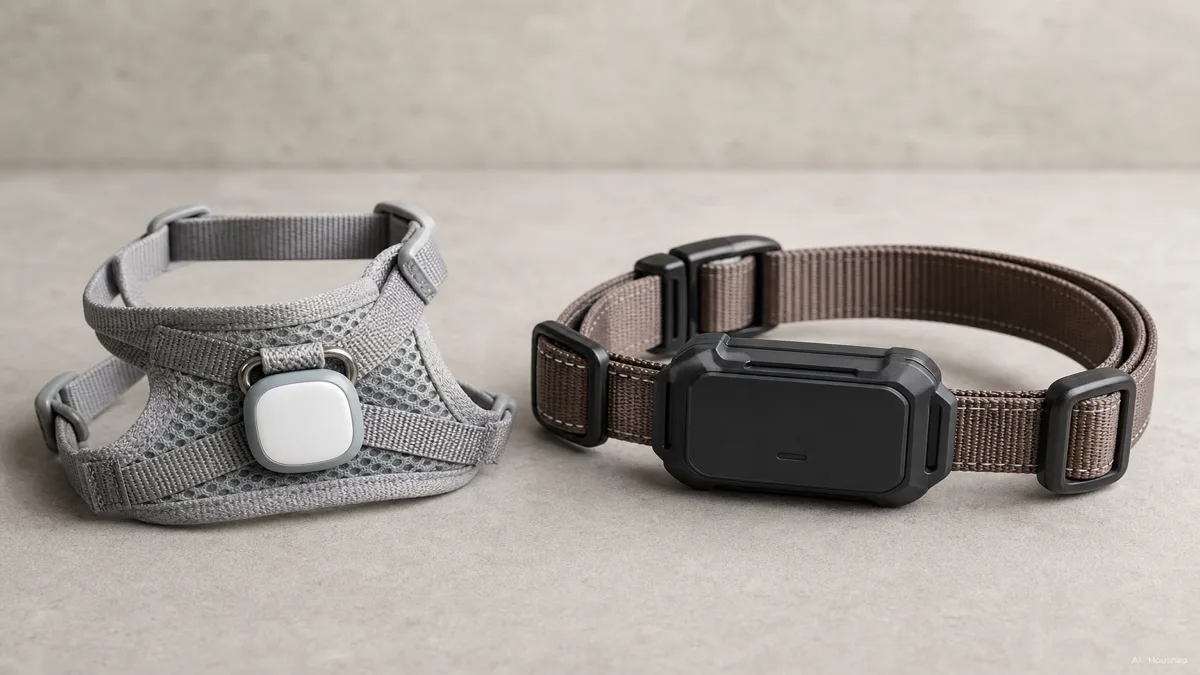
The illustration compares mounting sizes, not approved combinations. If you also need walking equipment for a dog, use the dog-harness fit guide to choose that separately, then confirm whether the tracker manufacturer permits attachment there.
Check reception and battery use on your actual route
Confirm support for your country, the device’s network and any travel destination before paying. Then check the return terms so you have time to try the device locally. Tractive recommends carrying its tracker on walks and trying LIVE mode before putting it on a pet. Coverage guidance
- Carry it yourself. Try the places that matter: the usual walk, garden boundary and building entrance. Have another person watch the app remotely, if possible.
- Check the timestamp. Look for fresh positions, not just a convincing dot on a map. Note where updates stop or arrive late.
- Compare modes. Record battery use during active tracking separately from time spent at home. Tractive says LIVE tracking and weak mobile reception use more power; power-saving zones can extend endurance. Battery guidance
These are purchase checks, not a guarantee of future reception. Repeated gaps along the route you need should rule out that setup, regardless of its advertised maximum range.
Compare the full bill and the service behind it
Write down the device price, required receiver or mount, subscription payment due now, renewal terms and replacement-battery costs. Check the billing period: Tractive’s options depend on plan and country, so a monthly equivalent is not necessarily a monthly payment. Billing guidance
For a simple comparison, use hardware + subscription payments over your chosen period + necessary extras. A purely illustrative device at USD 100 with an unchanged USD 8 monthly fee costs USD 196 over one year or USD 580 over five years, before tax, extras or replacements. Five years is a comparison period, not a promised lifespan.
With several pets, calculate each device separately. Tractive requires a subscription for each tracker even when they share an app account. Multi-tracker subscriptions
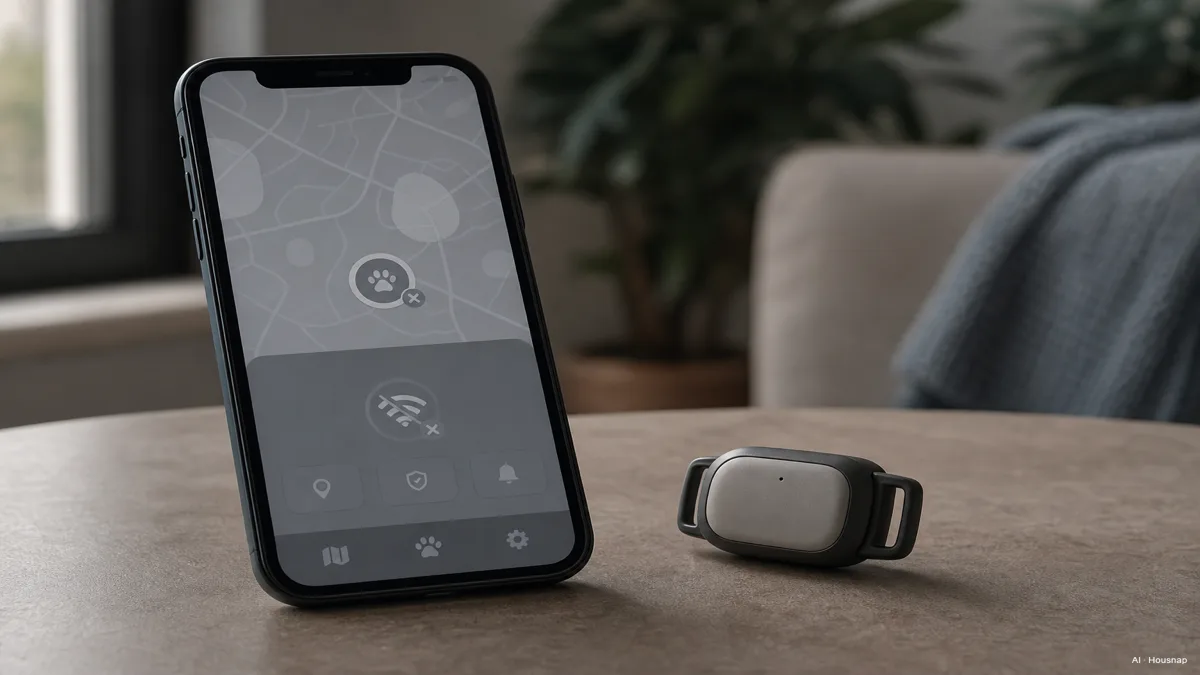
Before committing to a long prepaid term, ask what still works if the subscription ends or the service closes, whether the account can be transferred, and which replacement parts remain obtainable. More satellite systems do not answer those service questions. The disconnected-app illustration shows the dependency to investigate, not a diagnosis of a particular brand.
Decide what you can rely on before the first outing
Keep a candidate only if it fits your pet, supplies useful updates in the places you checked, and has a charging or battery routine and ongoing cost you can maintain. If any one of those fails, change the setup before treating it as part of your search plan.
- Practise the handover. Have the person who would help search open the app or use the receiver without your instructions.
- Prepare to retrieve the pet. Decide who will go and what equipment they will bring. If a cat or small dog will need carrying home, the soft-versus-hard pet carrier guide helps with that separate purchase.
- Keep the limits clear. Treat the tracker as a finding aid. Do not use this trial as a reason to let a pet loose to see whether the device can recover it.
Hoe deze gids is opgebouwd
Chexlow’s AI editorial team wrote this guide using manufacturer documentation from Tractive, Apple, Tabcat and Garmin. It separates documented device behaviour from editorial buying checks; it does not report hands-on testing or guarantee recovery.
Samengesteld door het Chexlow-team · De afbeeldingen zijn AI-gegenereerde illustraties