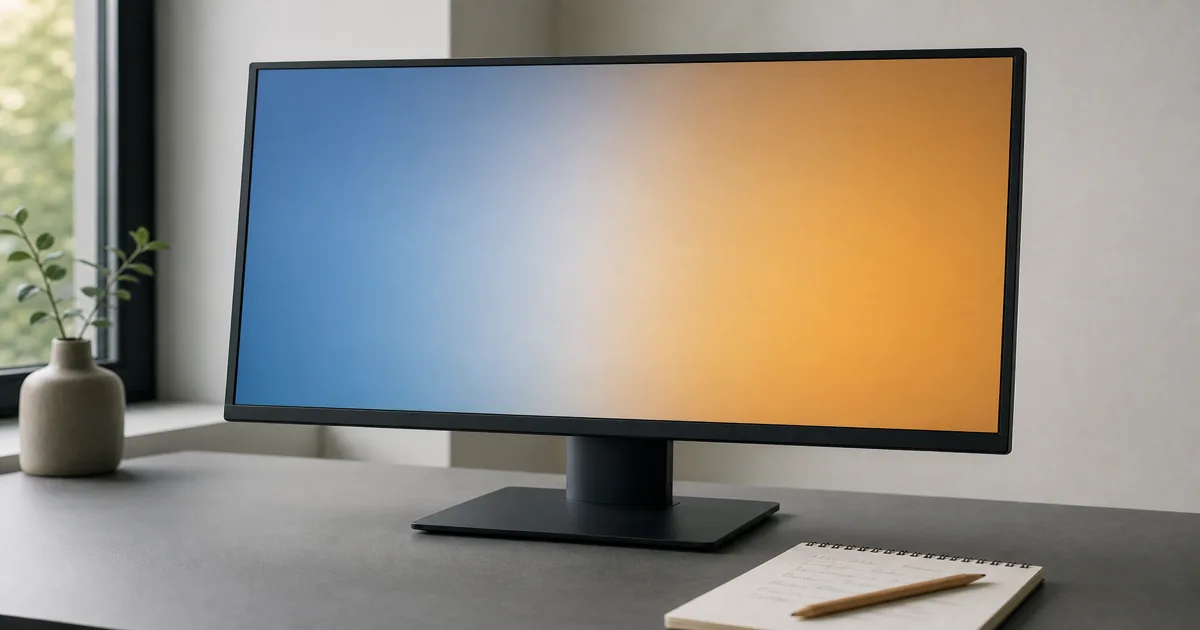
Start with the compromise you can live with
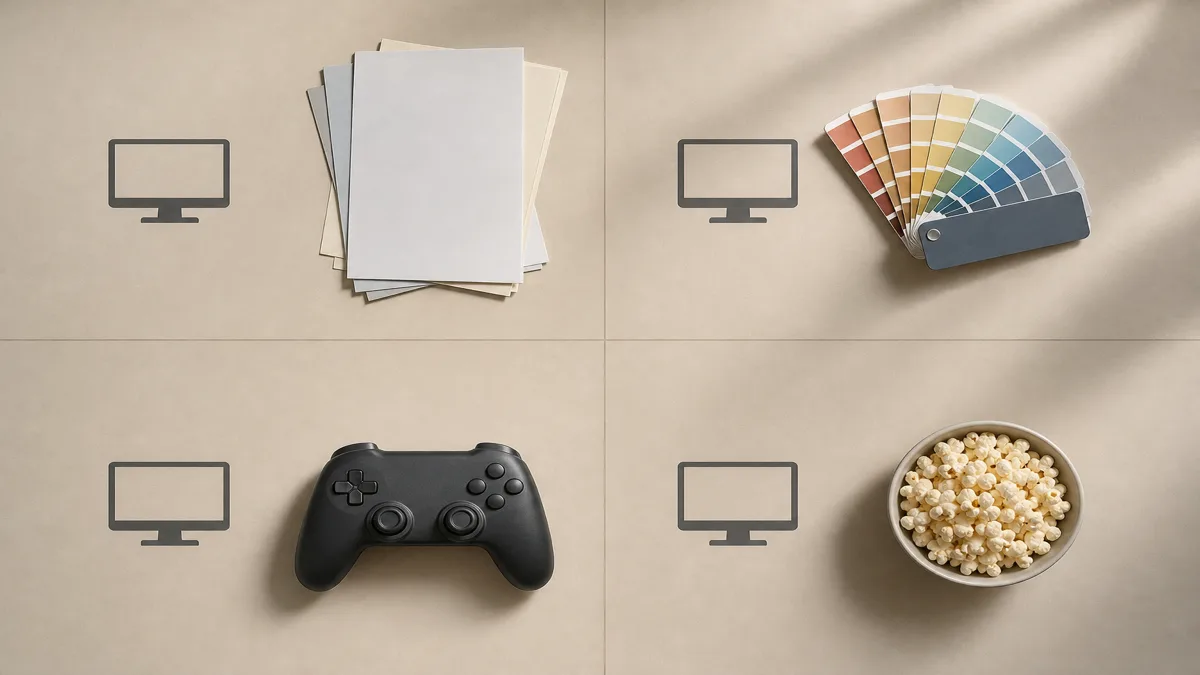
Choose your priority before opening a long list of monitors:
- Work and shared viewing. Start your shortlist with IPS, especially if someone regularly looks over from beside you.
- Photography and design. Start with IPS, then check the color controls and measurements described below.
- Films in a dim room. Put VA on the shortlist if black depth matters more than viewing from the side.
- Fast games. Keep the decision open until you have checked motion performance for the exact model.
These are starting points, not guarantees. BenQ’s panel comparison identifies shared viewing as an IPS strength and contrast as a VA strength.
Check viewing position and color separately
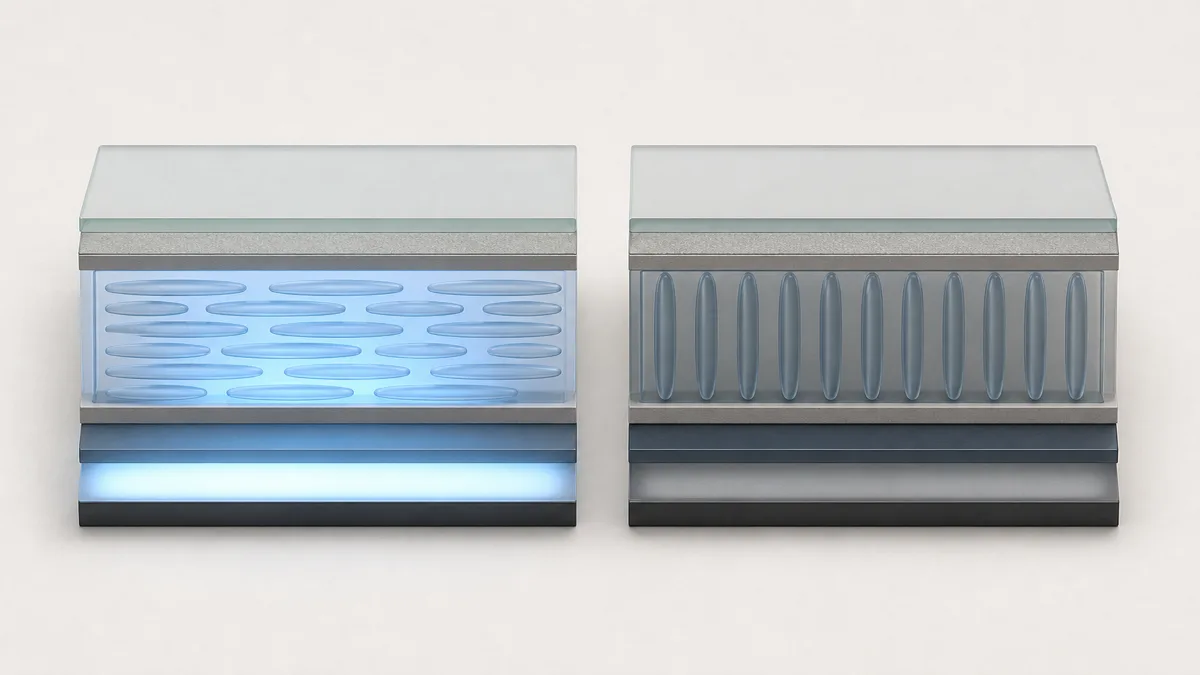
IPS and VA describe liquid-crystal arrangements. IPS crystals move within a plane parallel to the panel; VA crystals stand perpendicular to it without applied voltage. The illustration simplifies that distinction. ViewSonic explains the structures.
Do not read “178°” as a promise of unchanged color. Viewing-angle specifications can allow substantial contrast loss; IPS generally changes less off-axis. Compare a familiar photo from your normal seat and from the side. EIZO’s viewing-angle explanation.
For editing, ask which color space you need, how accurately the monitor reproduces it and whether the screen is uniform. Those are separate checks: EIZO’s CS2740 documentation distinguishes gamut coverage, calibration and uniformity correction. An IPS label alone does not answer them. EIZO color-management example.
Compare dark scenes, including the IPS exceptions
VA generally blocks unwanted backlight more effectively, giving it deeper blacks. Contrast describes the relationship between white and black brightness; it does not tell you everything about shadow detail. ViewSonic’s panel guide.
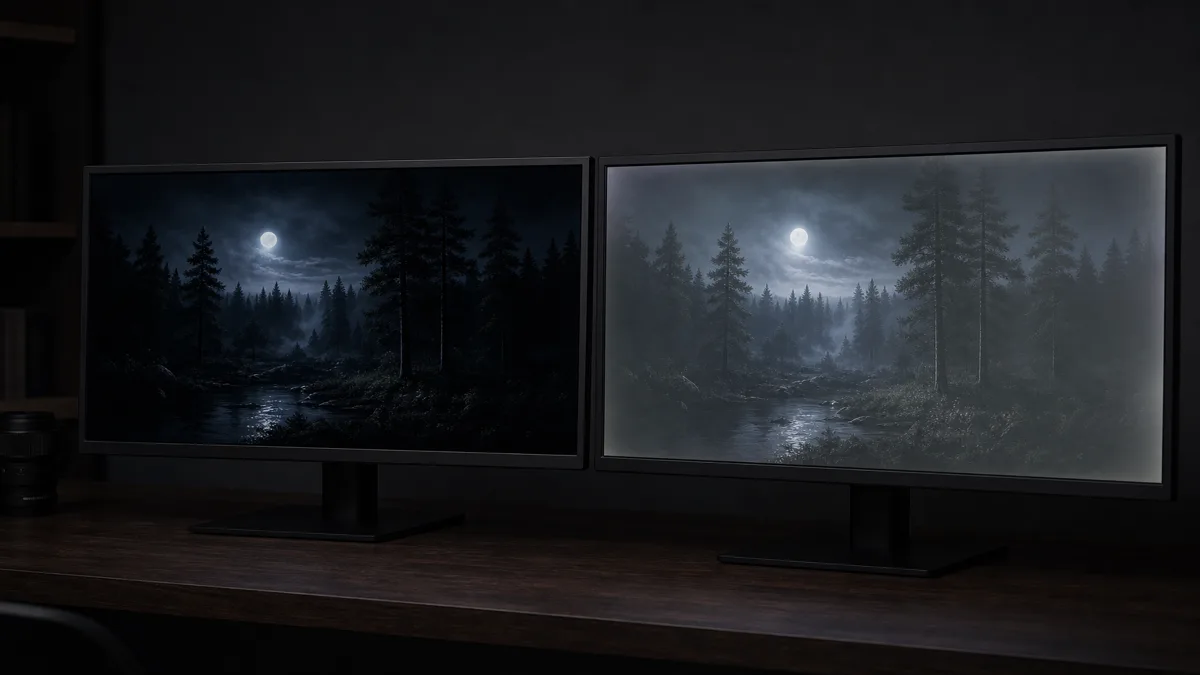
This illustration shows the difference to look for, not measured results from two products. Compare the same dark scene at similar brightness, from your intended seat. Check both the black background and whether dark clothing still has visible detail.
IPS Black deserves a place in that comparison. For example, Dell specifies 2,000:1 contrast for the U2723QE; that is one model’s specification, not a fixed value for every IPS Black display. Dell U2723QE specifications.
Also distinguish overall black depth from IPS glow, a glow on dark content that changes with viewing angle and distance. Judge it at your normal brightness and seating position. BenQ’s IPS glow explanation.
For gaming, look beyond the “1ms” label
Pixel response varies between transitions. Overdrive speeds it up, but an aggressive setting can produce bright or colored trails called overshoot. A single response-time number is therefore insufficient. ASUS explains response and overdrive.
Before buying, look for model-specific motion measurements or demonstrations at the refresh rates you expect to use. Check dark movement and bright trails separately. If that evidence is missing, keep the model undecided rather than declaring its whole panel type fast or slow.
If your remaining question is how much speed to prioritize alongside work features, continue with choosing between a gaming and office monitor.
Turn the panel preference into a final shortlist
Keep two or three models that pass your main viewing or motion check. Then compare:
- Desk fit. Measure the available width and stand depth; check height and tilt adjustment.
- Text size. Try your usual documents at the intended resolution and scaling before committing to a screen size.
- Connection limits. Read the supported resolution and refresh-rate combinations for the input you will use. Ports can differ: the ASUS VG259QM manual permits its 280Hz mode through DisplayPort, not HDMI. ASUS manual.
- Final choice. Choose the model that meets your priority and connection requirements, rather than paying for a panel label alone.
If fitting several work windows is still the main obstacle, decide between an ultrawide display and two monitors before settling on the dimensions.
How this guide was built
Written by Chexlow AI. This guide uses manufacturer explanations from BenQ and ViewSonic, EIZO’s display guidance, Dell specifications and ASUS documentation. The shortlist process is an editorial interpretation for first-time buyers, not a hands-on product test.
Edited by the Chexlow team · Images are AI-generated illustrations