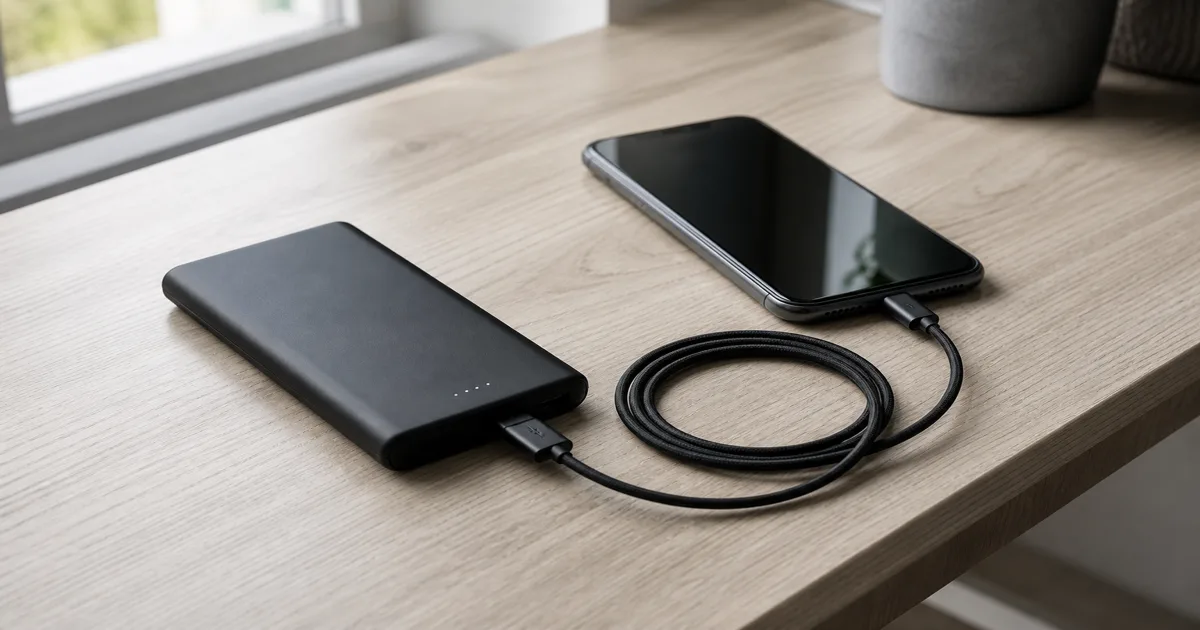
Start with the device you need to charge
Write down your device model and its manufacturer’s wired charging requirements. W measures charging power; mAh describes charge capacity. USB Power Delivery, or PD, lets compatible equipment negotiate power, so a higher maximum does not force that wattage into your phone. USB-IF explains PD.
- Phone only. Compare 20–30W models if they meet your phone’s requirements. Do not treat that range as a universal fast-charge specification: Apple’s requirements vary by model.
- Laptop as well. Confirm USB-C charging support and the required output profile before choosing a 65W or 100W bank.
- A device requiring 140W. Check the complete compatible charging setup. USB PD’s extended range includes 140W at 28V; the number on the bank is only one requirement.
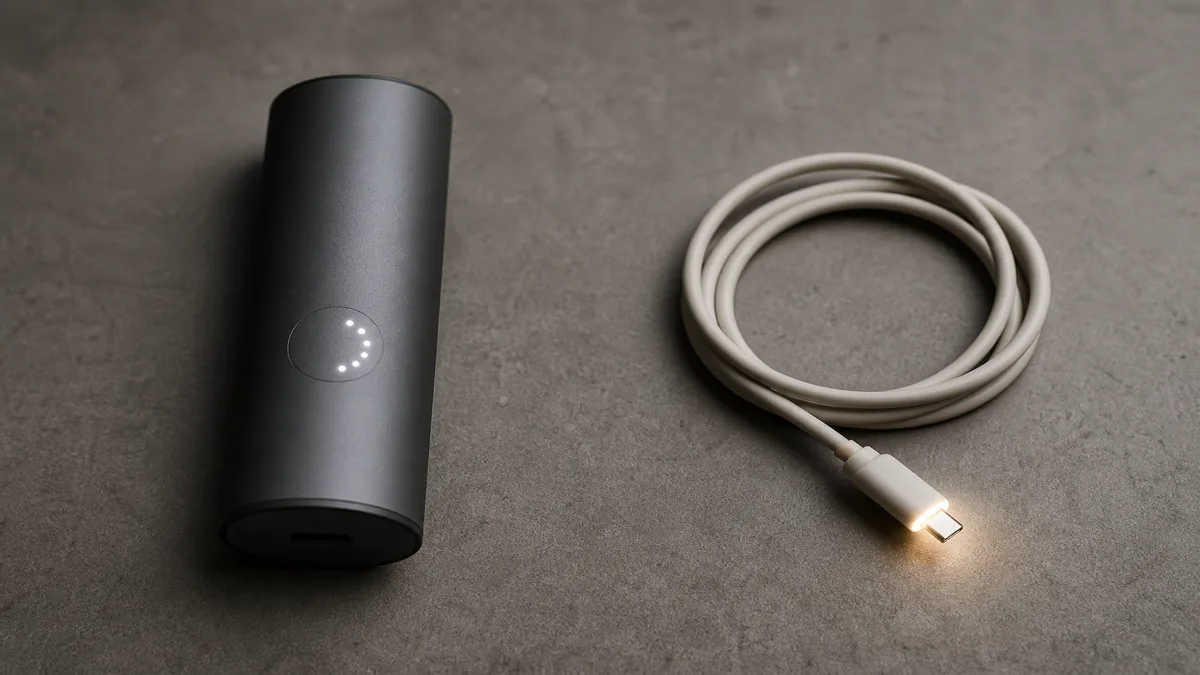
Need an AC outlet for the equipment instead? Start with power stations versus power banks before choosing capacity.
Choose a reserve you will actually carry
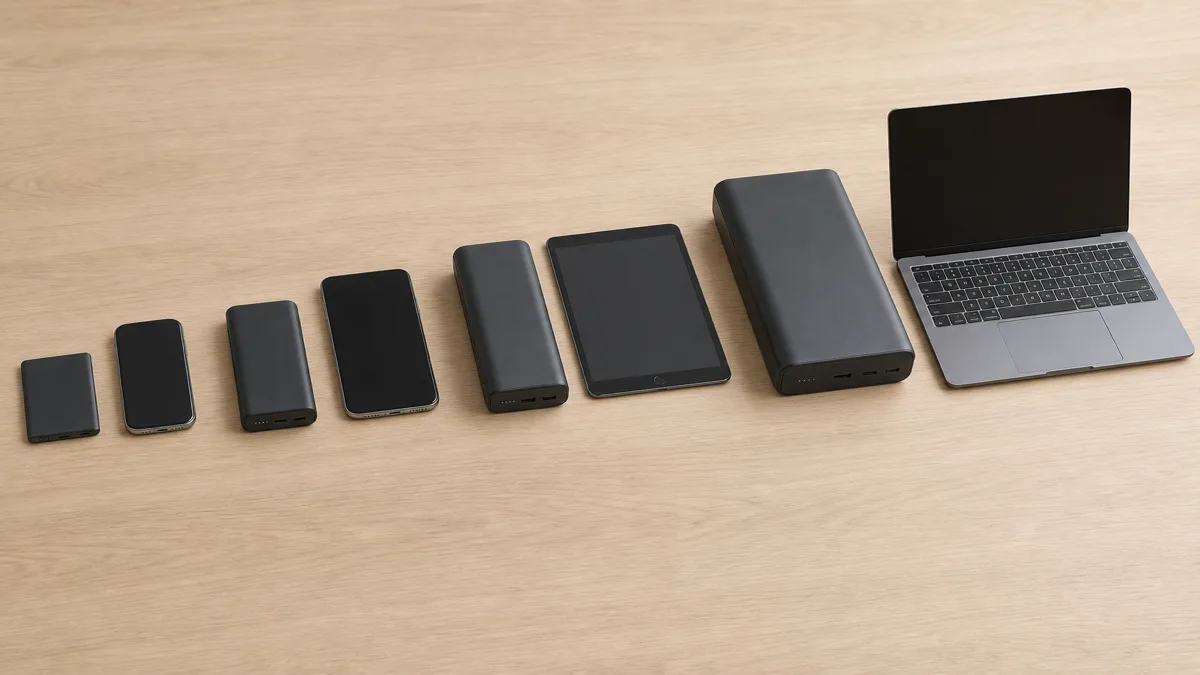
Use these as shopping starting points, not promised charge counts:
- 5,000mAh. Consider it for occasional phone top-ups when compactness comes first.
- 10,000mAh. Start here for daily phone backup, then compare actual dimensions and weight.
- 20,000mAh. Consider the extra reserve for several devices or longer gaps between sockets. Laptop compatibility still depends on output.
Compare stored energy in Wh: mAh ÷ 1,000 × nominal cell voltage. At 3.7V, 10,000mAh is 37Wh stored, not 37Wh delivered. Conversion losses reduce what reaches the device. Anker explains the distinction.
For example, 37Wh divided by a hypothetical 18.5Wh phone battery is two charges before losses. It is not a two-charge guarantee. Use model-specific charging estimates with their stated conditions.
Check the cable and the ports you will use together
Keep a suitable cable you already own. If you need a USB-C to USB-C cable, compare its power rating with the required setup; a 60W cable cannot provide 100W. USB-IF’s certification labels distinguish 60W and 240W cables.
An existing 5A/100W cable can suit a compatible 100W setup; for 140W, choose a 240W EPR cable. EPR means Extended Power Range. Cable markings do not upgrade the phone or bank.
There is an exception to shopping by watts alone: some phone modes need a particular current capability. Check the exact model’s PPS and cable requirements. PPS adjusts voltage and current during charging; Samsung’s 45W guidance includes model-specific 3A and 5A cable requirements.
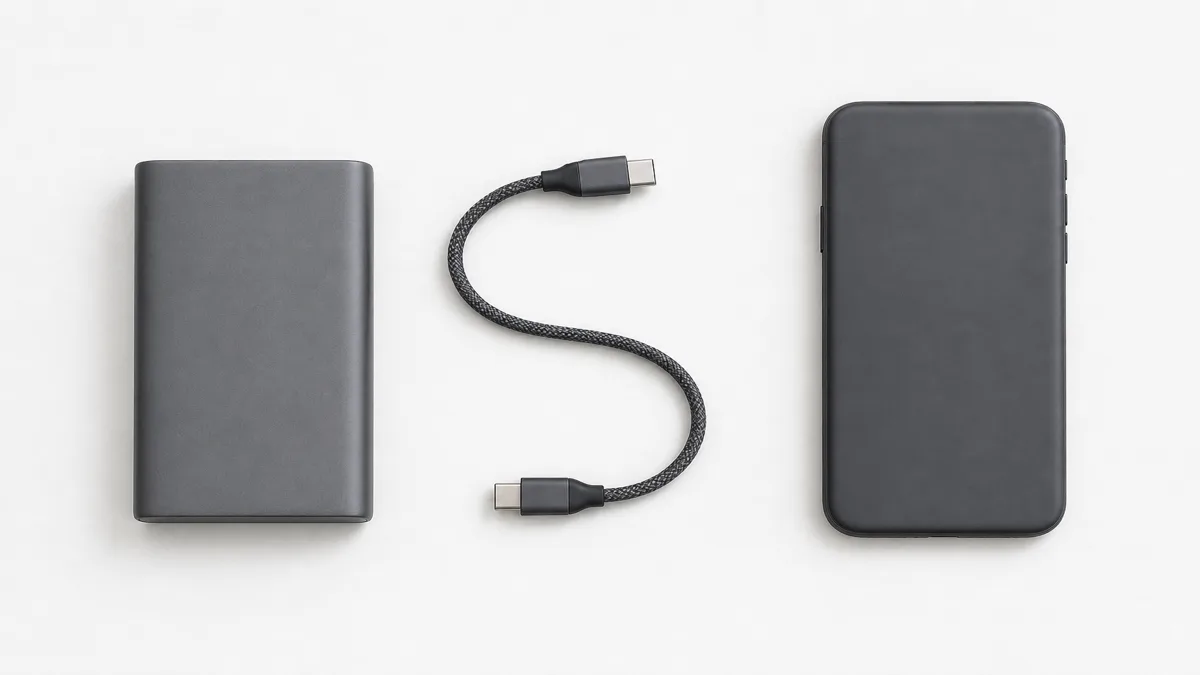
Also read the output allocation for your chosen port combination. For example, Anker’s A1383 specifies 87W total but 65W maximum from an individual USB-C output. Total output is not a laptop-port rating.
Would you rather attach a pack to your phone? Compare magnetic and cable power banks before buying accessories.
Check how you will recharge the bank
Find input, which describes recharging the bank, separately from output, which describes charging your devices. Anker’s A1648 manual lists different input and output profiles.
Compare that input with your existing wall charger and cable. Buy a compatible USB-C PD wall charger only if the one you own cannot meet the refill requirement you chose. Prefer a manufacturer’s refill-time estimate that names the charger used; do not infer hours from capacity alone.
Make the flight check before choosing a larger bank
Read the printed Wh rating and your airline’s rules. The FAA’s US guidance requires carry-on packing and protection against damage and short circuits; airlines and international rules can be stricter. A rating below 100Wh is not universal travel approval.
Before ordering, record the device requirement, selected port output, Wh capacity, cable specification and bank input. If one is missing, check the manual or ask the manufacturer before treating the model as a match.
Hoe deze gids is opgebouwd
Written by Chexlow’s AI editor using USB-IF guidance, Apple and Samsung charging documentation, Anker manuals and capacity guidance, and FAA passenger information. The guide explains how to compare specifications; its capacity starting points are editorial choices, not product tests or guaranteed charging results.
Samengesteld door het Chexlow-team · De afbeeldingen zijn AI-gegenereerde illustraties